
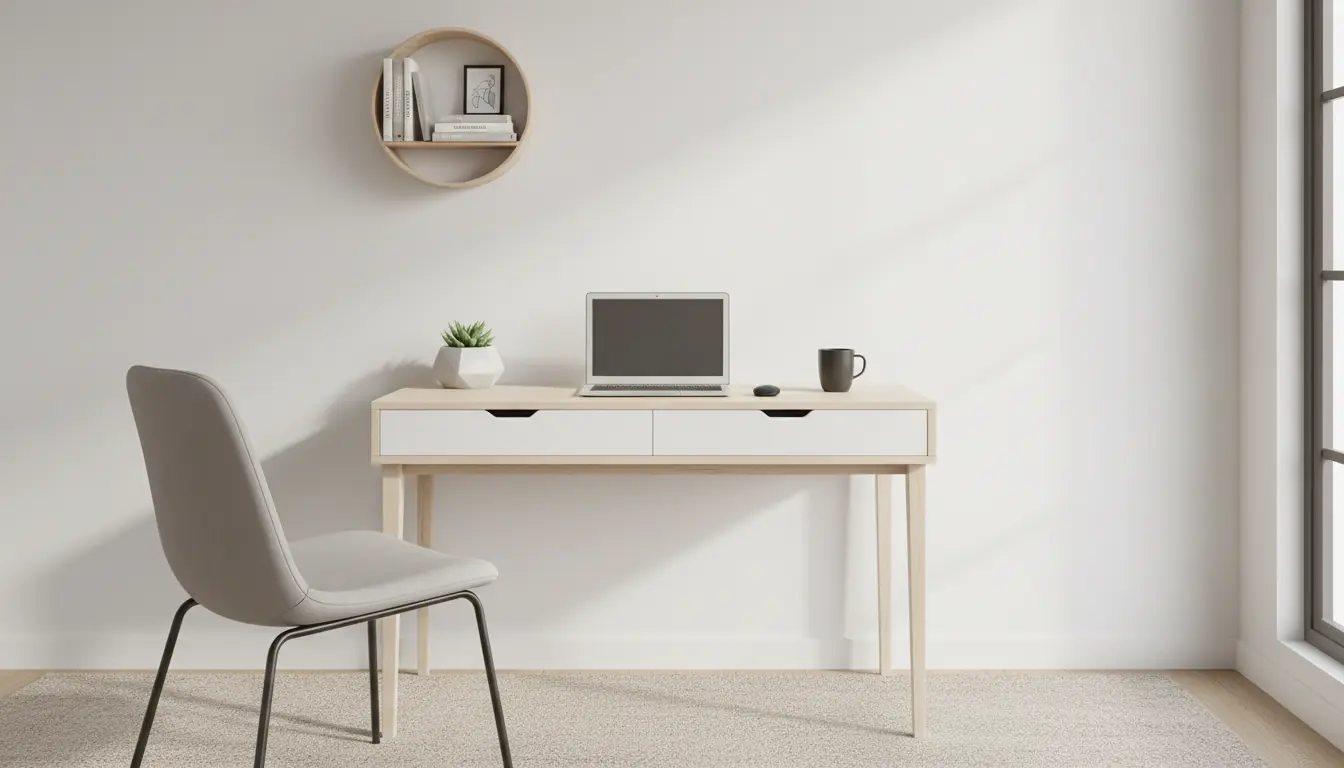
Why Home Office Ergonomics Matters
Home office ergonomics affects comfort, productivity, and long-term health. Poor setup can cause neck, back, and wrist pain that disrupts work and life.
Small changes to posture, equipment, and routine can prevent common problems and improve efficiency without big expense.
Common Ergonomic Risks in Home Offices
Many people work from couches, kitchen counters, or low chairs. These setups often lead to forward head posture, rounded shoulders, and unsupported lower backs.
Repetitive tasks without proper wrist support and poor lighting can also cause strain, eye fatigue, and headaches.
Practical Steps to Improve Home Office Ergonomics
Choose a Supportive Chair
Your chair should support the natural curve of your lower back. If your chair lacks lumbar support, add a small cushion or rolled towel.
Adjust seat height so feet rest flat on the floor and knees are at about a 90-degree angle. Use a footrest if needed.
Position Your Monitor Correctly
Place the monitor at arm’s length with the top third of the screen at or slightly below eye level. This reduces neck extension and forward head posture.
For laptops, use a laptop stand and external keyboard to maintain a neutral wrist and neck position.
Optimize Desk Height and Layout
Your desk height should allow forearms to rest parallel to the floor while typing. Keep frequently used items within easy reach to avoid twisting and overreaching.
Consider a sit-stand desk or a riser to vary posture during the day. Alternate sitting and standing every 30–60 minutes.
Keyboard, Mouse, and Wrist Position
Keep wrists in a neutral position by placing the keyboard and mouse at the same height. Use a compact keyboard if space is limited.
Use a mouse that fits your hand size and consider an ergonomic vertical mouse if wrist pain is an issue. Avoid resting your wrists on hard surfaces while typing.
Lighting and Screen Glare
Natural light is ideal but avoid glare on your screen. Position the monitor perpendicular to windows or use curtains and blinds to control brightness.
Use a desk lamp with adjustable brightness and color temperature to reduce eye strain during low-light hours.
Encourage Movement and Microbreaks
Schedule short breaks every 30 to 60 minutes. Stand, stretch, or walk for one to three minutes to restore circulation and reduce fatigue.
Simple desk stretches for the neck, shoulders, and wrists can be done without interrupting work flow.
Quick Setup Checklist for Home Office Ergonomics
- Chair with lumbar support or lumbar cushion
- Monitor at eye level and arm’s length
- External keyboard and mouse for laptops
- Desk height allowing neutral wrists
- Good ambient and task lighting
- Regular movement: stand, stretch, walk
Studies show that alternating between sitting and standing for short intervals can reduce back pain and improve focus. Aim for a 1:1 or 2:1 ratio of sitting to standing over the workday.
Case Study: Small Apartment Setup
Maria works from a one-bedroom apartment with limited space. Her initial setup used a laptop on the couch and resulted in neck pain after long calls.
She bought an inexpensive laptop stand, a compact external keyboard, and a small lumbar pillow. She also added a clip-on LED lamp and set a 45-minute timer to stand and stretch.
Within two weeks she reported less neck pain and fewer midday headaches. Her productivity improved because she felt more comfortable and less distracted by discomfort.
Simple Ergonomic Rules to Follow Daily
- Set up once, adjust as needed. Test changes for a week before evaluating.
- Prioritize posture: neutral spine, relaxed shoulders, neutral wrists.
- Use reminders or apps to prompt microbreaks and movement.
- Invest in small tools first: footrest, lumbar cushion, or monitor riser.
Examples of Low-Cost Ergonomic Upgrades
- Stacked books as a temporary monitor riser
- Rolled towel as lumbar support
- Kitchen timer for break reminders
Improving home office ergonomics does not require expensive equipment. Focus on posture, monitor height, and regular movement. Small, consistent changes reduce pain and improve long-term health.
Start with the checklist above and adapt the setup to your space and tasks. Test one change at a time and observe how your body responds.