
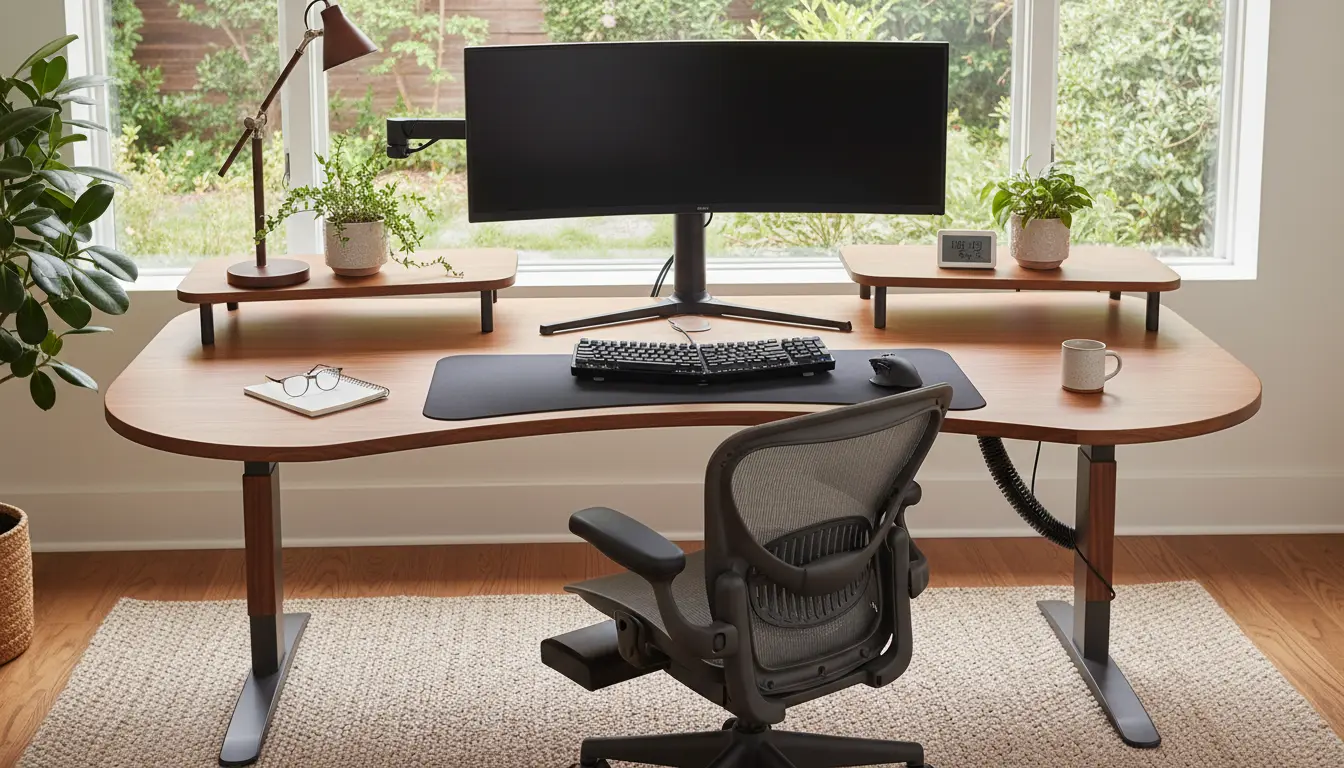
Working from home can be comfortable or it can cause aches, fatigue, and lost focus. Home office ergonomics focuses on arranging your workspace so your body works with your setup, not against it.
Why Home Office Ergonomics Matter
Good home office ergonomics reduces the risk of musculoskeletal pain and long-term injury. It also improves concentration and productivity by preventing discomfort that interrupts work.
Small adjustments often deliver large benefits. You do not need expensive gear to make meaningful changes.
Common home office ergonomics problems
Many remote workers report neck pain, wrist soreness, and lower back tightness. These issues usually come from poor chair support, incorrect monitor height, and repetitive reach motions.
Recognizing common problems helps target changes that make a real difference.
Practical Home Office Ergonomics Setup
Follow a step-by-step approach to set up a healthier workspace. Start with posture, then adjust desk components and lighting.
Chair and posture
Choose a chair that supports your lower back and allows your feet to rest flat on the floor. Adjust seat height so your knees are about level with your hips.
- Use lumbar support: a built-in curve or a small cushion helps maintain the spine’s natural shape.
- Keep shoulders relaxed and elbows close to your body.
- If your feet don’t reach the floor, use a small footrest or a sturdy box.
Desk and monitor placement
Your desk height should let your forearms rest parallel to the floor. Monitor placement is critical to avoid neck strain.
- Position the monitor so the top of the screen is at or slightly below eye level.
- Place the monitor about an arm’s length away—roughly 20 to 30 inches depending on screen size.
- Use a monitor stand, books, or a laptop riser to achieve the correct height.
Keyboard, mouse, and input devices
Keep the keyboard and mouse close enough that you do not need to reach. Wrists should remain neutral, not bent up or down.
- Consider a split or compact keyboard if you experience wrist strain.
- Use a mouse that fits your hand; add a wrist rest if it helps maintain a neutral wrist position.
- Alternate between mouse and keyboard shortcuts to reduce repetitive motion.
Lighting and screen glare
Proper lighting reduces eye strain and awkward postures. Natural light is best but position screens to avoid glare.
- Place the monitor perpendicular to windows if possible.
- Use a desk lamp with adjustable brightness for focused tasks.
- Consider an anti-glare screen filter or change display settings to reduce brightness contrast.
Quick Adjustments You Can Make Today
Not all ergonomic fixes require new equipment. Try these quick changes that take a few minutes each.
- Raise your monitor using a stack of books or a box.
- Roll a towel and place it behind your lower back for support.
- Set a timer to stand and stretch for two minutes every 30–45 minutes.
- Move frequently used items within easy reach to avoid twisting or stretching.
Simple changes such as raising your monitor by 2 to 4 inches can reduce neck strain by changing head angle and muscle load. Small height shifts matter more than many people expect.
Case Study: Quick Changes, Big Results
Maria, a marketing consultant, worked from her kitchen table for months and had recurring neck pain. She purchased a basic adjustable chair and used a laptop stand to raise her screen.
Within two weeks her daily pain decreased, she took fewer breaks, and her task completion time improved. Maria’s setup cost under $120 but delivered measurable productivity gains.
Ergonomic Accessories Worth Considering
Not every accessory is essential, but some items are high-impact for common problems.
- Adjustable chair with lumbar support: best for long hours seated.
- Laptop stand or external monitor: prevents neck flexion.
- External keyboard and mouse: allow neutral wrists and more comfortable arm positioning.
- Footrest: helpful when seat height alone does not let feet rest flat.
Maintaining Home Office Ergonomics
Ergonomics is ongoing. Reassess your setup after long projects, when you change equipment, or if you notice new aches.
Keep a simple checklist: posture, monitor height, arm position, leg support, and lighting. Make small changes promptly to prevent problems from becoming habits.
Daily habits for better ergonomics
- Stand or stretch every 30–60 minutes.
- Do quick neck and shoulder stretches during breaks.
- Alternate tasks that require sitting with phone calls or standing work.
Using the principles of home office ergonomics helps reduce discomfort and supports consistent performance. Start with a short checklist and small fixes, then upgrade equipment if needed.