
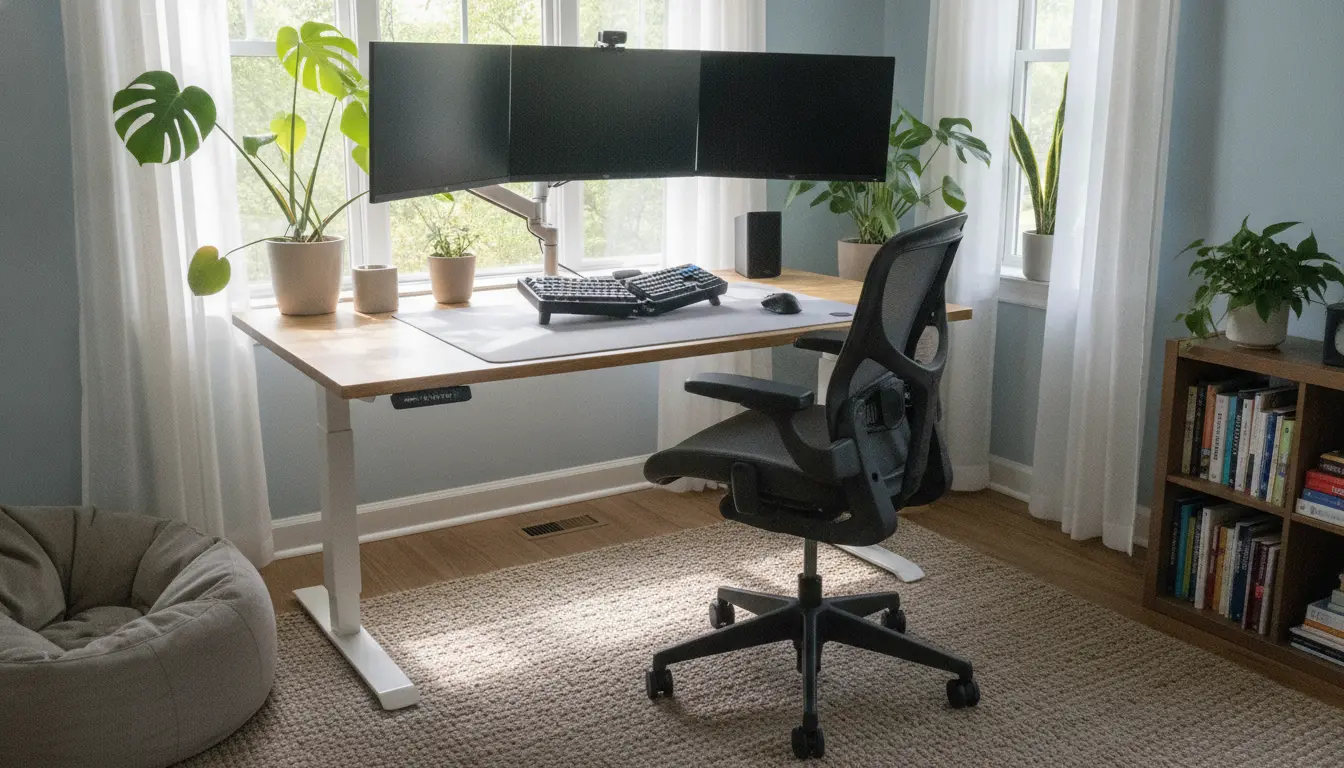
Start Improving Your Ergonomic Home Office Setup
Comfort and posture directly affect focus and long-term health. This guide gives practical steps you can apply today to make your home workspace ergonomic and sustainable.
Why an Ergonomic Home Office Setup Matters
An ergonomic setup reduces musculoskeletal strain and fatigue. Better ergonomics can improve concentration, reduce sick days, and maintain long-term mobility.
Common Risks from a Poor Ergonomic Home Office Setup
- Neck and shoulder pain from incorrect monitor height.
- Lower back pain from inadequate lumbar support or improper chair height.
- Wrist strain from incorrect keyboard and mouse placement.
Key Elements of an Ergonomic Home Office Setup
Focus on five core elements: chair, desk, monitor, input devices, and movement. Each element is adjustable or can be adapted with low-cost solutions.
Chair and Desk
Choose a chair with adjustable height and good lumbar support. Your feet should rest flat on the floor and knees should be at or slightly below hip level.
- Seat height: 16–21 inches from the floor (adjust so feet are flat).
- Seat pan: 2–3 inches between knee and seat edge.
- Backrest: supports natural curve of lower spine.
Desk height depends on your sitting height; aim for forearms parallel to the floor when typing. If your desk is too high, raise your chair and use a footrest.
Monitor and Screen Placement

Position the top of the monitor at or slightly below eye level. Sit about an arm’s length away to reduce eye strain.
- Height: top of screen at eye level.
- Distance: 20–30 inches depending on screen size and vision.
- Reduce glare by angling the screen and adjusting lighting.
Keyboard, Mouse, and Input Devices
Keep the keyboard and mouse close to avoid reaching. Neutral wrist posture is key: wrists should not bend up or down while typing.
- Keyboard: flat or slightly negative tilt.
- Mouse: same height as the keyboard and within easy reach.
- Consider a compact keyboard or an adjustable tray if space allows.
Practical Steps to Improve Your Setup Today
Start with small changes you can test in one day. Adjust, observe, and refine until you feel less strain and more comfort.
Step-by-Step Checklist
- Adjust chair height so feet are flat and thighs parallel to the floor.
- Raise or lower monitor to place the top at eye level.
- Position keyboard and mouse close; elbows bent at about 90 degrees.
- Add lumbar support with a cushion if the chair lacks it.
- Use a footrest if your feet do not rest flat when the chair is adjusted correctly.
Budget Upgrades and DIY Adjustments

You don’t need expensive equipment to make meaningful improvements. Use household items as interim solutions while saving for ergonomic gear.
- Books or a sturdy box to raise the monitor.
- Cushion or rolled towel for lumbar support.
- Cardboard or a plank to create a keyboard tray at the right height.
Movement and Work Habits for a Better Ergonomic Home Office Setup
Ergonomics isn’t only equipment. Movement patterns and habits are equally important. Schedule small activity breaks and adjust posture frequently.
Simple Habits to Adopt
- Set a timer to stand or stretch every 30–45 minutes.
- Alternate between sitting and standing if you have a standing desk.
- Perform neck, shoulder, and wrist stretches daily.
Real-World Case Study: Freelance Writer Improved Comfort and Output
Sarah, a freelance writer, experienced neck pain and afternoon fatigue. Her desk was too low and her monitor was on a laptop screen only.
She raised her monitor on a stack of books, used a separate keyboard at elbow height, and added a lumbar cushion. Within two weeks she reported less neck pain and a clearer ability to focus for longer writing sessions.
Outcome: minor, low-cost changes led to measurable comfort gains and a subjective productivity boost of about 20 percent.
Quick Troubleshooting: If Pain Persists
- Re-check monitor and chair alignment; small adjustments matter.
- Test a different chair or add ergonomic accessories (wrist rest, lumbar support).
- Consult an occupational therapist or medical professional if pain continues.
Summary Checklist for an Ergonomic Home Office Setup
- Monitor: top at eye level, arm’s length away.
- Chair: adjustable height, lumbar support, feet flat.
- Keyboard/Mouse: close, neutral wrist position.
- Movement: take breaks, stretch every 30–45 minutes.
- Budget fixes: books for monitor height, towel for lumbar support.
Follow these steps and review your setup after a week. Small, iterative improvements create a comfortable home workspace that supports health and productivity long term.