
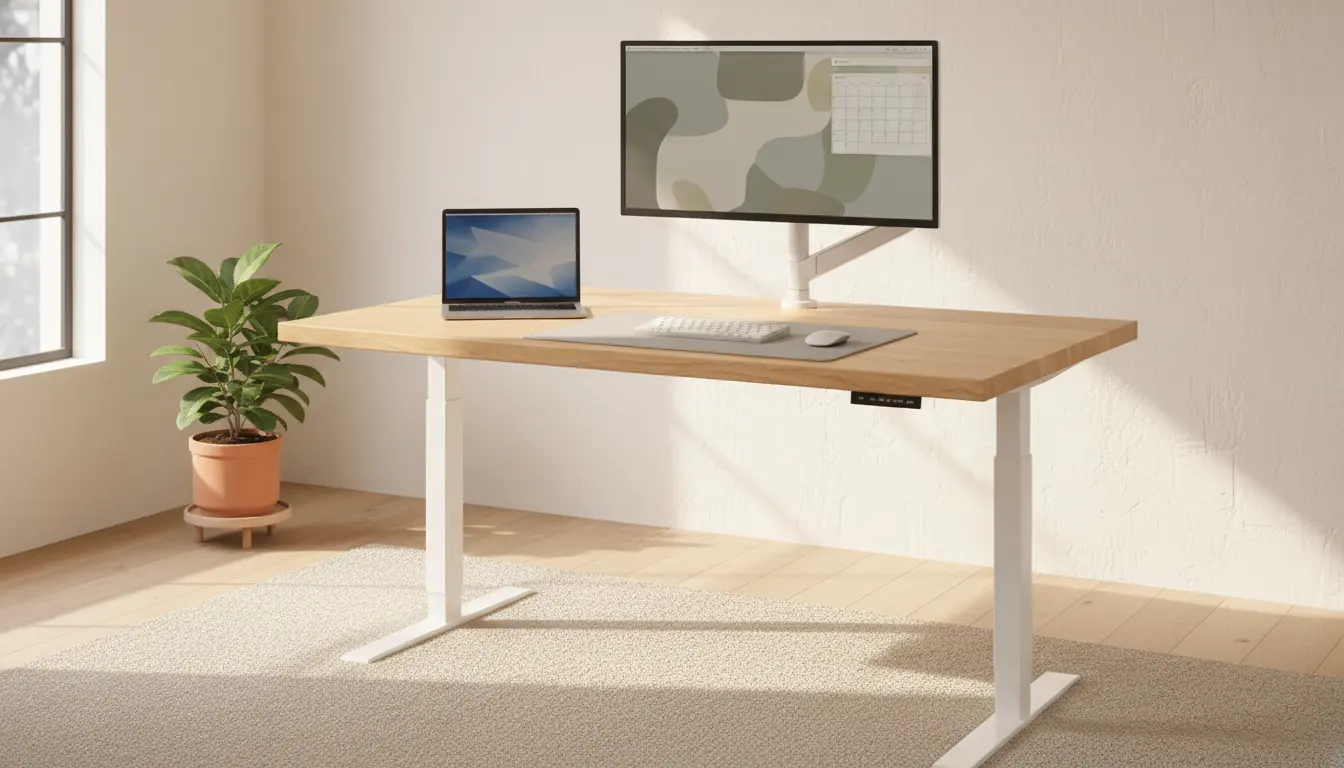
Why choose a standing desk
A standing desk can reduce prolonged sitting and help add movement to your workday. Many users report reduced back pain and improved focus after switching between sitting and standing.
This article explains how to choose a standing desk that fits your body, workspace, and budget. Use the checklist and examples to make a confident purchase.
Key features to consider when choosing a standing desk
Not all standing desks are the same. Focus on features that affect comfort, durability, and daily use.
- Adjustability: Height range and ease of adjustment matter most.
- Stability: Less wobble at standing height improves comfort.
- Size and shape: Make sure the desktop fits your monitors and tasks.
- Weight capacity: Check that it supports your monitors, docking station, and other gear.
- Noise and motor: For electric desks, quieter motors are best in shared spaces.
Adjustability and controls for your standing desk
Choose between manual crank, electric motor, or gas-spring models. Electric desks are easiest to use and often include programmable presets.
Ensure the desk height range accommodates both your seated and standing positions. Measure your elbow height when standing; the desk should let your forearms rest parallel to the floor.
Stability and build quality
Look for desks with strong frames and wide bases. Desks with steel legs and crossbars are usually more stable than lighter models.
Read reviews about wobble, especially when the desk is raised to maximum height. A stable desk improves typing accuracy and reduces fatigue.
Size, shape, and layout for a standing desk
Measure your workspace before buying. Consider depth for keyboard and monitor distance, and length for multiple monitors or shared space.
- Standard depth: 24–30 inches (60–76 cm) works for most setups.
- Corner L-shaped desks can fit into tight rooms while offering more surface area.
- Compact desks are good for laptops and light setups, but check weight limits.
Top material and finish
Laminate tops are affordable and durable. Solid wood looks premium but costs more and may be heavier.
Choose a finish that resists scratches and matches your room decor. Dark finishes show dust; lighter ones show less wear.
Ergonomics and accessories for standing desk use
A standing desk alone is not enough. Ergonomics ensure you benefit without strain.
- Monitor height: Top of the screen should be at or slightly below eye level.
- Keyboard and mouse: Keep them at a height where your wrists stay neutral.
- Anti-fatigue mat: Use a cushioned mat for longer standing periods.
- Footrest: A small footrest can change stance and reduce leg strain.
Budget and warranty when choosing a standing desk
Prices vary widely. Expect to pay more for electric desks with better motors and longer warranties.
Compare warranties on the frame and the motor. A 5-year or longer warranty suggests greater confidence from the manufacturer.
Cost vs value
Set a budget, then check mid-range options for the best balance of durability and features. Cheap desks can save money upfront but may wear out sooner.
Standing for short periods—15 to 30 minutes per hour—can reduce the health risks associated with prolonged sitting without causing excessive fatigue.
How to choose a standing desk: step-by-step checklist
Use this checklist when shopping so you compare like with like.
- Measure your space and desired desktop size.
- Check the desk height range against your seated and standing elbow height.
- Confirm weight capacity for all equipment.
- Test stability or read independent reviews for wobble at full height.
- Choose a control type: electric with presets, hand crank, or gas spring.
- Compare warranties and customer service reputation.
- Consider ergonomics accessories: monitor arm, keyboard tray, anti-fatigue mat.
Real-world example: case study
Case: Anna is a software developer working from home. She had neck pain and low energy after long coding sessions.
She measured her workspace and chose an electric standing desk with a 25–51 inch height range, 275 lb capacity, and quiet motor. She added a monitor arm and an anti-fatigue mat.
Results after 8 weeks:
- Neck pain decreased from daily to once per week.
- She alternated sitting and standing every 45 minutes and reported improved focus.
- The desk’s presets saved time when switching between seated coding and standing meetings.
Common mistakes to avoid when choosing a standing desk
- Buying purely on price without checking stability and warranty.
- Choosing a desk with too low or too high a range for your body.
- Skipping ergonomics accessories and expecting immediate benefits.
Final tips for buying a standing desk
Try a standing desk in person if possible, or buy from a seller with a good return policy. Read verified user reviews for real feedback on wobble and motor noise.
Plan to alternate between sitting and standing, and give your body two to four weeks to adapt. With the right desk and setup, you can reduce discomfort and add healthy movement to your day.