
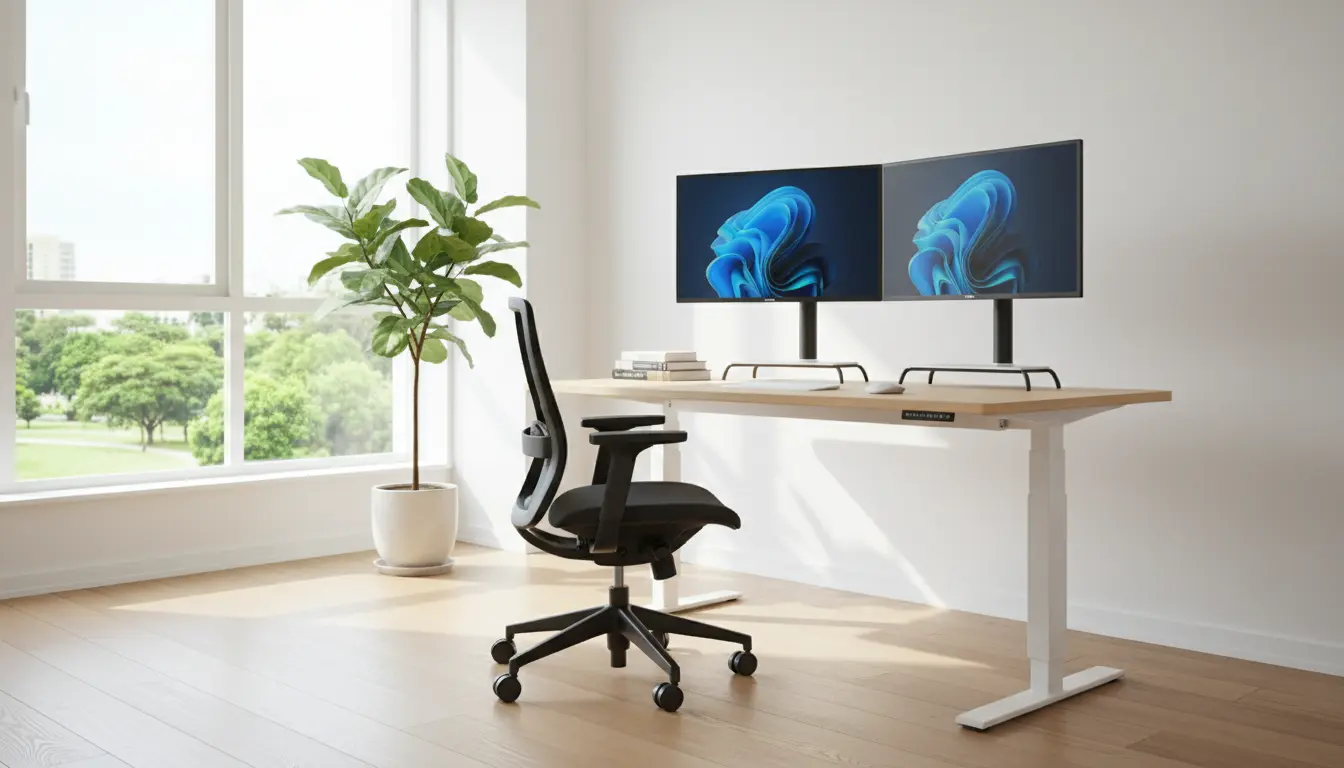
Home Office Setup Basics for Remote Work
Setting up a home office for remote work requires planning, ergonomics, and minimal distractions. This guide walks through practical steps to create a workspace that supports health and productivity.
Choose the Right Location for Your Home Office Setup
Location affects noise, light, and focus. Pick a spot that separates work from other daily activities when possible.
Consider natural light, proximity to outlets, and foot traffic. A corner in a quiet room or a section of the living room can work well with clear boundaries.
Key location checklist
- Access to natural light and ventilation
- Minimal household noise and interruptions
- Enough space for desk, chair, and basic storage
- Good WiFi signal or wired Ethernet option
Ergonomics and Furniture for a Strong Home Office Setup
Good ergonomics reduce pain and improve productivity. Focus on chair, desk height, monitor position, and keyboard placement.
Chair and desk recommendations
- Use an adjustable chair with lumbar support and armrests
- Desk height should allow forearms to be parallel to the floor
- Consider a sit-stand desk to vary posture through the day
Monitor and input placement
- Top of the monitor at or slightly below eye level
- Monitor about an arm’s length away
- Keep keyboard and mouse close to avoid reaching
Essential Equipment for Remote Work
Focus on a few high-impact items that solve common problems. You do not need expensive gear to be effective.
- Laptop or desktop with reliable performance for your tasks
- External monitor for extended screen space
- Ergonomic chair and stable desk
- Quality headset or microphone for clear calls
- Surge protector and cable management supplies
Lighting, Sound, and Background for Video Calls
Video calls demand attention to lighting and background. Small changes make you look more professional and reduce eye strain.
Simple lighting tips
- Face a window or use a soft light source in front of you
- Avoid bright lights directly behind you to prevent silhouettes
- Use adjustable desk lamps for task lighting
Sound and background
- Use a headset to cut background noise and improve audio
- Add soft furnishings like rugs or curtains to reduce echo
- Choose a tidy, neutral background for calls or use a virtual background sparingly
Organization and Workflow for a Better Home Office Setup
Organization reduces friction and saves time. Designate places for frequently used items and keep a simple filing system.
- Use trays or drawers for small office supplies
- Label storage and use cable clips for chargers
- Bookend your day with a short setup and shutdown routine
Digital organization tips
- Sync files to a cloud folder and keep a clear folder structure
- Use task management tools to prioritize daily work
- Limit browser tabs to those needed for current tasks
Proper monitor height and chair adjustment can reduce neck and back pain by up to 30 percent for people who work from home full time.
Budget-Friendly Upgrades for Your Home Office Setup
You can improve comfort and efficiency without a large budget. Small changes provide big returns in comfort and focus.
- Buy a separate keyboard and mouse instead of a new laptop
- Use a laptop stand and external keyboard to raise the screen
- Repurpose household items as organizers or monitor risers
Case Study: A Simple Home Office Setup That Improved Focus
Sara is a freelance graphic designer who worked at her kitchen table. She experienced neck pain and frequent interruptions.
Sara moved to a quiet corner, purchased an adjustable chair and laptop stand, and added a second monitor. She set clear work hours and used a lightweight room divider to mark the workspace.
Within two weeks, she reported reduced neck pain, fewer interruptions, and a 25 percent increase in billable hours due to better focus.
Maintenance and Routine for Long-Term Success
Keep your home office functional with a short weekly tidy-up and an annual review of equipment. Replace worn chair cushions or broken peripherals promptly.
- Weekly: Clear desktop clutter and test equipment
- Monthly: Back up important files and update software
- Yearly: Evaluate ergonomics and replace outdated gear
Final Checklist for a Practical Home Office Setup
- Quiet, well-lit location with good WiFi
- Ergonomic chair and correct desk height
- Monitor placement and external input devices
- Clear routines, organized storage, and cable management
- Regular maintenance and simple upgrades as needed
Follow these practical steps to create a home office setup that supports remote work, health, and productivity. Start small, focus on ergonomics, and iterate based on what improves your comfort and output.