
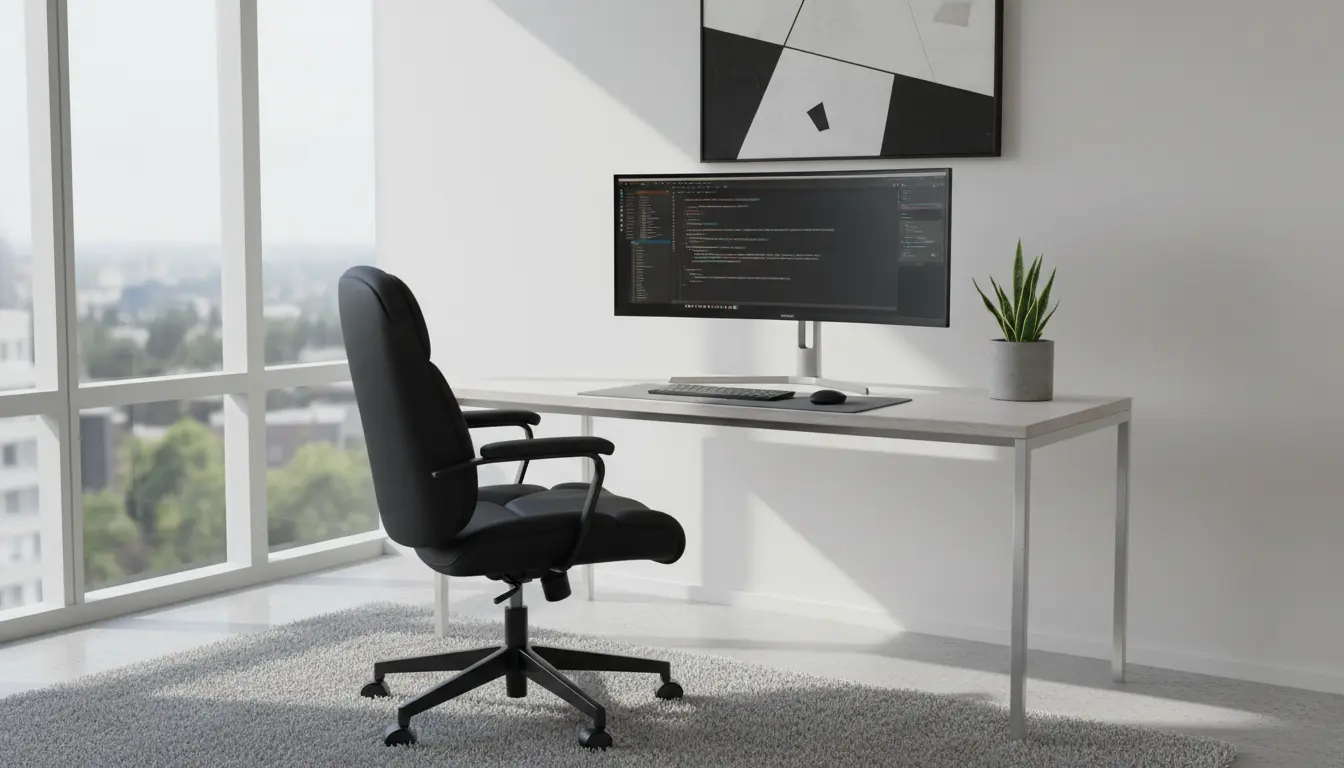
Setting up an ergonomic home office doesn’t require expensive equipment. Small adjustments to your desk, chair, monitor, and daily habits can reduce pain and support focused work.
Basic Principles of Home Office Ergonomics
Home office ergonomics focus on neutral posture, support, and reducing repetitive strain. Aim to keep your body aligned, with comfortable support for your back and wrists.
Think of ergonomics as an ongoing process: measure, adjust, and re-evaluate every few weeks. Changes should be comfortable and sustainable for full workdays.
Desk and Chair: Core Elements of Home Office Ergonomics
Your chair and desk determine most of your posture. A good chair supports the lower back and allows feet to rest flat on the floor or on a footrest.
Adjust desk height so forearms are roughly parallel to the floor when typing. If your desk is fixed, consider a keyboard tray or an adjustable chair height with a footrest.
Monitor, Keyboard, and Mouse Placement for Home Office Ergonomics
Place the top of the monitor at or slightly below eye level and about an arm’s length away. This reduces neck extension and forward head posture.
Keep the keyboard and mouse close to your body to avoid reaching. Use a light-touch typing style and consider a split or angled keyboard if you experience wrist discomfort.
Home Office Ergonomics Checklist
- Chair with lumbar support and adjustable height
- Desk height allowing elbows at 90 degrees ± 10 degrees
- Monitor top at or slightly below eye level, 20–30 inches away
- Feet flat on floor or on a footrest, knees at ~90 degrees
- Neutral wrist position when typing; consider wrist rests
- Good ambient light and a task lamp to reduce glare
- Regular movement breaks: stand, stretch, or walk every 30–60 minutes
Simple adjustments like raising your monitor by 2–3 inches can reduce neck strain and increase comfort during long work sessions.
Simple Steps to Improve Home Office Ergonomics Today
Start with a quick assessment while sitting in your normal work position. Note where you feel strain or reach frequently.
Follow these practical steps: adjust chair height, move the monitor, reposition input devices, and add lighting. Test each change for a day and refine as needed.
Affordable Ergonomic Upgrades
- Use a pillow or lumbar roll if your chair lacks support.
- Stack books or use a monitor riser to reach correct screen height.
- Attach a tray for keyboard and mouse to reduce shoulder reach.
- Replace a standard mouse with a vertical or ergonomic model if you have wrist pain.
Movement, Breaks, and Routine for Home Office Ergonomics
Ergonomics isn’t only furniture. Movement habits strongly influence comfort and long-term health. Set reminders to change posture regularly.
Try the 20-8-2 rule: every 30 minutes, spend 20 minutes seated work, 8 minutes standing or stretching, and 2 minutes of short activity or walking. Adjust intervals to suit your workflow.
Microbreak Examples
- Neck tilts and gentle rotations for 30 seconds
- Shoulder rolls and scapular squeezes for 30 seconds
- Standing calf raises or marching in place for 1 minute
Case Study: Freelance Designer Improves Comfort with Small Changes
Maria, a freelance graphic designer, experienced shoulder pain after long afternoons. Her desk was too high and her laptop screen was low.
She raised her laptop using a stand, added an external keyboard and mouse, and adjusted her chair height. She also scheduled brief standing breaks every 45 minutes.
Within two weeks Maria reported less shoulder tension and better focus. The cost was under $100 and the changes fit into her daily routine.
Troubleshooting Common Home Office Ergonomics Problems
If you still have discomfort after adjustments, check for these common issues: incorrect monitor distance, too much screen glare, or inadequate chair support.
Seek a professional assessment if pain persists. A physical therapist or ergonomist can provide targeted exercises and recommendations based on your symptoms.
Quick Priorities to Implement Now
- Raise or lower your monitor to eye level.
- Ensure your forearms are parallel to the floor when typing.
- Set a timer for movement breaks and follow through.
Small, consistent changes to your environment and routine will yield the best results. Prioritize one adjustment per week and track how your comfort changes.
Home office ergonomics is a practical approach you can start today. With basic adjustments and regular movement, you can work more comfortably and productively.