
Why WordPress Site Speed Matters
WordPress site speed affects user experience, conversion rates, and search rankings. Slow pages increase bounce rate and lower conversions.
Improving load times is a practical SEO task. Focused optimizations can deliver measurable gains.
How to Optimize WordPress Site Speed: Overview
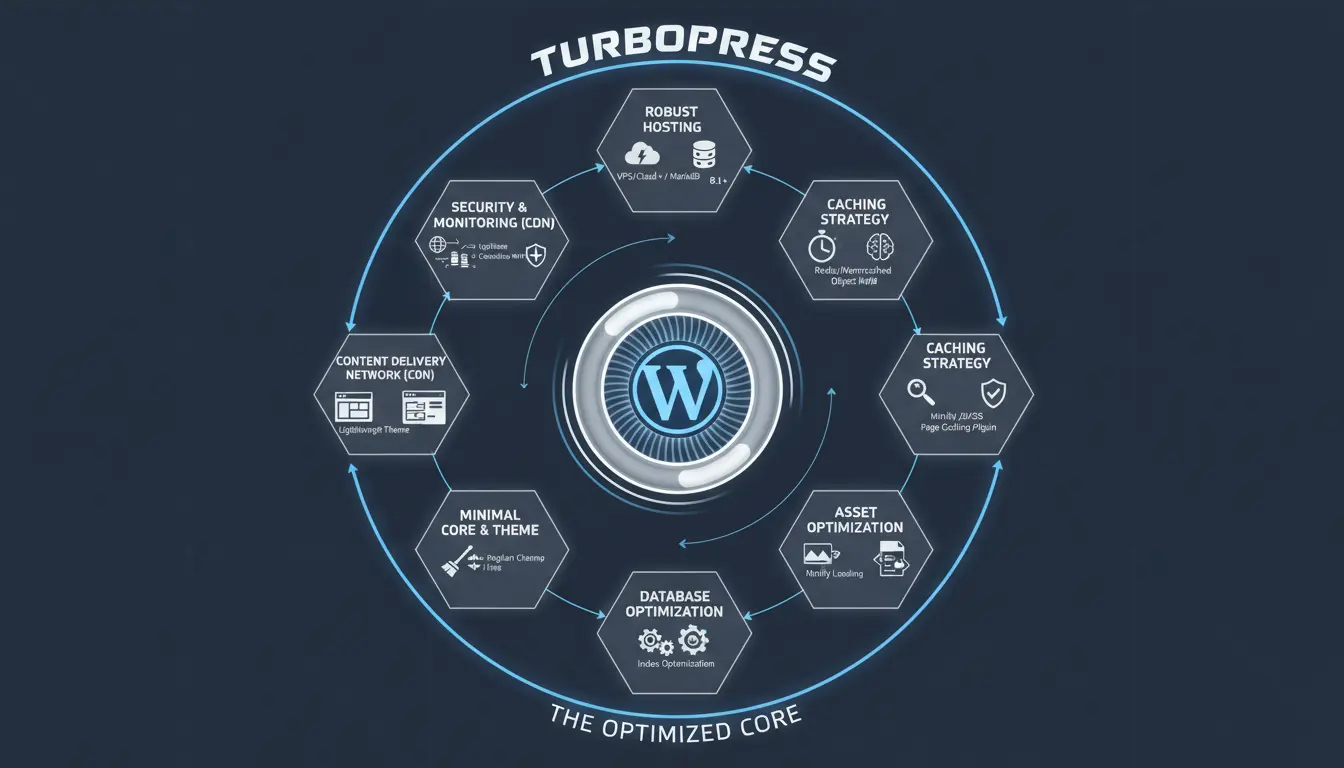
This guide covers hosting, caching, images, code, and testing. Each step tackles common bottlenecks that slow WordPress sites.
Use the checklist below to prioritize changes by effort and impact.
- High impact, low effort: Use a caching plugin and optimize images.
- Medium impact, moderate effort: Use a CDN and update hosting plan.
- High effort, high impact: Reduce third-party scripts and refine theme code.
Hosting and CDN Choices for WordPress Site Speed
Hosting is the foundation of speed. Shared hosting can be cheap but slower under load.
Choose a host with optimized WordPress environments, PHP 8+ support, and SSD storage.
Use a Content Delivery Network (CDN)
A CDN stores static assets closer to users, cutting latency. Most CDNs integrate easily with WordPress.
Popular CDNs: Cloudflare, BunnyCDN, and StackPath. Many hosts offer built-in CDN options.
Caching and Plugins to Improve WordPress Site Speed
Caching reduces server work by serving static copies of pages. This is one of the fastest ways to lower TTFB and speed up repeat visits.
Recommended Caching Plugins
- WP Rocket (paid): Easy setup, page caching, lazy loading, and minification.
- W3 Total Cache: Powerful options for advanced users.
- LiteSpeed Cache: Great if your server uses LiteSpeed.
What to Enable in Caching
- Page caching for HTML output.
- Browser caching for static files.
- Object caching (Redis or Memcached) for dynamic database-driven sites.
- Gzip or Brotli compression to reduce transfer size.
Optimize Images and Media
Images are often the largest assets on a page. Optimizing them reduces load time significantly.
Steps include resizing, compression, and modern formats like WebP.
- Resize images to the display dimensions used on the site.
- Compress with tools like ShortPixel, Imagify, or built-in host optimizers.
- Use responsive images with srcset to deliver appropriate sizes to devices.
Minify, Combine, and Defer Code
Large CSS and JavaScript files delay rendering. Minify and combine files where possible.
Defer noncritical JavaScript to prioritize page content. Critical CSS can be inlined for faster first paint.
Plugin Options for Code Optimization
- Autoptimize: Minify and defer CSS/JS safely in many setups.
- Asset CleanUp or Perfmatters: Disable unused scripts per page.
Database and Theme Optimization
Regular database maintenance removes overhead from revisions and transient options. Keep themes and plugins updated.
Choose a lightweight theme and avoid feature-packed themes that load many assets you don’t use.
- Use WP-Optimize or WP Rocket database tools to clean tables.
- Audit active plugins and remove unused ones.
- Prefer block-based or lightweight themes for performance.
Measure and Monitor WordPress Site Speed
Testing gives concrete targets for improvement. Use a mix of lab and field tools for a full view.
- Lab tools: Google PageSpeed Insights, GTmetrix, WebPageTest.
- Field data: Chrome UX Report and Google Search Console Core Web Vitals.
Key Metrics to Watch
- Largest Contentful Paint (LCP): Aim for under 2.5s.
- First Contentful Paint (FCP): Fast indication of rendering.
- Cumulative Layout Shift (CLS): Keep under 0.1.
Enabling Brotli or Gzip compression can reduce transfer size by up to 70 percent for text assets, improving load times on typical WordPress pages.
Real-World Example: Small Shop Case Study
A small online store on shared hosting had an average page load of 4.6 seconds and poor mobile LCP scores.
Changes implemented: migrated to a managed WordPress host, enabled a CDN, installed WP Rocket, optimized images, and deferred third-party scripts.
- Before: Load time 4.6s, LCP 4.2s, bounce rate 48%.
- After: Load time 1.3s, LCP 1.1s, bounce rate 28% and 18% increase in conversions.
This shows how targeted optimizations deliver measurable SEO and business gains.
Quick WordPress Site Speed Checklist
- Choose fast managed hosting with PHP 8+ and SSDs.
- Enable a CDN and HTTPS with HTTP/2 or HTTP/3 support.
- Install a caching plugin and enable compression.
- Optimize images and use WebP where supported.
- Minify CSS/JS, defer noncritical scripts, and remove unused assets.
- Monitor metrics and repeat tests after each change.
Conclusion: Prioritize and Test
Optimizing WordPress site speed is a sequence of small, focused improvements. Start with hosting and caching, then optimize images and code.
Measure after each change and prioritize steps that give the biggest impact for the least effort. Over time, these improvements compound into faster pages and better SEO results.