
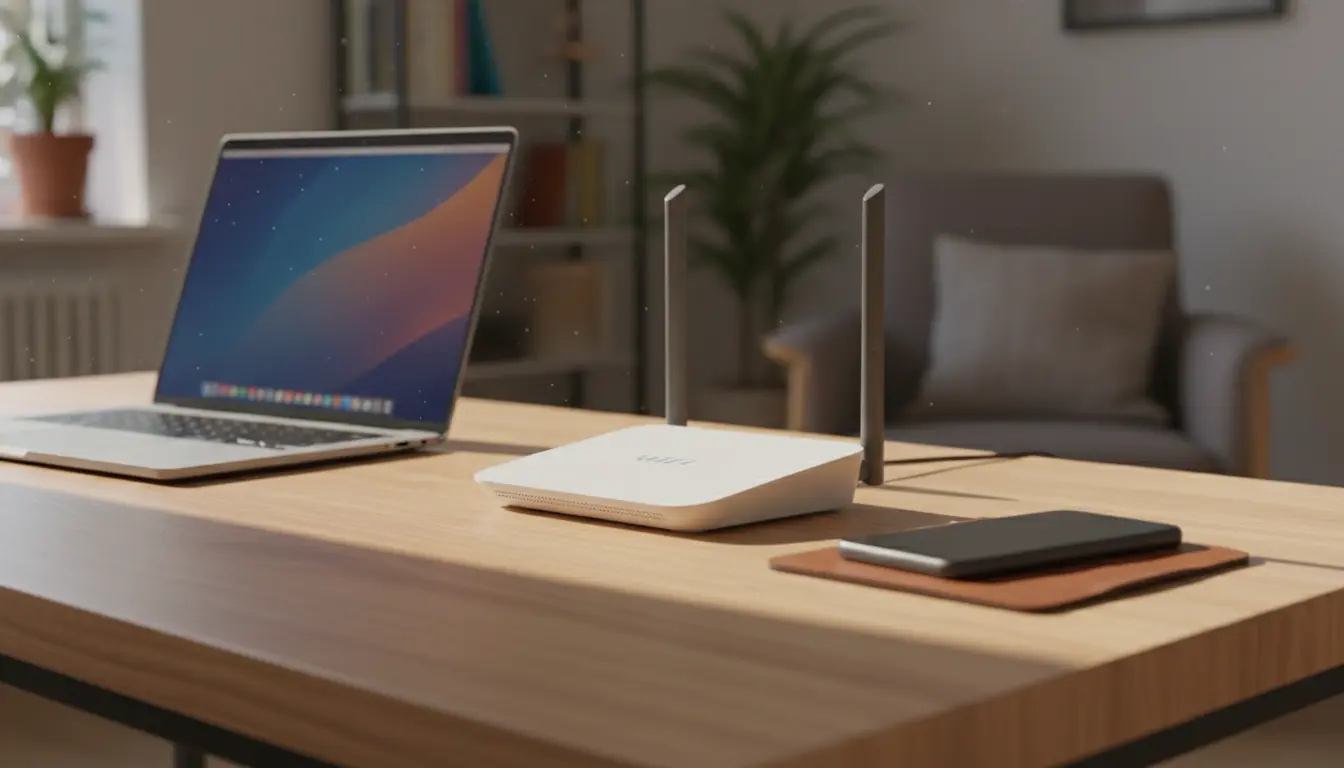
How to Improve Home Wi Fi Speed: Practical Steps
Slow Wi Fi can be frustrating and reduce productivity. This guide gives clear, practical steps to improve home Wi Fi speed using simple checks and low-cost changes.
Improve Home Wi Fi Speed by Testing Baseline Performance
Before changing settings, measure current speed using a reliable test like Speedtest.net or Fast.com. Test near the router and in problem rooms to see where performance drops.
Record download, upload, and latency. These baseline numbers show whether changes actually help.
Router Placement to Improve Home Wi Fi Speed
Where you place the router matters more than many users expect. Central, elevated locations reduce dead zones and improve coverage.
- Place the router high and unobstructed, not in a closet or behind a TV.
- Avoid metal, large mirrors, and thick walls between router and devices.
- Keep the router away from microwaves, baby monitors, and cordless phones.
Improve Home Wi Fi Speed with Antenna and Orientation
If your router has external antennas, orient them perpendicular: one vertical and one horizontal. This helps cover both handheld devices and laptops more evenly.
Use the Right Band and Channel to Improve Home Wi Fi Speed
Routers typically offer 2.4 GHz and 5 GHz bands. 2.4 GHz has longer range but more interference. 5 GHz offers faster speeds and less congestion but shorter range.
- Use 5 GHz for streaming and gaming if you are within range.
- Switch to less crowded channels. For 2.4 GHz use channels 1, 6, or 11 to avoid overlap.
- Many modern routers offer automatic channel selection; check and test manually if performance is poor.
Improve Home Wi Fi Speed by Separating SSIDs
Consider separating 2.4 GHz and 5 GHz into different network names (SSIDs). This allows devices to choose the best band explicitly rather than being stuck on the weaker band.
Firmware, Security, and Settings to Improve Home Wi Fi Speed
Keeping your router firmware up to date fixes performance and security issues. Check the manufacturer site or the router admin page regularly.
- Enable WPA2 or WPA3 security to prevent unauthorized users from using bandwidth.
- Disable unused features like guest networks if not needed.
- Consider enabling Quality of Service (QoS) to prioritize video calls and gaming.
Improve Home Wi Fi Speed with Proper Device Management
Too many connected devices can slow overall speed. Identify bandwidth-heavy devices and schedule large updates or backups for off-peak hours.
Wired Connections and Upgrades to Improve Home Wi Fi Speed
Wired Ethernet is faster and more reliable than Wi Fi. Use wired connections for consoles, desktop PCs, or smart TVs when possible.
If wiring is difficult, consider Powerline adapters that use home electrical wiring, or a dedicated mesh Wi Fi system to extend coverage.
Improve Home Wi Fi Speed by Choosing Better Hardware
Older routers use outdated Wi Fi standards. If your router is over four years old, consider upgrading to a dual-band or tri-band router that supports Wi Fi 5 (802.11ac) or Wi Fi 6 (802.11ax).
Interference and Environment Tips to Improve Home Wi Fi Speed
Interference from neighboring networks and household electronics reduces speed. Use a Wi Fi analyzer app to identify signal noise and choose a clearer channel.
- Move baby monitors and cordless phones away from the router.
- Avoid placing routers near aquariums or large metal bookcases.
- Consider reflective surfaces; glass and mirrors can reflect signals unpredictably.
Improve Home Wi Fi Speed by Reducing Network Load
Limit background streaming, cloud syncs, and large downloads when multiple people need consistent performance. Use router settings to throttle or schedule updates.
Tools and Tests to Improve Home Wi Fi Speed
Use these tools to diagnose and verify improvements: Speedtest.net, Fast.com, Wi Fi analyzer apps (Android), and the router’s built-in diagnostics.
- Test at different times of day to find peak congestion periods.
- Compare before-and-after results when you change placement or settings.
- Check per-device speeds to identify problem clients.
Improve Home Wi Fi Speed with a Simple Troubleshooting Flow
- Test near the router and in problem areas.
- Reboot the router and modem.
- Update firmware and secure the network.
- Change band/channel and test again.
- Move the router or add a wired node/mesh point if needed.
Real-World Example: Case Study
A family of four had slow streaming in their living room. Baseline tests showed 15 Mbps download in the living room and 120 Mbps near the router.
They moved the router from a hallway closet to a central shelf in the living room, separated the 2.4 GHz and 5 GHz SSIDs, and placed a wired Ethernet cable to the smart TV. After changes, living room speed improved to 95 Mbps and streaming issues stopped.
Final Checklist to Improve Home Wi Fi Speed
- Measure baseline speed in multiple locations.
- Place the router centrally and elevate it.
- Use 5 GHz when possible and choose less crowded channels.
- Keep firmware updated and secure the network.
- Use wired connections or mesh for demanding devices.
- Upgrade hardware if the router is outdated.
Following these steps gives predictable improvements for most homes. Start with simple placement and testing, then move to hardware and settings changes only if needed.