
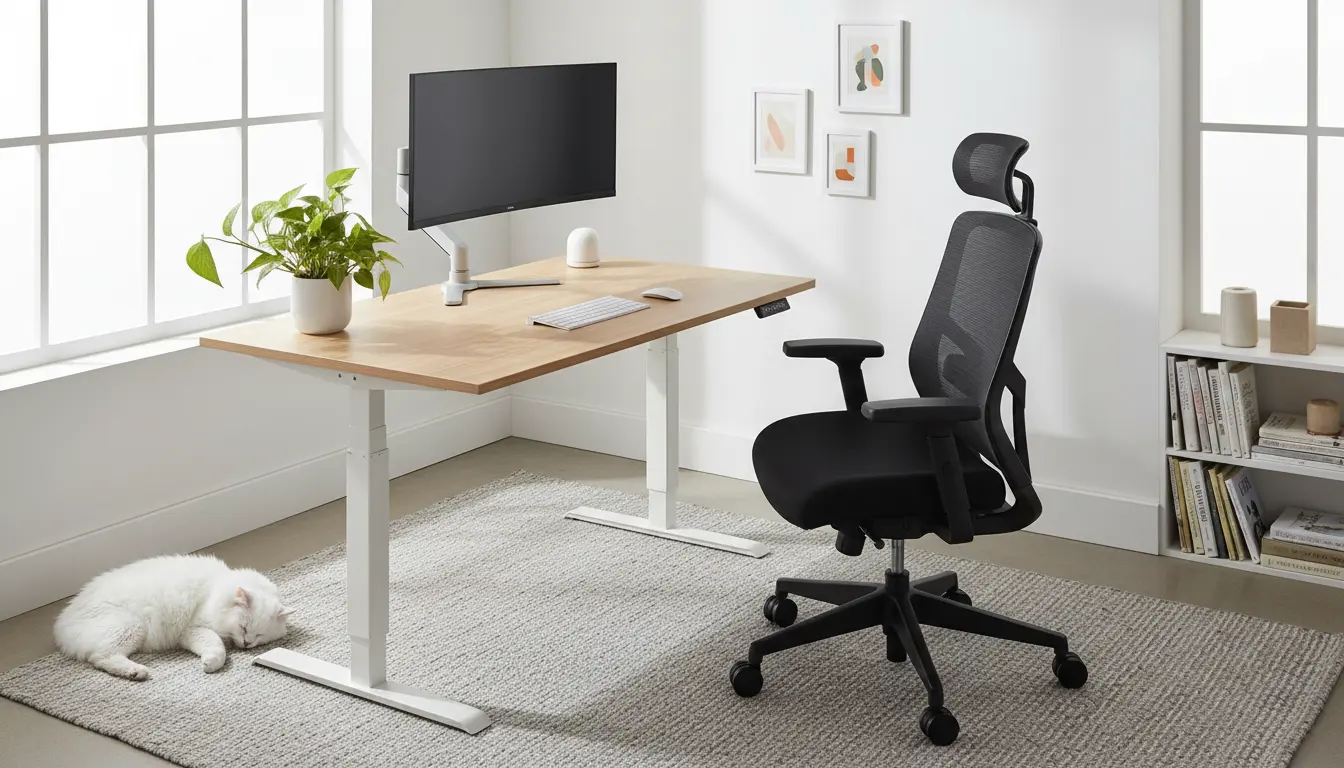
Why an ergonomic home office matters
An ergonomic home office reduces strain, improves comfort, and helps you work longer without pain. Small changes to desk height, monitor placement, and chair support can cut headaches, neck pain, and wrist issues.
For people who work from home full time, the right setup also increases focus and productivity. An intentional workspace supports better posture and fewer breaks for discomfort.
Key components of an ergonomic home office
Focus on five core elements when you design or upgrade a workspace. Each element has measurable effects on comfort and performance.
Desk and desk height
Your desk should let your forearms rest parallel to the floor when typing. Adjustable desks allow you to alternate between sitting and standing, which reduces static load on muscles.
Chair and lumbar support
Choose a chair with adjustable seat height, back tilt, and lumbar support. The lower back should feel supported without forcing a rigid posture.
Monitor placement
Place the top of the monitor at or slightly below eye level. Sit about an arm’s length away from the screen to reduce eye strain and forward head posture.
Keyboard and mouse
Keep the keyboard and mouse close to the body to avoid reaching. Use a negative-tilt keyboard tray or a flat surface that keeps wrists straight.
Lighting and environment
Use natural light when possible but avoid glare on the screen. Task lighting helps when reading printed documents and reduces squinting and leaning forward.
Step-by-step ergonomic home office setup
Follow these steps in order to create a balanced workspace. Each step addresses a common cause of pain or reduced productivity.
- Clear and measure your space. Note distances from walls, windows, and outlets.
- Set your chair height so your feet rest flat on the floor and knees are about level with your hips.
- Adjust desk or keyboard height so your elbows form roughly a 90-degree angle when typing.
- Place the monitor so the top edge is at eye level and the center sits an arm’s length away.
- Add a footrest if your feet do not reach the floor comfortably.
- Position frequently used items within 18 inches to avoid repeated reaching.
Quick measurements and cues
- Forearm parallel to floor when typing.
- Top of monitor at eye level.
- Feet flat or supported by a footrest.
- Neutral wrist position while using mouse and keyboard.
Simple exercises and breaks for an ergonomic home office
Even with a perfect setup, your body needs movement. Plan short micro-breaks every 30–45 minutes to reset your posture and circulation.
- Neck rolls: 5–8 slow rotations each direction.
- Shoulder shrugs and retractions: 10 repetitions to reduce forward-shoulder posture.
- Seated cat-cow: 6–8 breaths to mobilize the spine.
- Standing hip hinge: 8–10 repetitions to relieve low-back tension.
Practical tips and accessories for comfort
You do not need expensive gear to improve ergonomics. Small accessories can make a large difference.
- External keyboard and mouse if you use a laptop.
- Monitor riser or stack of books to achieve correct screen height.
- Seat cushion with modest lumbar support when your chair lacks adjustability.
- Anti-glare screen film or blinds to control sunlight.
Case study: One-month change that reduced pain
Sarah is a graphic designer who worked from her kitchen table. She reported daily neck stiffness and mid-back pain after long design sessions.
Over four weeks she made three changes: raised the monitor to eye level, switched to an adjustable chair with lumbar support, and scheduled a 5-minute micro-break every 40 minutes. After one month she reported a 70% reduction in neck pain and fewer headaches.
This example shows that targeted, low-cost changes can produce rapid improvements.
Common mistakes to avoid in an ergonomic home office
Some well-meaning setups create new problems. Watch for these frequent errors and correct them quickly.
- Monitor too low or too high, causing neck strain.
- Keyboard and mouse too far away, encouraging reaching and rounding the shoulders.
- Sitting in one fixed position for hours without breaks.
- Relying on poor-quality chairs without proper lumbar support.
Maintenance checklist for long-term comfort
Regularly review your setup to maintain ergonomic benefits. Small tweaks over time prevent new pain patterns.
- Monthly: Recheck monitor height and chair settings after cleaning or moving furniture.
- Weekly: Clear clutter so frequently used items remain within reach.
- Daily: Take micro-breaks, change posture, and perform simple stretches.
An ergonomic home office is a practical investment in health and productivity. Use the steps and checklist above to create a workspace that supports your work and reduces pain.