
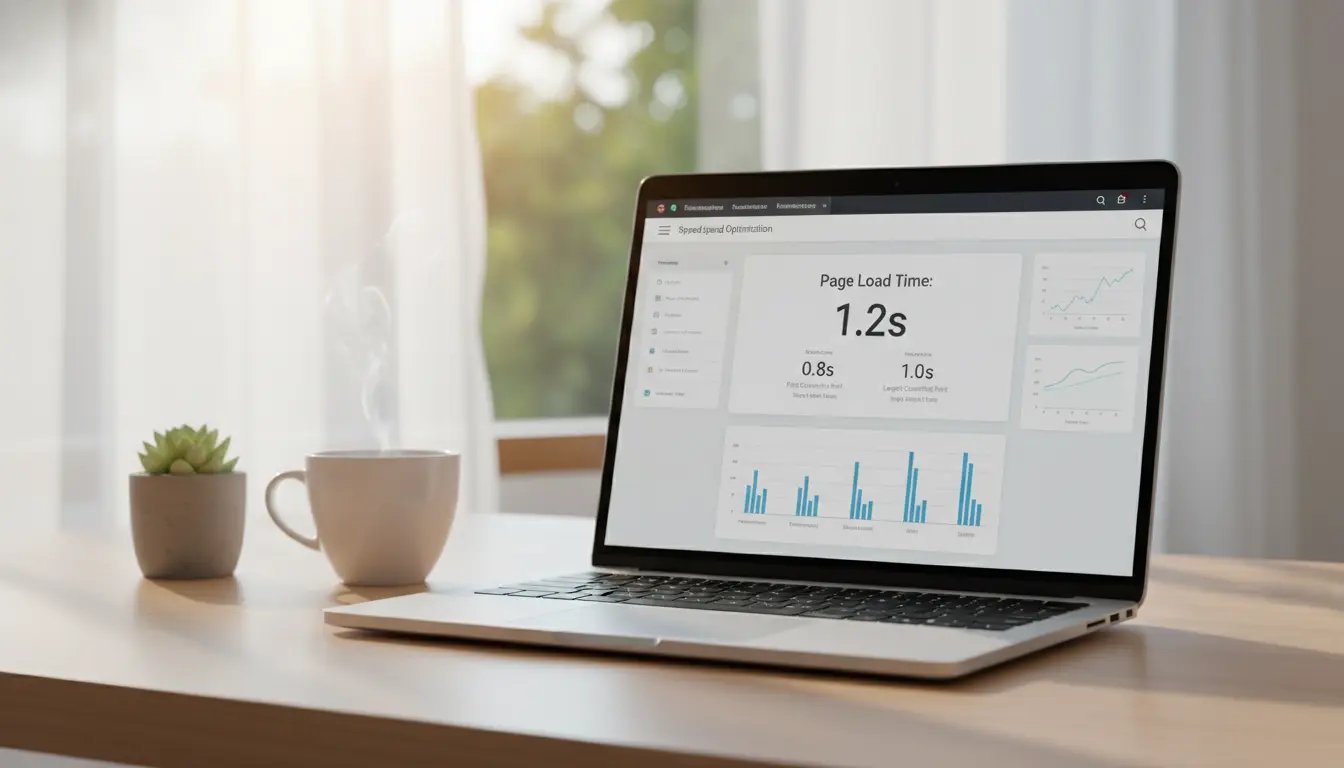
Why Improve Website Loading Speed
Faster pages improve user experience and search rankings. Slow loading times increase bounce rates and reduce conversions.
This guide gives practical steps you can apply to improve website loading speed, along with tools and a real-world case study.
Measure Current Performance to Improve Website Loading Speed
Before making changes, measure baseline speed with reliable tools. Record key metrics like First Contentful Paint (FCP) and Largest Contentful Paint (LCP).
- Use Google PageSpeed Insights for lab and field data.
- Try WebPageTest for advanced waterfall and resource timing.
- Use Chrome DevTools performance tab for debugging.
Key Metrics to Track
Focus on a few actionable metrics rather than dozens. Track FCP, LCP, Time to Interactive (TTI), and Total Blocking Time (TBT).
Set a performance budget so changes stay within acceptable limits.
Optimize Images and Media
Large images are a common cause of slow pages. Optimize file sizes and serve appropriate formats to improve website loading speed.
- Resize images to the display size and compress them using tools like ImageOptim or Squoosh.
- Use modern formats such as WebP or AVIF where supported.
- Lazy-load offscreen images to reduce initial payload.
Minify and Combine Assets
Reduce the size of HTML, CSS, and JavaScript files to lower transfer time. Remove unused code and comments.
- Minify CSS and JS with build tools (e.g., terser, cssnano).
- Use HTTP/2 to avoid aggressive file concatenation when possible.
- Split large bundles and use code-splitting for JavaScript-heavy sites.
Critical CSS and Inline Above-the-Fold Styles
Inlining minimal critical CSS can render the first meaningful paint faster. Defer noncritical styles and load them asynchronously.
Leverage Caching and Content Delivery Networks
Caching cuts repeated load times for returning users. CDNs bring content closer to visitors and reduce latency.
- Set long cache lifetimes for static assets using cache-control headers.
- Use a reputable CDN for static files and large assets.
- Implement server-side caching and object caches where applicable (e.g., Redis).
Optimize Server and Hosting
Server configuration and hosting choice affect time-to-first-byte (TTFB). Choose resources that match your traffic and content needs.
- Upgrade to faster PHP or Node versions and enable OPcache if using PHP.
- Use HTTP/2 or HTTP/3 to improve multiplexing and reduce head-of-line blocking.
- Consider managed hosting or scaling to reduce server response time under load.
Database and Backend Optimizations
Slow database queries slow page generation. Index frequently queried columns and cache query results when possible.
Compressing assets with GZIP or Brotli can reduce file sizes by up to 70 percent, lowering download time and improving LCP.
Reduce Third-Party Impact
Third-party scripts for ads, analytics, and widgets can block rendering or increase payload. Audit and limit third-party use.
- Load third-party scripts asynchronously or defer them.
- Measure the impact of each external script and remove or replace the biggest offenders.
- Use server-side tagging or local hosting for critical analytics libraries when feasible.
Use Progressive Enhancement and Lazy Loading to Improve Website Loading Speed
Serve a minimal, usable experience quickly and progressively enhance features. Lazy load noncritical content and heavy components.
- Implement lazy-loading for images, iframes, and videos.
- Defer JavaScript that is not necessary for initial interaction.
- Prioritize visible content in HTML to ensure faster paints.
Real-World Example: Small Ecommerce Site
A small ecommerce site with a catalog of 1,200 products reduced average page load from 5.6s to 1.9s in three weeks. The team followed a prioritized list of performance improvements.
- Image optimization: converted product images to WebP and resized to max display size.
- Enabled Brotli compression and added a CDN for static assets.
- Deferred nonessential JavaScript and removed an unused chat widget.
Results: LCP improved from 4.8s to 1.6s, TTFB improved by 40 percent, and mobile bounce rate decreased by 18 percent. Sales improved due to faster checkout times and reduced cart abandonment.
Tools and Checklist to Improve Website Loading Speed
Use a repeatable checklist to keep site performance consistent.
- Audit: PageSpeed Insights, WebPageTest, Lighthouse.
- Optimize: images, fonts, CSS critical path, minification.
- Deliver: CDN, Brotli/GZIP, cache-control, HTTP/2 or HTTP/3.
- Monitor: Real User Monitoring (RUM) and synthetic checks.
Next Steps and Ongoing Maintenance
Performance is continuous. Repeat audits after major updates or new features. Automate checks in your CI pipeline to prevent regressions.
Track real user metrics and align optimization work with business goals like conversion rate or bounce rate.
Improving website loading speed is a mix of measurement, prioritized fixes, and ongoing monitoring. Start with the highest-impact items and iterate.