
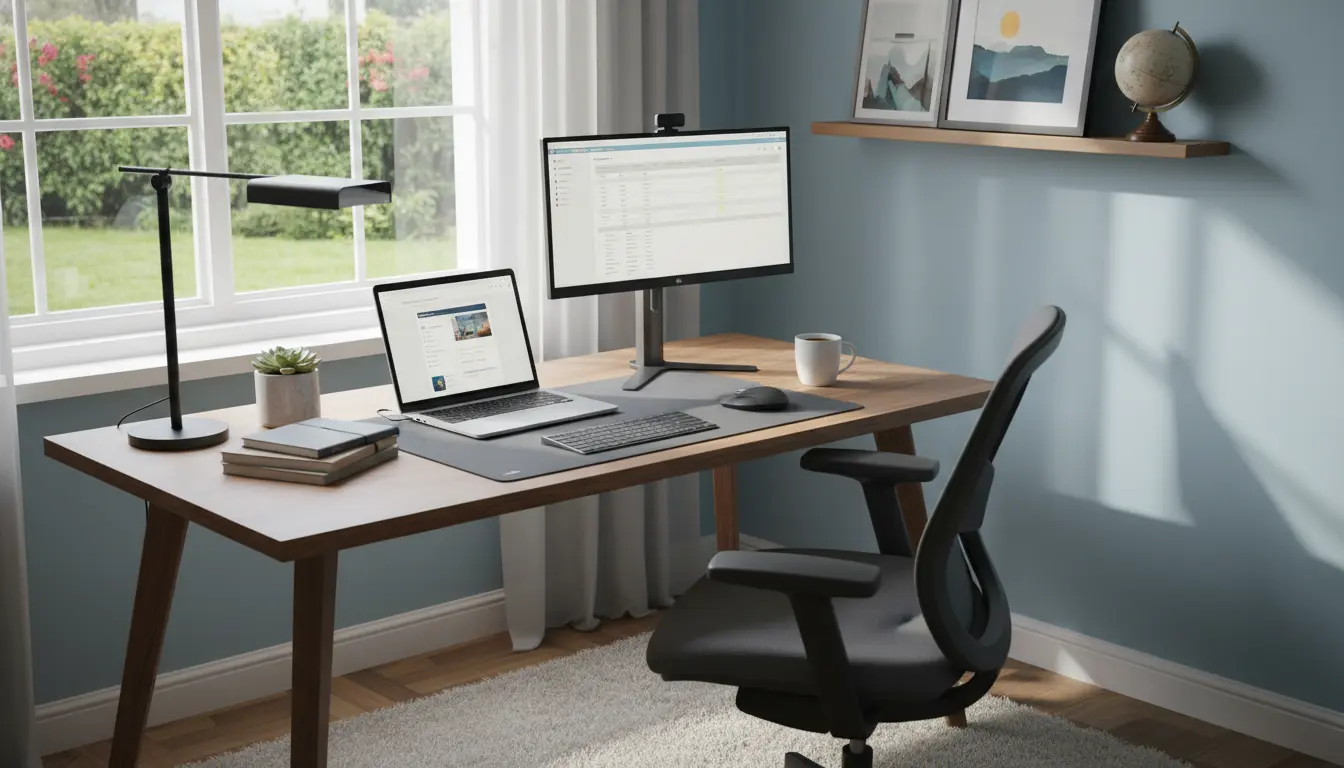
Working from home is common, but many people struggle with focus and comfort. A deliberate home office setup reduces distractions and supports better work habits.
Why a good home office setup matters
A proper home office setup directly affects comfort, concentration, and long-term health. Without basic planning, small issues like poor lighting or bad posture become major productivity drains.

Investing time in the right setup returns as more focused work hours and fewer interruptions. This makes routines easier to maintain and reduces stress over time.
Plan your home office setup before buying
Start with a simple plan so purchases match real needs. Define your daily tasks, required equipment, and how much time you spend at the desk each day.
Use the plan to prioritize purchases like an ergonomic chair or a quality monitor, rather than buying items because they look nice.
Choose the right location for your home office setup

Pick a spot with minimal foot traffic and predictable noise levels. A corner of a quiet room or a dedicated closet converted to an office often works well.
Consider proximity to natural light and outlets. If possible, keep the workspace separate from high-traffic living areas to maintain work boundaries.
Ergonomic furniture for the home office setup
Ergonomics reduces fatigue and prevents chronic pain when working long hours. Key items include an adjustable chair, a desk at proper height, and a monitor positioned at eye level.

Test items before committing when possible, or buy from retailers with reasonable return policies. Small adjustments like a footrest or keyboard tray can make a big difference.
Lighting and acoustics in a productive home office setup
Good lighting prevents eye strain and keeps energy levels steady. Aim for a mix of natural light and a neutral task lamp to reduce glare on screens.
Control noise with rugs, curtains, or a white noise machine. Headphones with noise cancellation are also a practical investment for focus.
Essential equipment to boost productivity
Right tools reduce friction and save time. Focus on essentials before adding extras that promise productivity gains but add complexity.
- Monitor or dual monitors for multitasking
- Ergonomic chair and adjustable desk
- Reliable high-speed internet and wired connection option
- External keyboard and mouse for comfort
- Surge protector, cable organizers, and proper lighting
Quality headphones, a webcam, and a dedicated microphone help with professional calls and clear communication.
Organizing and maintaining your home office setup
Organization keeps the space functional and reduces decision fatigue. Use simple systems for documents, cables, and frequently used items.
Adopt a weekly 15-minute tidy routine to clear clutter and check that equipment is working. Small, regular maintenance prevents one-off disruptive issues.
Storage and cable management
Use labeled bins or drawers for paper and supplies. Vertical shelves free floor space and keep surfaces clear for work.
For cables, use clips and a sleeve to keep power and data lines neat. Label both ends of critical cables for easier troubleshooting.
Case study: Small startup founder improves focus
Maria runs a two-person marketing startup from a one-bedroom apartment. She struggled with meetings and lost time searching for documents.
She created a dedicated workspace in a corner of the bedroom, added a second monitor, and organized files into a cloud folder structure. She also scheduled ‘deep work’ blocks where notifications are muted.
Within three weeks, Maria reported clearer meeting prep, fewer interruptions, and an extra productive hour per day. Small, focused changes produced measurable gains.
Studies show that ergonomic improvements and a decluttered desk can reduce daily fatigue and increase productivity by up to 15 percent for desk workers.
Practical tips and examples for faster setup
Start with the basics and iterate. Buy a quality chair and a good monitor first, then test layout and lighting over a week.
- Example: Use a timer technique such as Pomodoro for focused work blocks.
- Example: Nightly checklist—clear desk, charge devices, review tomorrow’s top 3 tasks.
- Example: Keep a small plant and a water bottle nearby to support well-being.
Quick home office setup checklist
Use this checklist to audit your workspace quickly. Complete items one at a time to avoid overwhelm.
- Location chosen with minimal noise and good light
- Ergonomic chair and desk set to proper heights
- Monitor(s) at eye level and keyboard at comfortable reach
- Reliable internet and cable management in place
- Weekly tidy routine and cloud file organization
Creating an effective home office setup is a step-by-step process. Focus on ergonomics, lighting, and simple organization to see the fastest improvements.
Make small adjustments, measure impact, and prioritize comfort to sustain productivity over the long term.