
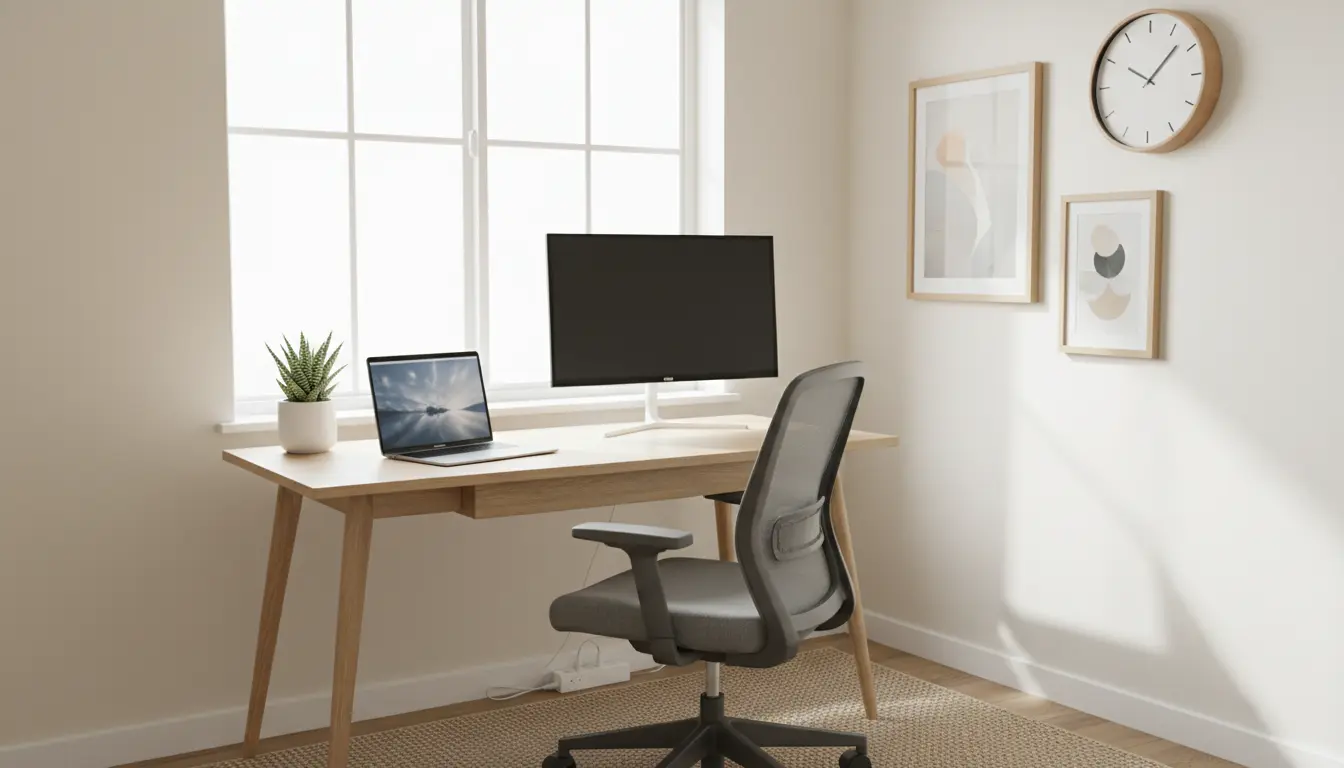
Creating a functional home office on a limited budget is about choices, not compromises. A well-planned space improves focus, comfort, and productivity without a big spend.
Plan Your Budget Home Office
Start with a short planning session to define purpose and constraints. Decide how much you can spend and what tasks you need the space to support.
Set a Clear Budget for Your Budget Home Office
Break your total budget into categories: furniture, tech, lighting, and accessories. Allocate more for items you use constantly, like a chair or monitor.
- Furniture: 40% of budget
- Tech: 35% of budget
- Lighting and accessories: 25% of budget
Choose the Best Location
Pick a spot with natural light and minimal noise. A corner of a living room or a spare closet can work if arranged carefully.
Essential Home Office Items on a Budget
Focus on essentials that deliver the biggest impact on comfort and productivity. Skip vanity items until the basics work well.
Must-Have Items for a Budget Home Office
- Desk: Compact, sturdy, and fits your workflow — consider secondhand or flat-pack options.
- Chair: Prioritize back support; used ergonomic chairs often cost less than new budget chairs.
- Computer or laptop: Refurbished models can save 30–50% with a warranty.
- Monitor: A single external monitor improves productivity for most tasks.
- Lighting: A desk lamp with adjustable color temperature reduces eye strain.
Layout and Ergonomics for a Budget Home Office
Good ergonomics prevent fatigue and long-term aches. You don’t need expensive gear to set up a healthy posture.
Ergonomic Setup Tips for a Budget Home Office
- Desk height: Keep elbows at about 90 degrees when typing.
- Screen height: Top of the monitor at or just below eye level.
- Chair adjustments: Add a lumbar cushion if the chair lacks support.
- Footrest: Use a sturdy box or low stool if feet don’t reach the floor comfortably.
Save Money with Smart Buying and DIY
You can cut costs by mixing thrifted finds, DIY solutions, and strategic purchases. Prioritize durability over style.
Where to Buy and What to DIY
- Secondhand marketplaces: Search for chairs, desks, and shelves in good condition.
- Refurbished tech retailers: Look for certified refurbished laptops and monitors.
- DIY storage: Use inexpensive cubes, crates, or wall hooks to organize cables and supplies.
- Repurpose furniture: A sturdy dining table can serve as a desk for months or years.
Small upgrades like a quality keyboard, mouse, or monitor stand provide outsized comfort for a modest price.
Organize Cables and Storage in a Budget Home Office
Tidy cables and a simple storage plan make a small workspace feel larger and more focused. Tension and clutter reduce efficiency.
- Label cables and use zip ties or Velcro straps.
- Use vertical shelving to maximize floor space.
- Keep daily items within arm’s reach and archive other items in boxes or bins.
Case Study: Freelance Designer Builds a Budget Home Office
Anna, a freelance graphic designer, had a $700 budget to set up a home office in a small apartment. She prioritized a good chair and an external monitor.
She bought a refurbished 27-inch monitor for $180, a solid secondhand ergonomic chair for $150, and used an IKEA table for $80. Lighting and accessories came from discount stores for $90. The remaining budget covered a keyboard, mouse, and cable organizers.
Within a week, Anna reported fewer backaches and faster design workflow. The total spend was $650, and she plans to upgrade the monitor later when more budget is available.
Maintenance and Upgrades for a Budget Home Office
Regular maintenance extends the life of inexpensive items. Clean dust from electronics, tighten screws, and reassess comfort after a few weeks.
Upgrade Priorities Over Time
- First upgrade: Chair for long-term comfort.
- Second upgrade: Monitor or additional screen for productivity.
- Third upgrade: Keyboard and mouse for precise control.
Track what causes friction in your daily work and allocate future budget there. Small, thoughtful upgrades are better than frequent replacements.
Quick Checklist for a Budget Home Office
- Define budget and work needs
- Choose location with good light and quiet
- Buy or reuse a supportive chair and a sturdy desk
- Invest in at least one external monitor if possible
- Organize cables and storage for a tidy workspace
- Plan upgrades based on comfort and workflow bottlenecks
With a clear plan and a focus on essentials, you can build a budget home office that supports productivity and comfort without overspending.