
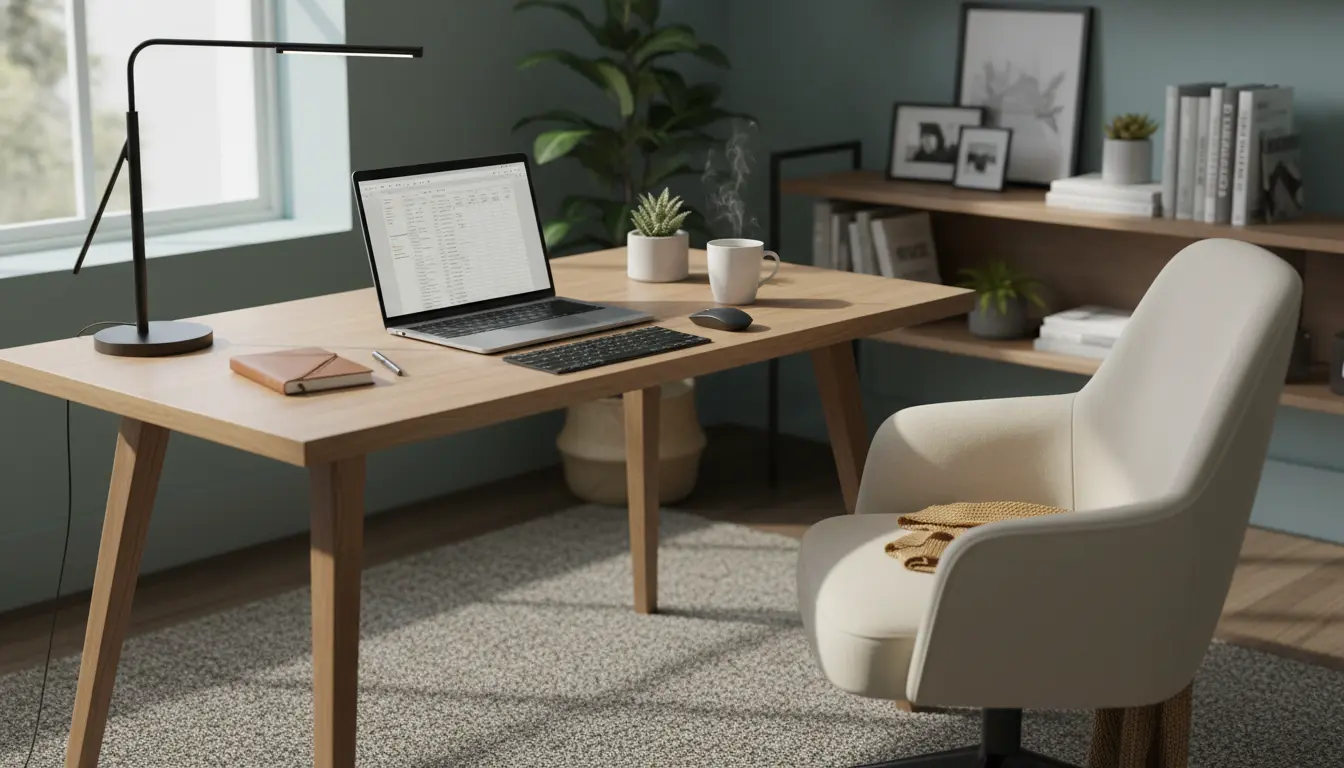
Why a home office setup matters for productivity
A clear, intentional home office setup reduces friction and supports focused work. Even small changes in layout, tools, and habits can add hours of productive time each week.
This guide gives practical steps to design a workspace that improves comfort, minimizes distractions, and supports sustained focus.
Home office setup basics
The foundation of a productive space is ergonomic comfort and good lighting. Prioritize those before buying accessories or gadgets.
Start by mapping your daily tasks. Your setup should support your most common activities, whether that’s video calls, typing, or creative work.
Ergonomics and furniture
Choose a desk and chair that allow neutral posture. Your feet should rest on the floor and your elbows bend about 90 degrees while typing.
If you use a laptop, add an external keyboard and raise the screen to eye level with a stand or monitor arm.
Lighting and visual comfort
Natural light is ideal, but position it to avoid glare. Use diffuse overhead light plus a task lamp for paperwork or detail work.
Adjust monitor brightness and use warm light in the evening to reduce eye strain and support sleep patterns.
Essential tech and tools for a productive home office setup
Focus on reliable, simple tech that removes obstacles to work. Complex or unnecessary tools can become distractions.
- Reliable internet connection with a backup plan for video calls.
- Quality headset or speakers and a clear webcam for meetings.
- External monitor(s) and keyboard for extended work sessions.
- Cable management and a charging station to keep the desk clutter-free.
Software and apps
Use a small set of apps you know well. Track tasks with one app, manage notes in one place, and limit communication channels to avoid context switching.
Examples of categories: task manager, calendar, note-taking, file sync, and focus timer.
Layout and organization tips
Organize your desk so frequently used items are within arm’s reach. Store less-used items in drawers or shelves.
Keep surfaces clear by adopting a simple daily reset routine. A tidy workspace reduces cognitive load and starts each day ready to work.
Zones for different activities
Create distinct zones for focused work, meetings, and breaks. Even small spaces can have a primary work zone and a secondary micro-break area.
Use visual cues like a dedicated desk mat, different chair, or a shelf with plants to signal the activity for each zone.
Routines and habits to boost productivity
A consistent routine anchors your day and reduces decision fatigue. Start with a short pre-work ritual to switch into work mode.
Examples: make a cup of tea, review your top three tasks, and block your calendar for focused time.
- Time blocking: Reserve uninterrupted periods for deep work.
- Pomodoro or focus timer: Break work into 25–50 minute sessions with short breaks.
- End-of-day wrap-up: Spend five minutes planning tomorrow’s top tasks and clearing the desk.
Research shows that small changes in workspace organization can increase perceived productivity and reduce errors. A cleaner desk supports clearer thinking.
Managing distractions in a home office setup
Identify your most common distractions and design barriers to them. Use noise-cancelling headphones or a white-noise app to reduce background sounds.
Limit interruptions by setting clear boundaries with household members and using visible signs for focus periods.
Practical rules for fewer interruptions
- Set office hours and share them with others in your home.
- Use a status indicator for video calls and deep work sessions.
- Turn off non-essential notifications during focus blocks.
Small case study: Freelance designer improves output
Maria, a freelance graphic designer, reorganized her small apartment corner into a dedicated home office setup. She added an external monitor, swapped to an ergonomic chair, and set a 90-minute deep work block each morning.
After four weeks she reported a 30 percent increase in billable hours and fewer late revisions. The clear desk routine and scheduled deep work reduced context switching and improved quality.
Checklist to set up your home office for productivity
- Assess primary tasks and choose a location accordingly.
- Invest in an ergonomic chair and raise your screen to eye level.
- Optimize lighting and reduce glare with adjustable lamps.
- Choose reliable tech and keep cables organized.
- Establish daily routines and limit notifications during focus time.
Final practical tips
Start small: change one thing at a time and measure the result. A single tweak like moving your monitor or changing your chair can make a real difference.
Review your setup quarterly. As work habits evolve, your home office setup should adapt to keep supporting productivity.