
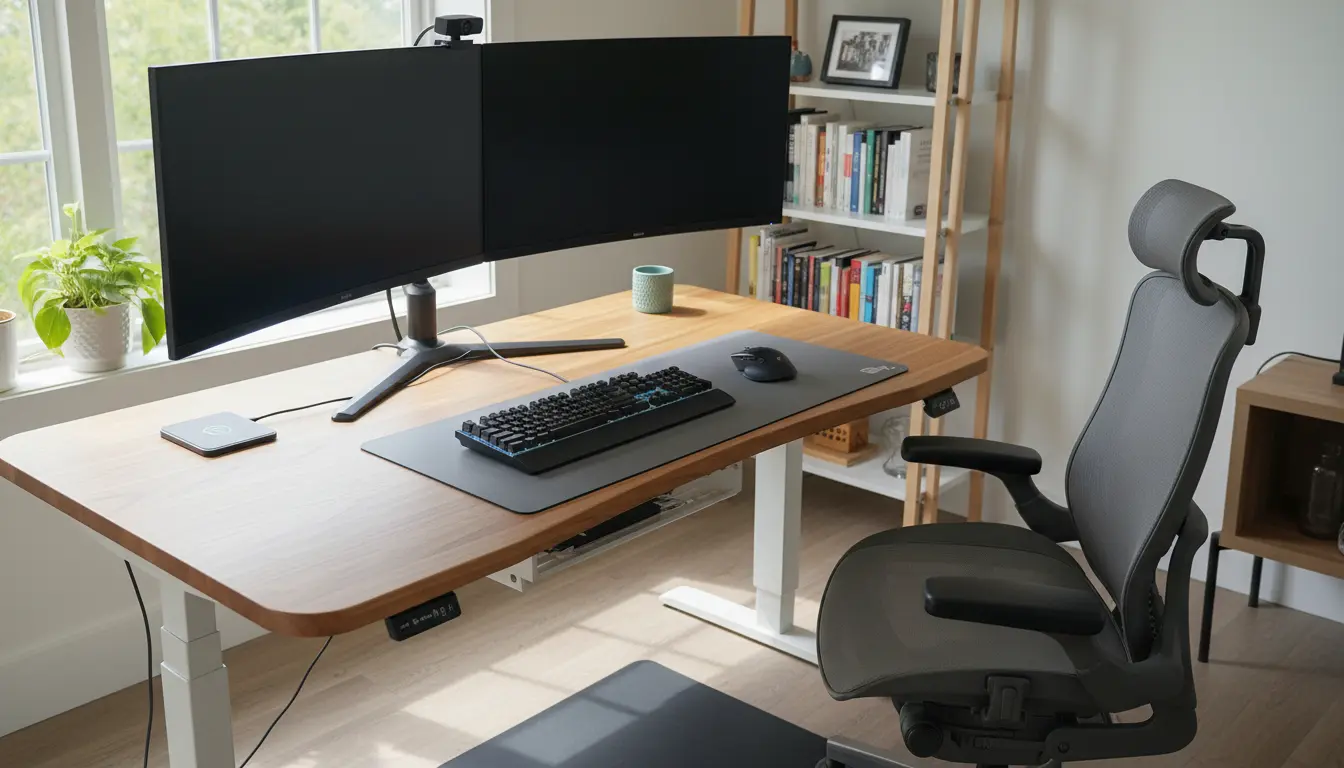
Why Home Office Ergonomics Matter
Home office ergonomics helps you work comfortably without pain. Small changes to your setup can reduce neck, shoulder, and back strain.
Better ergonomics also supports sustained focus and productivity. This article gives practical, step-by-step guidance you can use today.
Key Elements of Home Office Ergonomics
Focus on three core areas: workstation layout, seating, and daily habits. Each area affects posture and comfort in specific ways.
Addressing these elements together produces the best results. Below are actionable steps for each area.
Workstation Layout and Home Office Ergonomics
Position your monitor, keyboard, and mouse to keep your body neutral. Neutral means joints are not overly bent or strained.
- Monitor: Top of screen at or slightly below eye level.
- Keyboard: Elbows close to the body and bent about 90 degrees.
- Mouse: Within easy reach and at the same height as the keyboard.
Use a simple ruler or a stack of books to test heights before buying equipment. Small adjustments can make a big difference.
Chair and Seating for Home Office Ergonomics
Choose a chair that supports the natural curve of your lower back. Adjustable lumbar support is ideal but a small cushion can work temporarily.
Feet should rest flat on the floor or a footrest. Thighs should be roughly parallel to the floor.
- Seat height: Adjust so knees are at or slightly below hip level.
- Backrest: Supports the lumbar curve and allows slight recline.
- Armrests: Support forearms lightly without lifting shoulders.
Monitor, Lighting, and Accessories
Place the monitor about an arm’s length away. Reduce glare by angling the screen or adjusting blinds and lights.
Good lighting reduces eye strain. Use a desk lamp with adjustable brightness and position it to avoid reflections on the screen.
- External keyboard and mouse are better than laptop inputs for posture.
- Consider a laptop stand to raise the screen height when using an external keyboard.
- Use document holders to keep printed materials at eye level.
Daily Habits to Improve Home Office Ergonomics
Ergonomic equipment helps, but habits matter more. Plan regular micro-breaks and vary your posture throughout the day.
Try these simple habits to reduce cumulative strain and maintain focus.
- Take a 2-3 minute break every 30 minutes to stand, stretch, or walk.
- Perform neck and shoulder rolls between meetings.
- Use a timer or ergonomic app to remind you to move.
Alternate tasks to change mental load and body position. For example, switch between typing and phone calls to vary arm positions.
Quick Home Office Ergonomics Checklist
Use this checklist to audit your setup in under 10 minutes. Make one change at a time and test for comfort.
- Monitor top at eye level and 20-30 inches away.
- Keyboard and mouse aligned with elbows at 90 degrees.
- Chair supports lower back and allows feet flat on the floor.
- Screen brightness and lighting adjusted to reduce glare.
- Micro-break plan in place (timers or scheduled movement).
Case Study: Small Freelance Designer
Maria is a freelance graphic designer who worked from her kitchen table for months. She experienced neck pain and afternoon fatigue.
She completed the quick checklist, raised her laptop on a stand, added an external keyboard, and adjusted chair height. She also set a timer to stand and stretch every 40 minutes.
Within two weeks Maria reported less neck pain and steadier focus. Her work sessions were more productive and she needed fewer breaks to recover from discomfort.
This example shows how inexpensive changes and consistent habits produce measurable improvements.
Practical Examples and Product Suggestions
You do not need premium gear to get ergonomic benefits. Consider cost-effective options that meet core needs.
- Use a firm cushion for lumbar support if your chair lacks it.
- Create a laptop stand with books or a purpose-built riser to get the screen height right.
- Invest in an external keyboard and mouse; wired or wireless models both work.
If you decide to upgrade equipment, prioritize chair and monitor height first. These produce the largest posture improvements.
Conclusion: Start Small and Be Consistent
Improving home office ergonomics is a practical process. Start with the checklist, make gradual adjustments, and track how you feel.
Small, consistent changes to your setup and daily habits will reduce pain and improve focus. Use the case study and tips above to plan your next move.
For a quick action plan: fix monitor height, set up keyboard and mouse alignment, adjust your chair, and schedule micro-breaks. Reassess after one week and refine as needed.