
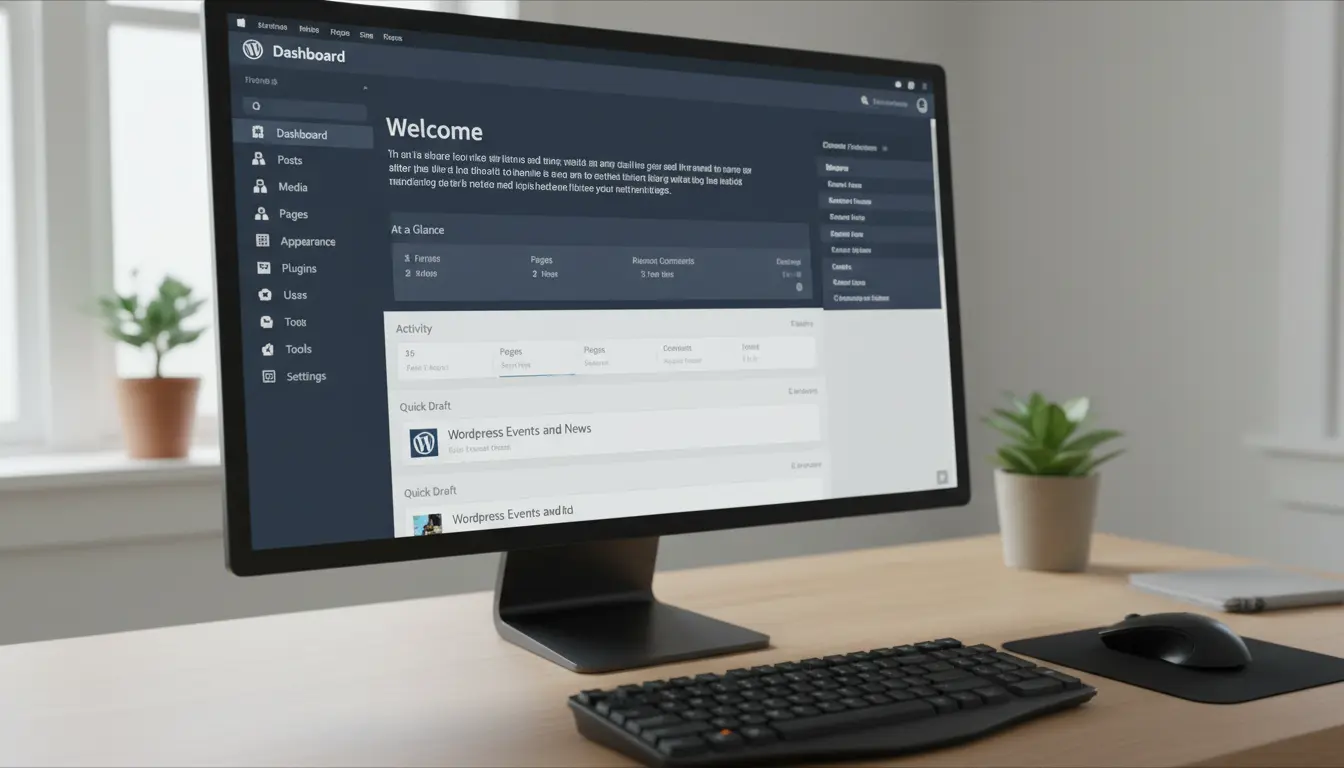
Small business owners often treat SEO as a mystery. WordPress SEO is straightforward when you break it into specific, repeatable tasks. This guide gives practical steps you can apply today.
WordPress SEO Essentials
WordPress SEO begins with a few core elements: site structure, quality content, and basic technical health. Focus on these first before chasing backlinks or advanced tactics.
- Install a reputable SEO plugin (Yoast, Rank Math, or All in One SEO).
- Set up a clear site structure: homepage, services, about, blog, contact.
- Create a content plan that targets customer needs and search intent.
On-Page WordPress SEO Steps

On-page SEO ensures each page is understandable by search engines and helpful to users. Start with the basics on every page and post.
Optimize Titles and Meta
Use descriptive, clickable titles that include your main keyword and a modifier. Keep meta descriptions clear and action-oriented to improve click-through rates.
- Title format example: Primary Keyword – Benefit or Location.
- Meta description: 120–155 characters summarizing page value.
- Use the SEO plugin preview to avoid truncation in SERPs.
Use Headings and Content Structure
Headings (H1, H2, H3) help both users and search engines scan your content. Include your target keyword in the H1 or an H2 when it fits naturally.
- One H1 per page—usually the page title.
- Use H2s for main sections and H3s for subsections.
- Keep paragraphs short: 2–3 sentences each for readability.
Content Quality and Keyword Use

Write content for humans first, search engines second. Use the primary keyword naturally and include related terms and questions users ask.
- Target one primary keyword per page and a few related phrases.
- Answer common customer questions within the content.
- Use lists, examples, and short paragraphs to improve engagement.
Technical WordPress SEO
Technical SEO ensures your site is fast, secure, and indexable. These tasks often require plugins or developer support but are high impact for search visibility.
Speed and Performance
Page speed affects rankings and user experience. Use caching, optimized images, and a lightweight theme to reduce load times.
- Enable page caching (WP Super Cache, W3 Total Cache, or plugin in your stack).
- Compress and serve images in modern formats (WebP when possible).
- Use a content delivery network (CDN) for global reach.
Mobile and Security

Most searches are mobile. Use responsive design and an SSL certificate to protect users and meet search engine requirements.
- Choose a responsive WordPress theme and test in Google’s Mobile-Friendly Test.
- Install an SSL certificate so your site runs on HTTPS.
Local WordPress SEO for Small Businesses
Local SEO helps businesses attract customers nearby. Small businesses should prioritize local signals before broad national strategies.
- Claim and optimize your Google Business Profile with accurate NAP (Name, Address, Phone).
- Add location pages if you have multiple locations.
- Include local keywords and schema markup for address and opening hours.
Schema and Structured Data
Structured data helps search engines display richer results. Use local business schema and review schema where appropriate.
- Implement schema using your SEO plugin or a lightweight structured data plugin.
- Include organization, local business, and product schema if relevant.
Adding structured data can increase your chance of appearing in rich results like local packs and knowledge panels, boosting visibility without extra ads.
Measure and Improve WordPress SEO
Track performance to know what works. Use Google Analytics and Search Console to monitor traffic, queries, and technical issues.
- Track clicks, impressions, and average position in Google Search Console.
- Measure page speed and Core Web Vitals with PageSpeed Insights.
- Set monthly goals for organic traffic and conversions.
A/B Testing and Continuous Updates
SEO is iterative. Test different titles, meta descriptions, and content layouts, then measure the impact over time.
- Change one element at a time to isolate effects.
- Monitor results for at least 4–8 weeks before concluding.
Small Real-World Example
Riverbend Bakery, a local shop, focused on WordPress SEO basics: optimized page titles, added local schema, and published weekly blog posts answering customer questions.
Within three months, organic search visits rose 40% and phone inquiries grew by 25%. The cost was mostly time and a small investment in a premium SEO plugin.
Quick WordPress SEO Checklist
- Install an SEO plugin and set basic settings.
- Ensure HTTPS and a mobile-friendly theme.
- Optimize titles, meta descriptions, and headings.
- Compress images and enable caching.
- Claim Google Business Profile and add local schema.
- Track performance with Analytics and Search Console.
Follow these steps consistently and prioritize tasks that match your business goals. WordPress SEO for small businesses is manageable with small, steady improvements.