
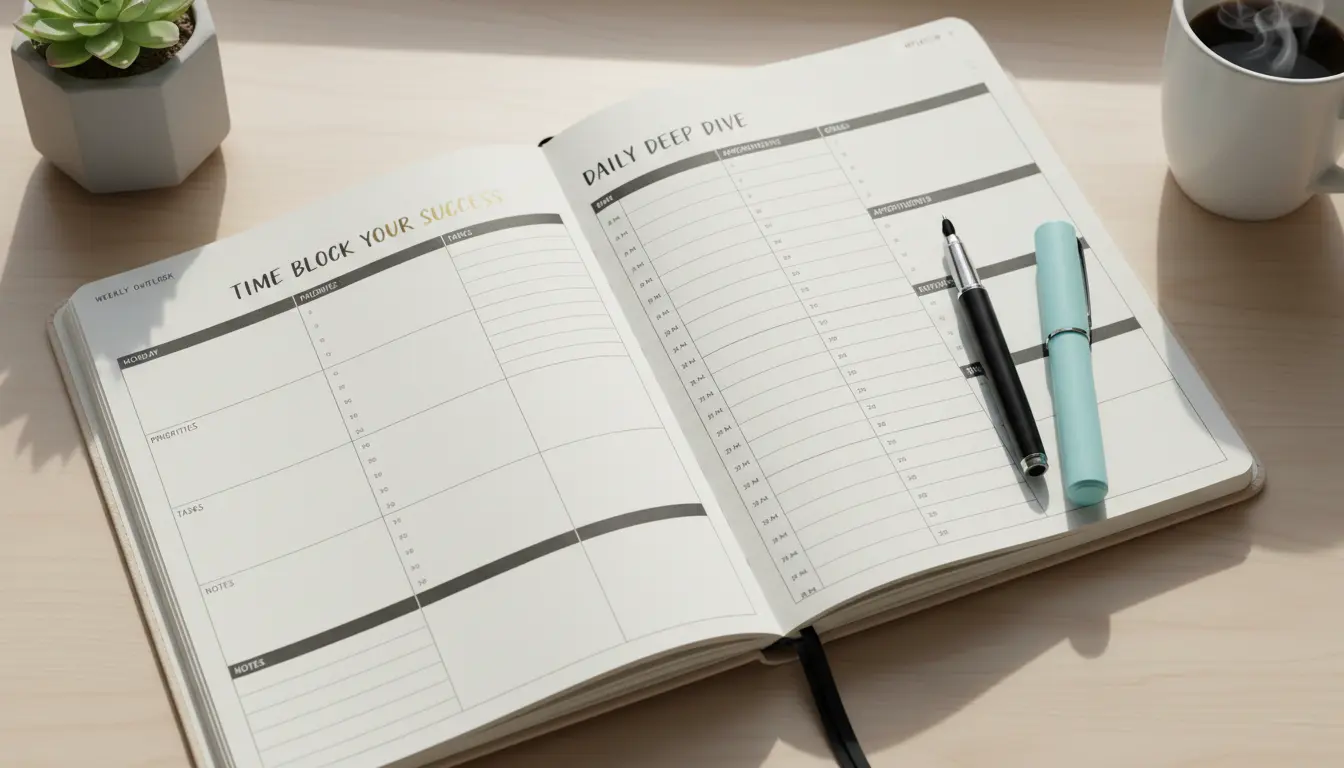
What is time blocking and why it improves productivity
Time blocking is a scheduling method that assigns fixed blocks of time to specific tasks. Instead of keeping an open to-do list, you allocate focused intervals on your calendar for work, breaks, and routine chores.
This method reduces context switching and decision fatigue, making it easier to get into deep work. It also creates visible boundaries that protect priority tasks from meetings and interruptions.
How to start time blocking: a simple step-by-step process

Starting time blocking takes a few adjustments to how you plan your day. Follow these steps to create a repeatable system that fits your natural rhythm.
1. List your priorities and estimate time
Write down 5–8 priorities for the day or week. Estimate how long each will take in realistic blocks (25–90 minutes). Use round numbers to make scheduling easier.
2. Group similar tasks
Batch similar tasks together, such as email, calls, creative work, and administrative tasks. Grouping reduces the cognitive load of switching contexts.
3. Schedule fixed blocks on your calendar

Place focused blocks on your calendar and label them clearly. Include start and end times, and a short description like “Deep work: Project A”.
4. Add buffers and breaks
Include short breaks between blocks and a longer break mid-day. Buffers help you recover from overruns and avoid cascading delays.
Time blocking templates and examples
Use one of these simple templates to get started. Adjust block lengths based on your energy and task type.
- Morning Focus: 90-minute deep work block, 30-minute break, 60-minute admin, lunch
- Pomodoro Style: 25-minute work, 5-minute break, repeat 4 times, 20–30-minute break

Tip: Color-code blocks in your calendar so you can scan your day visually.
Tools and apps for time blocking
Almost any calendar app works for time blocking. Choose tools that sync across devices and let you label or color blocks.
- Google Calendar or Outlook for basic blocking and sharing
- Notion or Obsidian for linking blocks to project notes
- Specialized apps like Motion, Sunsama, or Clockwise for automated scheduling
Common time blocking mistakes and how to avoid them
Be aware of common pitfalls that make time blocking ineffective. Here are practical solutions you can apply immediately.
- Overpacking the day: Leave at least 15% of weekday time unscheduled for overruns.
- Ignoring energy cycles: Schedule creative tasks during high-energy times and routine work during low-energy periods.
- Being inflexible: Adjust blocks as reality changes but keep the habit of assigning time for priorities.
Studies show focusing on one task at a time can improve productivity and reduce stress. Time blocking encourages single-tasking by design.
How to measure success with time blocking
Track how often you complete blocks as planned and whether high-priority work gets finished. Use weekly reviews to adjust estimates and block lengths.
Key metrics to watch:
- Percentage of blocks completed as scheduled
- Hours of deep work per week
- Number of context switches per day
Case study: Freelance designer who reclaimed afternoons
Emma, a freelance UX designer, struggled with interruptions and missed deadlines. She started using a simple time-blocking routine: a morning 90-minute deep work block, a midday client call block, and a 60-minute admin block in late afternoon.
Within two weeks she reported a 30% increase in uninterrupted work hours and completed client projects more consistently. She found that keeping client calls to a single daily block stopped meetings from fragmenting her creative time.
Advanced tips for teams and managers
Time blocking can scale to team use with a few rules. Encourage shared “no meeting” blocks and use calendar sharing to avoid conflicts.
- Designate core collaboration hours for synchronous work
- Block heads-down time across the team to protect focus
- Use meeting agendas and time limits to keep collaboration efficient
Quick start checklist for your first week
Use this checklist to test time blocking for seven days. Keep the changes small and consistent.
- Day 1: Identify 3 priorities and estimate time
- Day 2: Schedule morning and afternoon focus blocks
- Day 3: Add a daily buffer and a lunch break
- Day 4: Review block completion and adjust lengths
- Day 5–7: Iterate and lock in a routine that fits your energy
Time blocking is a low-cost method that gives structure to the workday. With a few deliberate rules and regular review, it can shift your habits from reactive to intentional work. Try a single week and adjust based on what you learn.