
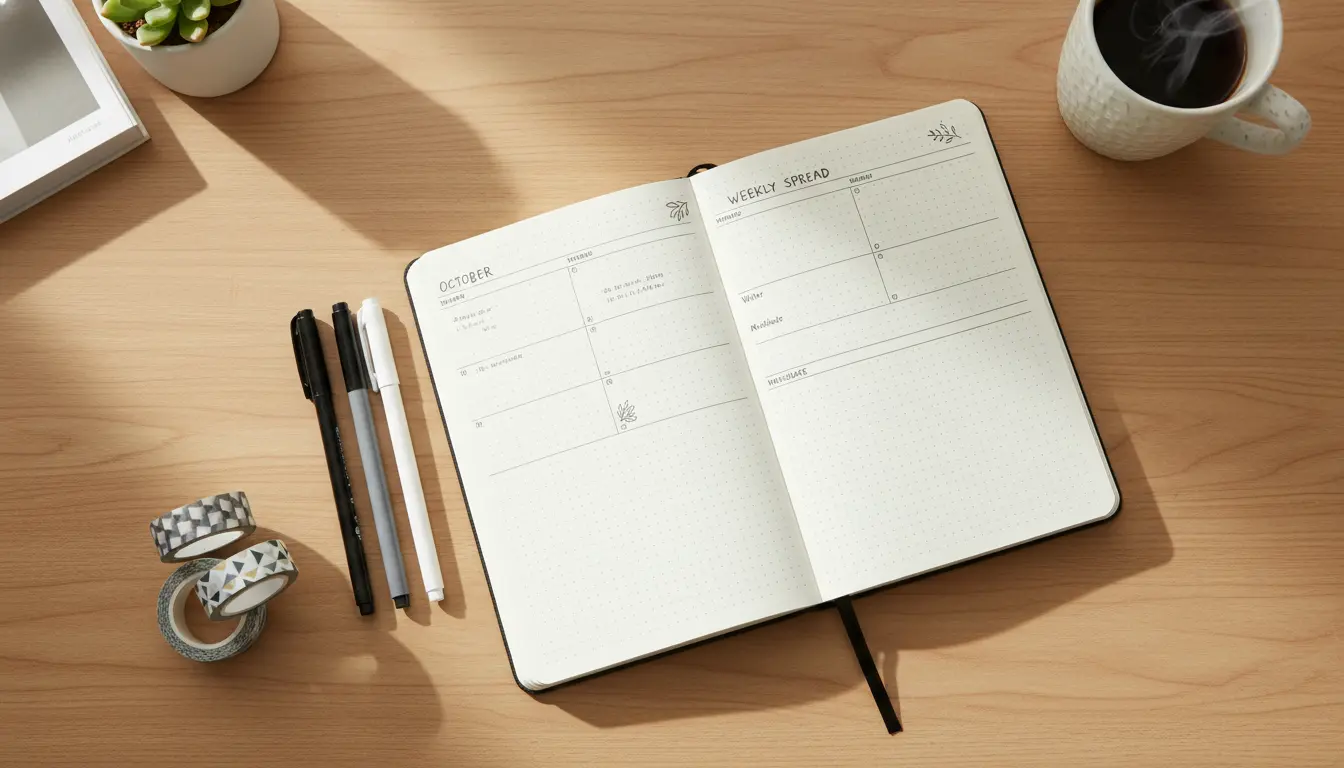
What Is a Bullet Journal and Why Use It for Productivity?
A bullet journal is a flexible analog system for planning, tracking, and reflecting. It combines task lists, calendars, notes, and habit tracking in one notebook.
Using a bullet journal for productivity gives you a single place to collect tasks and priorities, reduce mental clutter, and focus on what matters each day.
Core Elements to Start a Bullet Journal for Productivity

Begin with a simple setup that you can expand later. Keep supplies minimal and focus on consistency.
Essential supplies to start a bullet journal
- Notebook: dot or grid preferred for structure.
- Pen: one reliable black or blue pen.
- Optional: ruler, highlighters, sticky notes for temporary items.
Basic structure to include
- Index: an early page to list sections and page numbers.
- Future log: six- or twelve-month overview for big events.
- Monthly log: calendar and monthly task list.
- Daily or weekly logs: short tasks, notes, and events for the day.
How to Set Up a Simple Productivity Layout
Keep the layout predictable so it takes less time to use. A predictable routine prevents decision fatigue.
Step-by-step one-page monthly setup
- Create a calendar grid or list view with dates down the side.
- Add a small column for monthly goals—3 to 5 top priorities.
- Include a habit tracker for 2–4 habits you want to build.
Daily or weekly planning for productivity
Decide whether daily or weekly logs fit your rhythm. Weekly logs are efficient for steady schedules; daily logs work well for variable days.

Use rapid logging: short bullets for tasks (•), events (o), and notes (–). Mark completed tasks with an X and migrate unfinished tasks to the next day or month.
Productivity Techniques to Use with a Bullet Journal
Combine proven productivity techniques with your bullet journal to get better results. The notebook becomes the system’s hub.
Top techniques to apply
- Time blocking: sketch blocks in your daily log for focused work periods.
- MITs (Most Important Tasks): list 1–3 MITs at the top of each day.
- Weekly review: set time once a week to review progress and migrate tasks.
Tracking and reflection
Use a simple habit tracker and a weekly reflection prompt. Reflection helps identify what slows you down and what boosts focus.
The bullet journal method was created by Ryder Carroll as a digital-free way to organize tasks and thoughts. Many people adapt the method to combine planning and self-reflection.
Examples of Effective Bullet Journal Pages for Productivity
Here are page examples you can copy and modify. Keep the design functional rather than decorative.
- Daily page: Date header, MITs, time blocks, task bullets, short notes, end-of-day reflection.
- Weekly spread: Left page tasks and goals, right page appointments and a running notes column.
- Monthly dashboard: Top priorities, calendar, key metrics, habit tracker.
Case Study: Small Real-World Example
Sarah is a freelance graphic designer who struggled with juggling client work and admin tasks. She started a bullet journal to centralize everything and reduce context switching.
Within six weeks she used a weekly log with two MITs per day and a simple habit tracker for uninterrupted work blocks. Sarah reduced daily task-switching and completed client projects earlier than before.
Her concrete results: clearer priorities, one fewer late deadline per month, and a calmer workday routine that made planning faster.
Common Mistakes When You Start a Bullet Journal
Avoid making the notebook a place for perfection. Function matters more than aesthetics when improving productivity.
- Overdecorating: spending more time decorating than planning reduces effectiveness.
- Unclear migration: if you never migrate tasks, the system won’t reflect reality. Do a weekly review.
- Too many trackers: limit trackers to what you will actually check weekly.
Quick Starter Checklist to Begin Today
- Buy or choose a notebook and a pen.
- Create an index and a future log (two pages).
- Make a monthly dashboard and the first weekly or daily log.
- Choose 1–3 MITs for your first week and one habit to track.
- Schedule a weekly review slot in your calendar.
Final Tips to Keep Your Bullet Journal Productive
Start small and be consistent. Give the system four weeks before changing major elements.
Adapt the layouts to your work style and treat the journal as a living system. The aim is better focus and less time spent deciding what to do next.