
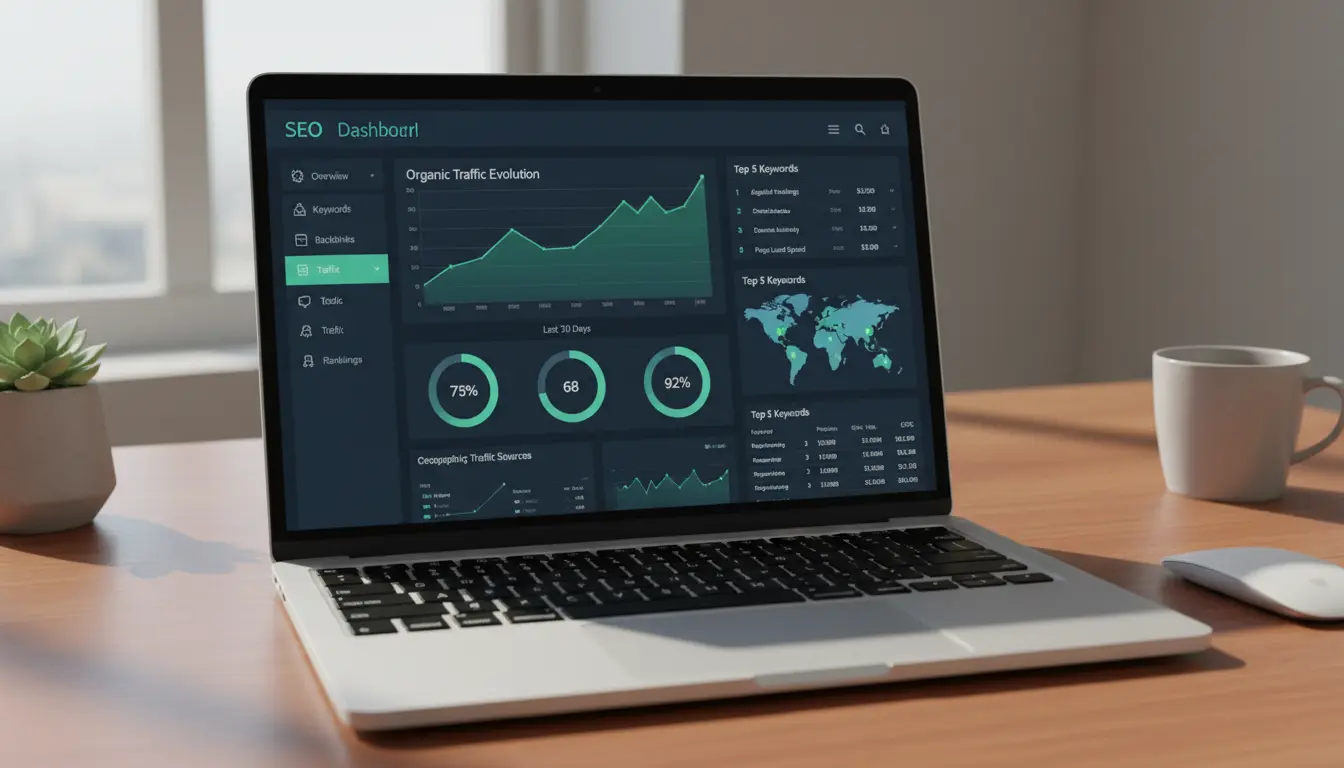
On Page SEO Checklist: Start Here
On Page SEO helps search engines understand what each page is about and how useful it is to users. Follow this checklist to prioritize tasks that give the most impact for small websites.
Why On Page SEO Matters
On Page SEO affects rankings, click-through rates, and user experience. For small sites with limited resources, focused on-page work often beats broad off-page efforts.
1. Optimize Page Titles and Meta Descriptions

Page titles and meta descriptions are the first things users see in search results. Use clear, descriptive language with the main keyword near the beginning.
Checklist:
- Write unique titles (50–60 characters) with the primary keyword.
- Create concise meta descriptions (120–155 characters) that summarize the page and include a call to action.
- Avoid keyword stuffing; make the copy readable and relevant.
2. Use Headings Strategically
Headings guide readers and signal structure to search engines. Use H1 for the main page topic and H2/H3 for subtopics.
Best practices:
- Include the main keyword in the H1 once per page.
- Use H2s for major sections and H3s for nested points.
- Keep headings descriptive and concise.
3. Create Useful, Keyword-Focused Content
Content should solve a user problem. Start with keyword research to discover the queries your audience uses, then match intent with helpful content.
Content tips:
- Write for humans first, search engines second.
- Use the primary keyword naturally in the first 100 words and in headings when relevant.
- Include related keywords and synonyms to cover the topic fully.
4. Optimize Images and Media

Images improve engagement but can slow pages if not optimized. Use descriptive file names and alt text to help accessibility and SEO.
Image checklist:
- Compress images before uploading (use WebP or compressed JPEG).
- Use descriptive alt attributes with relevant keywords where appropriate.
- Include captions when they add value to the content.
5. Improve Internal Linking
Internal links distribute page authority and help users find related content. A clear internal linking structure supports discoverability.
Practical rules:
- Link to related pages with descriptive anchor text, not generic phrases like “click here.”
- Prioritize links from high-traffic pages to important conversion pages.
- Keep the site structure shallow so users can reach key pages in 2–3 clicks.
6. Technical On Page Checks
Technical issues can block crawling and reduce user experience. Regular audits prevent common problems from harming rankings.
Essential technical items:
- Ensure pages load fast (aim for under 3 seconds).
- Use mobile-friendly responsive design.
- Check robots.txt and XML sitemap for proper crawl directives.
- Fix broken links and redirect chains.
7. Structured Data and Rich Snippets
Structured data helps search engines present your content with rich snippets. Small sites can benefit from simple schema types like Article, Product, FAQ, and LocalBusiness.
Start with:
- Schema for business info on contact pages.
- FAQ schema for common question pages.
- Validate markup with Google’s Rich Results Test.
8. Page Speed and Core Web Vitals
Site speed affects rankings and conversions. Measure Core Web Vitals and focus on the biggest wins first.
Quick wins:
- Lazy-load below-the-fold images and videos.
- Minify CSS and JavaScript files.
- Use a fast hosting plan and enable caching.
Pages in the top 3 search results capture about 75% of all clicks for a query. Small improvements to on-page elements can move a page up and significantly increase traffic.
9. Measure and Iterate
Track performance using analytics and search console tools. Focus on impressions, clicks, average position, and user engagement metrics.
Regular tasks:
- Review Search Console for indexing and performance issues weekly.
- Use Google Analytics to monitor bounce rate and conversions.
- Run A/B tests on titles and meta descriptions to improve CTR.
Real-World Example: Local Bakery Case Study
A small bakery improved local search traffic by applying this checklist. They updated page titles to include “bakery” and neighborhood names, added a clear menu page, and implemented LocalBusiness schema.
Results in three months: organic visits rose 40% and calls increased by 25%. The main wins were improved title tags, faster mobile load times, and better internal links to the menu and contact pages.
Common Mistakes to Avoid
Some practices sound helpful but can hurt SEO if done poorly. Avoid these common errors.
- Keyword stuffing—unnatural repetition reduces readability and trust.
- Duplicate content—use canonical tags for similar pages.
- Ignoring mobile—desktop-only designs lose mobile users and rankings.
Quick On Page SEO Checklist (Summary)
- Unique title and meta description with primary keyword.
- Clear H1 and structured H2/H3 headings.
- Quality content matching user intent.
- Optimized images and alt text.
- Strong internal linking and shallow navigation.
- Core Web Vitals and fast load times.
- Structured data for relevant pages.
- Ongoing measurement and fixes.
Implementing these on-page steps gives small websites a clear path to better visibility. Start with high-priority pages, track results, and iterate based on data.