
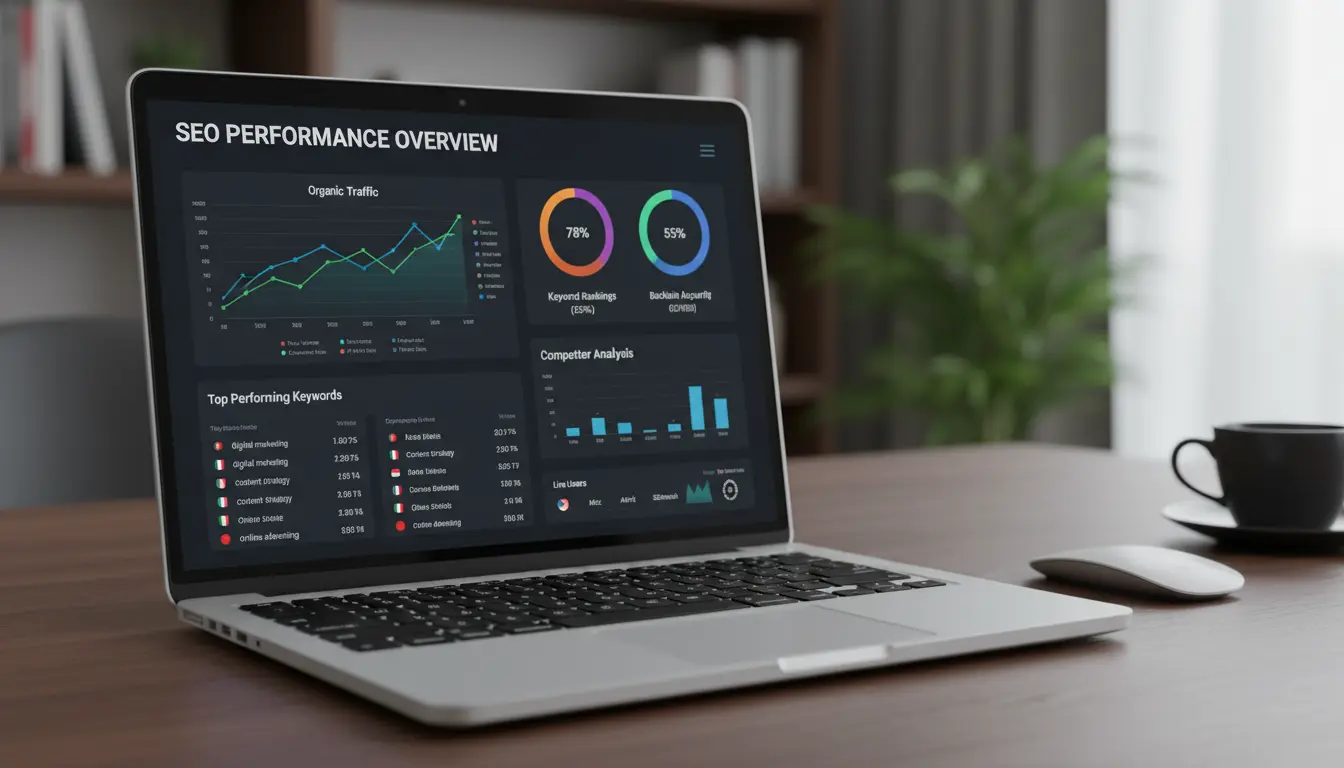
On-page SEO is the foundation of any search optimization effort. This guide gives a clear, practical On-Page SEO Checklist you can follow page by page to improve visibility and user experience.
What Is On-Page SEO?
On-Page SEO refers to the elements you control on a web page that affect search rankings. These elements include content, HTML tags, site structure, and performance.

Use this checklist to audit pages, prioritize fixes, and measure improvements. Each item below is actionable and measurable.
On-Page SEO Checklist: Quick Overview
Start with a quick pass over the following high-impact items. These changes typically deliver visible results within weeks.
- Title tag optimization
- Unique meta descriptions
- Header structure (H1, H2, H3)
- Content relevance and length
- URL structure and keywords
- Image alt text and compression
- Internal linking and anchor text
- Page speed and mobile usability
- Schema markup where appropriate
Detailed On-Page SEO Checklist
Title Tags — On-Page SEO Checklist
Write one descriptive title tag per page that includes the target keyword early. Keep the length between 50 and 60 characters to avoid truncation in search results.

Use a readable format: Primary Keyword – Secondary Phrase or Brand. Avoid keyword stuffing and duplicate titles across the site.
Meta Descriptions — On-Page SEO Checklist
Create unique meta descriptions for each page that summarize the content and include a call to action. Aim for 120–155 characters to maximize visibility.
While meta descriptions don’t directly affect rankings, they impact click-through rate (CTR), which can influence performance over time.
Header Tags and Content Structure

Use one H1 tag that contains the main keyword and logical H2/H3 headings to break content into scannable sections. Clear structure helps search engines and users.
Include relevant secondary keywords naturally in H2/H3 headings to cover related search queries.
Content Quality and Keyword Placement
Provide comprehensive, original content that answers user intent. Target a primary keyword and 3–5 related terms per page.
Place the primary keyword in the first 100 words and pepper related terms throughout headings and body content. Avoid over-optimization.
URL Structure and Keyword Use
Use short, descriptive URLs with the main keyword. Prefer hyphens and lowercase letters, and avoid dates or unnecessary parameters for evergreen content.
Example: /on-page-seo-checklist instead of /?p=12345 or /article-2026-03-07
Internal Linking Strategy
Link from high-authority pages to new or underperforming pages using relevant anchor text. Keep link depth shallow so important pages are no more than three clicks from the homepage.
Use internal links to distribute topical relevance and help crawlers discover content.
Image Optimization
Compress images to reduce file size and use descriptive filenames and alt attributes that include the target keyword when appropriate. Serve images in modern formats (WebP, AVIF) if possible.
Provide captions for complex visuals and ensure images have width and height attributes to avoid layout shifts.
Page Speed and Mobile Usability
Optimize core web vitals: reduce render-blocking resources, enable caching, and defer noncritical scripts. Mobile performance is critical since most searches are mobile-first.
Run tests with tools like Lighthouse and PageSpeed Insights, then prioritize fixes that impact Largest Contentful Paint (LCP) and Cumulative Layout Shift (CLS).
Schema Markup and Rich Results
Add schema where it helps: articles, products, FAQs, reviews, events. Proper schema increases the chance of rich snippets that improve CTR.
Use JSON-LD and validate markup with Google’s Rich Results Test.
Pages that include structured FAQ schema can see higher click-through rates without ranking changes. Rich snippets attract attention and often increase traffic.
On-Page SEO Checklist: Example Case Study
Case: A small local bakery implemented this On-Page SEO Checklist for their product pages. They optimized title tags, added descriptive meta descriptions, compressed images, and added schema for products.
Result: Over three months the bakery saw a 45% increase in organic traffic to product pages and a 20% rise in conversions from search. The biggest gains came from faster page loads and clearer product descriptions.
How to Run a Page Audit Using the Checklist
Run a short audit to apply the checklist efficiently. Use the following steps for each page on priority URLs.
- Check title tag and meta description for length and uniqueness.
- Scan headers and the first 100 words for keyword presence.
- Test page speed and mobile layout with Lighthouse.
- Verify images have alt text and are compressed.
- Confirm internal links and review schema markup.
Final Tips and Priorities
Prioritize pages that already get impressions but low CTR or pages that rank on page two. Small improvements there often produce the best ROI.
Track changes in Google Search Console and your analytics platform. Make one change at a time so you can measure impact accurately.
Use this On-Page SEO Checklist as a routine for new pages and a quarterly audit for older content. Consistent, practical improvements compound into measurable traffic and conversion gains.