
Why website page speed matters
Website page speed affects user experience, conversions, and search rankings. Slow pages drive visitors away and lower conversion rates.
Improving website page speed also reduces bandwidth and hosting costs over time. The following steps focus on measurable, practical changes.
Measure website page speed first

Start with tools that give actionable data. Use Google PageSpeed Insights, Lighthouse, or GTmetrix to find the biggest issues on your pages.
Document baseline metrics like First Contentful Paint (FCP), Largest Contentful Paint (LCP), Total Blocking Time (TBT), and overall load time before making changes.
Useful tools to test page speed
- Google PageSpeed Insights — shows lab and field data and optimization suggestions.
- Lighthouse (in Chrome DevTools) — offers audits for performance, accessibility, and best practices.
- GTmetrix — detailed waterfall and resource timing analysis.
- WebPageTest — advanced testing with multiple locations and connection throttling.
Server and hosting changes to improve website page speed
Server configuration often gives the largest gains with the least front-end work. Choose the right hosting and enable basic performance features.
Key server improvements
- Upgrade hosting if you are on overloaded shared servers; use VPS or managed hosting for consistent performance.
- Enable HTTP/2 or HTTP/3 to allow multiplexing and faster resource delivery.
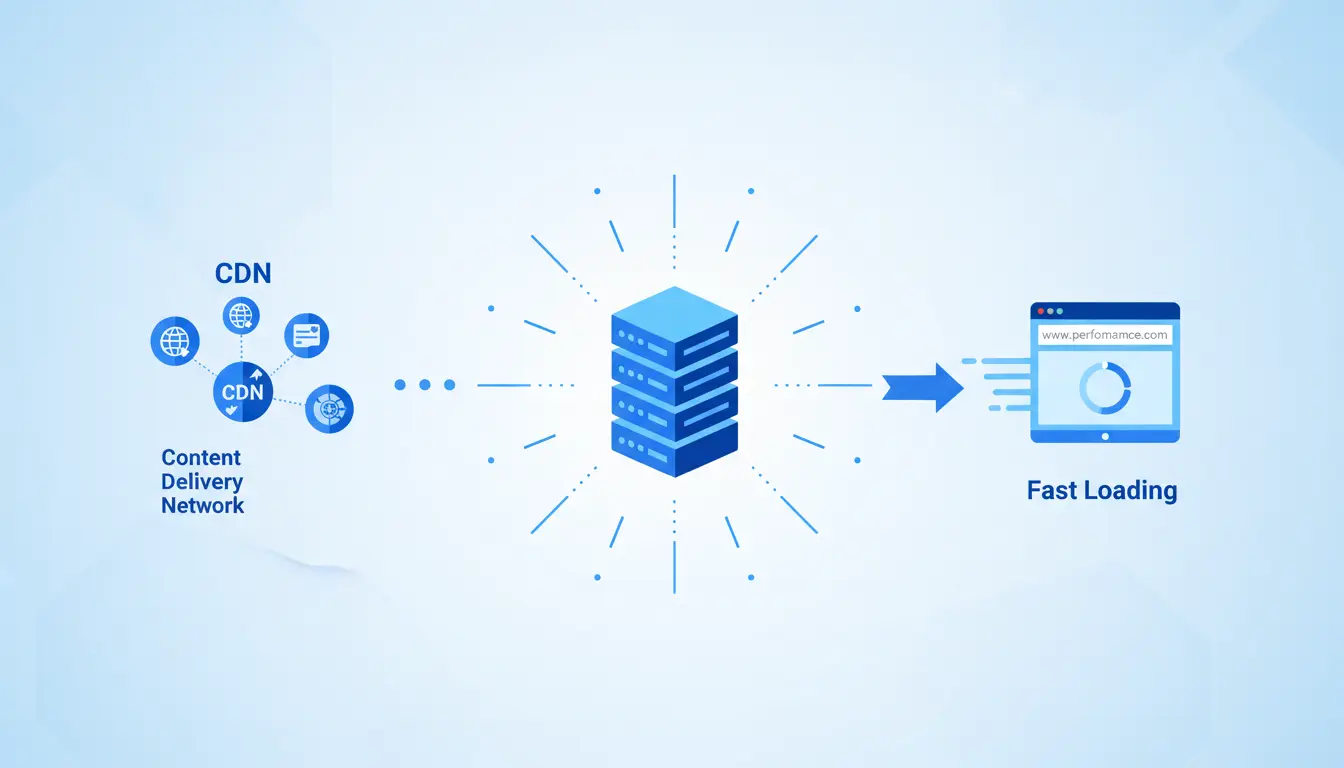
- Use a CDN to serve static assets from locations closer to users.
- Enable Gzip or Brotli compression for text-based assets like HTML, CSS, and JavaScript.
- Set proper cache headers and use server-side caching for dynamic pages.
Front-end optimizations to improve website page speed

Front-end code and assets are usually the next priority. Optimize images, scripts, and CSS to reduce render-blocking and payload size.
Practical front-end steps
- Optimize images: convert to modern formats (WebP, AVIF), resize to required display size, and compress without visible quality loss.
- Lazy-load below-the-fold images and iframes to delay loading until needed.
- Minify and combine CSS and JavaScript where appropriate to reduce requests and file size.
- Eliminate render-blocking resources by inlining critical CSS and deferring non-critical scripts.
- Limit third-party scripts such as excessive tracking pixels or widgets that add blocking time.
- Use font-display: swap and preload key fonts to avoid FOIT (flash of invisible text).
Technical tips and examples
Small changes often add up. Prioritize fixes that reduce Largest Contentful Paint and Total Blocking Time first.
Example checklist you can run through:
- Run a speed test and record key metrics.
- Enable compression and HTTP/2 on the server.
- Implement a CDN for static assets.
- Optimize and lazy-load images.
- Defer non-essential JavaScript and inline critical CSS.
- Audit third-party scripts and remove unnecessary ones.

Studies show that more than half of mobile visitors abandon a site that takes longer than three seconds to load. Faster pages improve engagement and conversions.
Small real-world case study
Case: A small e-commerce site took these steps to improve website page speed. Initial load time was 5.2 seconds on mobile.
- Switched to a managed hosting plan with HTTP/2 support.
- Added a CDN and enabled Brotli compression.
- Converted product images to WebP and implemented lazy loading.
- Deferred non-essential third-party scripts and inlined critical CSS.
Result: Mobile load time dropped to 1.9 seconds, LCP improved by 60 percent, and bounce rate on product pages fell by 18 percent over four weeks.
Maintenance and monitoring to keep speed optimized
Page speed is not a one-time task. Monitor performance after each major change or content update to catch regressions early.
Ongoing monitoring tips
- Set up periodic PageSpeed Insights or synthetic tests in WebPageTest.
- Track Core Web Vitals in Google Search Console and analytics tools.
- Automate build steps: image optimization, CSS/JS minification, and cache-busting during deployments.
Final checklist to improve website page speed
- Measure and record baseline performance.
- Implement server-level improvements: hosting, HTTP/2, compression, and CDN.
- Optimize images and front-end code: modern formats, lazy loading, minification, and critical CSS.
- Reduce third-party scripts and monitor Core Web Vitals regularly.
- Repeat tests and document improvements after each change.
Follow these steps to make measurable improvements in website page speed. Prioritize fixes that affect LCP and TBT first, and keep monitoring so performance gains persist over time.