
Why AI image prompts matter
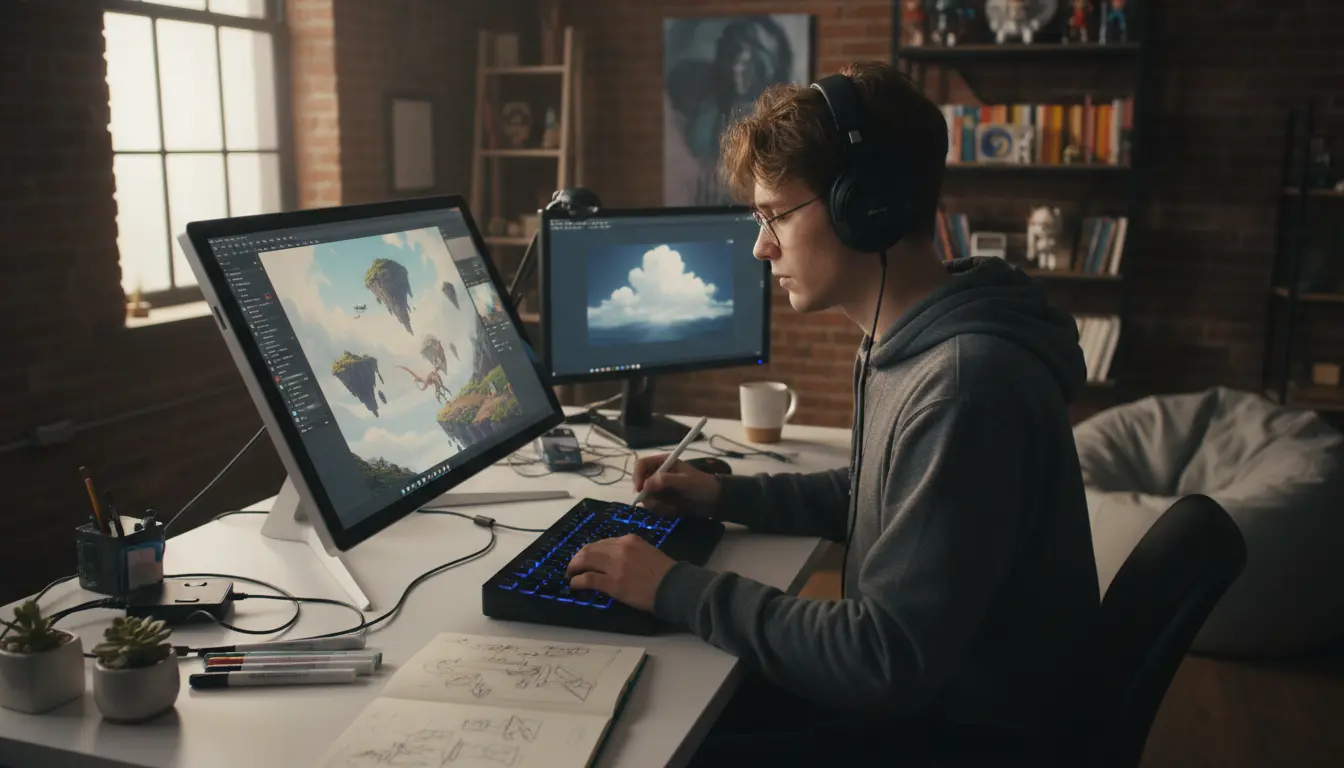
AI image prompts control how generative models interpret your idea. A clear prompt reduces guesswork and speeds results.
Understanding prompt structure lets you direct style, composition, color, and emotion. That makes the output useful for design, concept art, or content testing.
Core elements of effective AI image prompts
Use a few consistent parts when you write AI image prompts. These parts help models prioritize what matters.
- Subject: who or what is the main focus.
- Action or pose: what the subject is doing.
- Style and medium: photorealistic, watercolor, vector, etc.
- Lighting and mood: soft, dramatic, warm, cinematic.
- Details and constraints: camera angle, color palette, negative prompts.
Example structure for AI image prompts
Follow this short template when you write AI image prompts. It creates consistent, testable results.
- Subject + Action
- Style + Medium
- Lighting + Mood
- Key details or constraints
For example: young woman reading in a sunlit cafe, photorealistic, warm golden light, shallow depth of field, muted teal and brown palette.
Step by step: How to write AI image prompts
Start simple and refine. Begin with a short prompt, evaluate, then add details to solve problems you see in the output.
Step 1 Define the subject and action
Name the main subject and a clear action or pose. Keep it specific enough to guide the model but not overloaded with extras.
- Poor: person
- Better: middle aged man walking a dog on a city street
Step 2 Add style and medium
Choose the visual style you need. Mention photographic terms for realism or art styles for illustrations.
- Photorealistic, 35mm lens
- Flat vector illustration, bold colors
- Watercolor painting, soft washes
Step 3 Specify lighting and mood
Lighting changes the feel of an image. Name the time of day, light quality, and emotion.
Examples: golden hour backlight, harsh studio strobe, overcast soft light, moody cinematic contrast.
Step 4 Add concrete details and constraints
Include camera angle, composition rules, color palette, or items to avoid. Use negative prompts in systems that support them.
- Camera angle: low angle, bird eye view, close up
- Composition: rule of thirds, centered subject
- Constraints: no text, avoid logos, exclude extra people
Tips and practical rules for better prompts
Small changes often make a big difference. Use these practical rules when you write AI image prompts.
- Be specific but concise. Long rambling prompts can confuse the model.
- Start broad and iterate. Tighten details after the first pass.
- Use consistent vocabulary across attempts for comparability.
- Test one variable at a time, such as lighting or lens type.
Common prompt mistakes to avoid
Certain habits produce poor images more often. Watch for these errors when you write AI image prompts.
- Overloading the prompt with conflicting styles or too many adjectives.
- Using vague words like beautiful or interesting without examples.
- Forgetting composition instructions when the layout matters.
Real world example: quick case study
A freelance illustrator needed concept images for a children book. The first prompt was broad and returned inconsistent characters.
Iteration 1 prompt: child playing in forest. Results were varied and unfocused.
Iteration 2 prompt used refined guidance: child with red raincoat running along a mossy path, storybook watercolor, soft morning light, close up on face, muted greens and reds, no text. Results matched the book style and reduced revisions.
This example shows the value of adding style, color palette, and constraints when you write AI image prompts.
Quick prompt templates you can copy
Use these templates to speed up your workflow. Replace the bracketed parts with your own details.
- Photorealistic template: [subject], photorealistic, [lighting], [camera angle], [color palette], no text
- Illustration template: [subject], [art style], flat colors, clean lines, centered composition
- Concept art template: [subject], cinematic lighting, dramatic composition, high detail, widescreen aspect
Final checklist before generation
Run through this checklist each time you write AI image prompts to improve outcomes.
- Is the subject clear and specific?
- Have you set a style and medium?
- Did you define lighting and mood?
- Have you added constraints like no text or no logos?
- Are you ready to iterate after the first result?
Good prompts are a mix of clarity, restraint, and iteration. Use the templates and steps above to build repeatable results and refine quickly when outputs differ from your vision.