
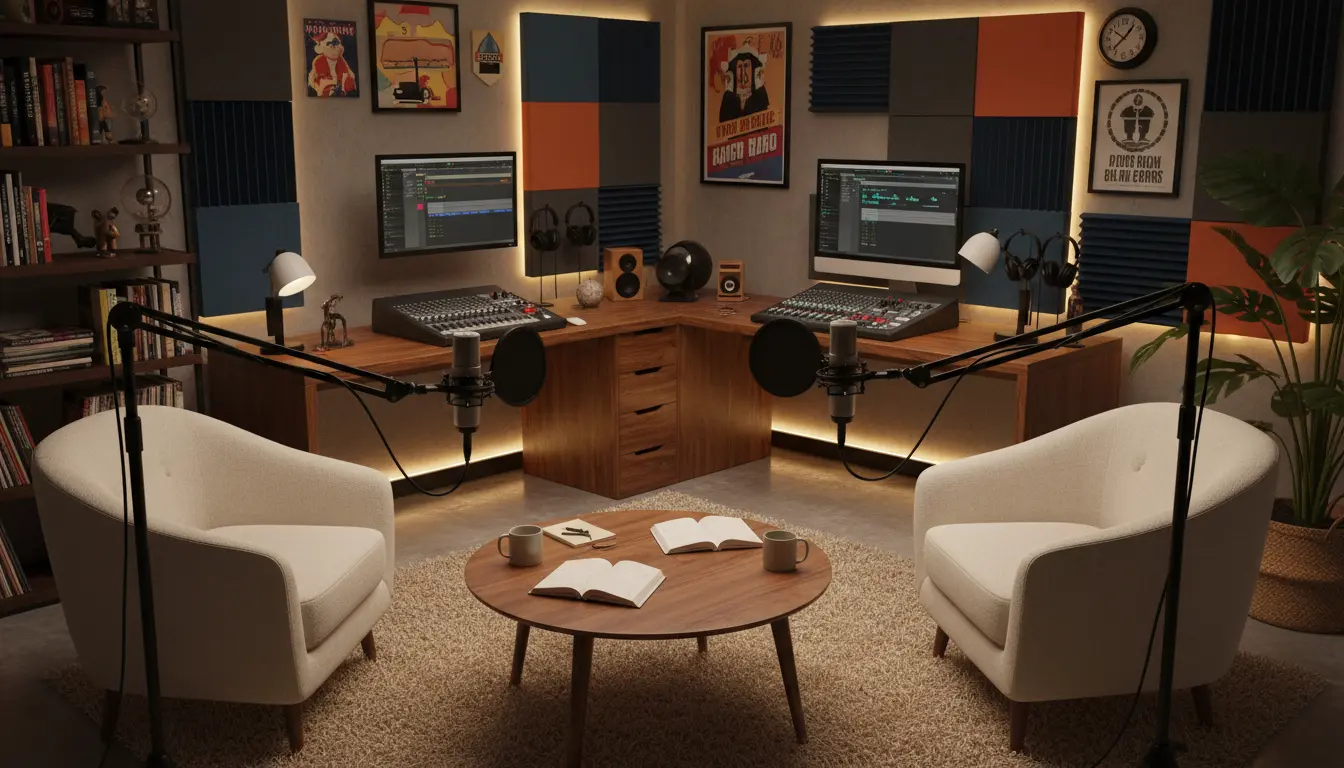
Overview: Why Start a Podcast
Podcasts let you reach an engaged audience with audio content that fits listeners’ routines. Starting a podcast is manageable with planning, basic gear, and a consistent process.
This guide covers practical steps you can follow to start a podcast, from idea to first episodes and promotion.
Plan Before You Start a Podcast

Clear planning reduces wasted time and helps you keep episodes focused. Decide your niche, audience, and episode format before buying equipment.
Key planning questions to answer:
- What is the central topic or niche?
- Who is your target listener?
- What episode length and frequency will you commit to?
- Will you host solo or invite guests?
Choose a Topic and Name
Pick a specific topic that you can cover consistently. A clearer niche helps with discoverability and listener retention.

Use a simple, descriptive podcast name that includes a keyword when natural. Keep it memorable and easy to spell.
Essential Gear and Software to Start a Podcast
You don’t need expensive gear to start. Focus on clear audio and a quiet recording space to give your show a professional feel.
Basic Equipment List
- USB microphone (recommended for beginners) or XLR mic for higher quality
- Headphones for monitoring
- Pop filter and a simple mic stand
- Quiet room with soft surfaces to reduce echo
Software for Recording and Editing
Free and low-cost tools are available that work well for beginners. Choose software you find comfortable and stick with it.
- Recording: Audacity (free), GarageBand (Mac), or a DAW like Reaper
- Remote interviews: Zoom, Riverside, or SquadCast
- Editing: the same DAW or simple editors with noise reduction and trimming tools
Record and Edit Your First Episodes
Good preparation makes recording smoother. Script or outline the episode to guide the flow and reduce editing time.
Use short segments and clear speaking. Aim for consistent volume and pacing across episodes.
Recording Tips
- Do a sound check and record a short test clip
- Keep mic distance consistent (6-12 inches is a good guide)
- Record in 24-bit or 16-bit WAV for better editing headroom
Editing Workflow
Edit for clarity: remove long pauses, filler words, and obvious mistakes. Add a short intro and outro to brand each episode.
Export at MP3 128–192 kbps for spoken-word content to balance quality and file size.
Host, Publish, and Distribute Your Podcast
Choose a podcast hosting provider to store your audio and provide an RSS feed. The RSS feed is what directories use to list your show.
Steps to Publish
- Sign up with a host (examples: Libsyn, Podbean, Anchor, Transistor)
- Upload your episode and add title, description, and episode artwork
- Submit your podcast RSS feed to directories: Apple Podcasts, Spotify, Google Podcasts
Promote and Grow Your Audience
Promotion is essential. Use multiple channels and be consistent with episodes to build a reliable listener base.
Practical Promotion Tips
- Share episodes on social media and relevant online communities
- Transcribe episodes or publish show notes for SEO benefits
- Cross-promote with similar podcasters and invite guests who share the episode
- Ask listeners to rate and review your show to improve visibility
Common Mistakes to Avoid When You Start a Podcast
- Starting without a content plan — inconsistent episodes confuse listeners
- Over-investing in expensive gear before learning basic production
- Neglecting audio quality and not testing recording levels
- Failing to promote episodes across platforms and communities
Small Case Study: Local History Podcast
Jane launched a weekly 20-minute podcast about her town’s history. She planned 12 episodes, interviewed two local historians, and used a USB mic and free editing software.
After three months she had 1,200 downloads and steady social engagement. Key factors were focused niche content, consistent weekly releases, and sharing episodes with local community groups.
Quick Checklist to Start a Podcast
- Define topic, audience, episode length, and format
- Buy or borrow a USB microphone and headphones
- Record 2–3 practice episodes and edit for a clean first release
- Choose a podcast host and submit to directories
- Promote consistently and collect listener feedback
Next Steps
Start with a short production schedule: plan four episodes, record two, and launch with at least two episodes live. This approach gives new listeners immediate content and reduces launch pressure.
Keep learning and iterating. Use listener feedback and download data to refine topics and improve audio quality over time.
Ready to start? Pick your first episode topic today and record a five-minute test clip to check sound and pacing.