
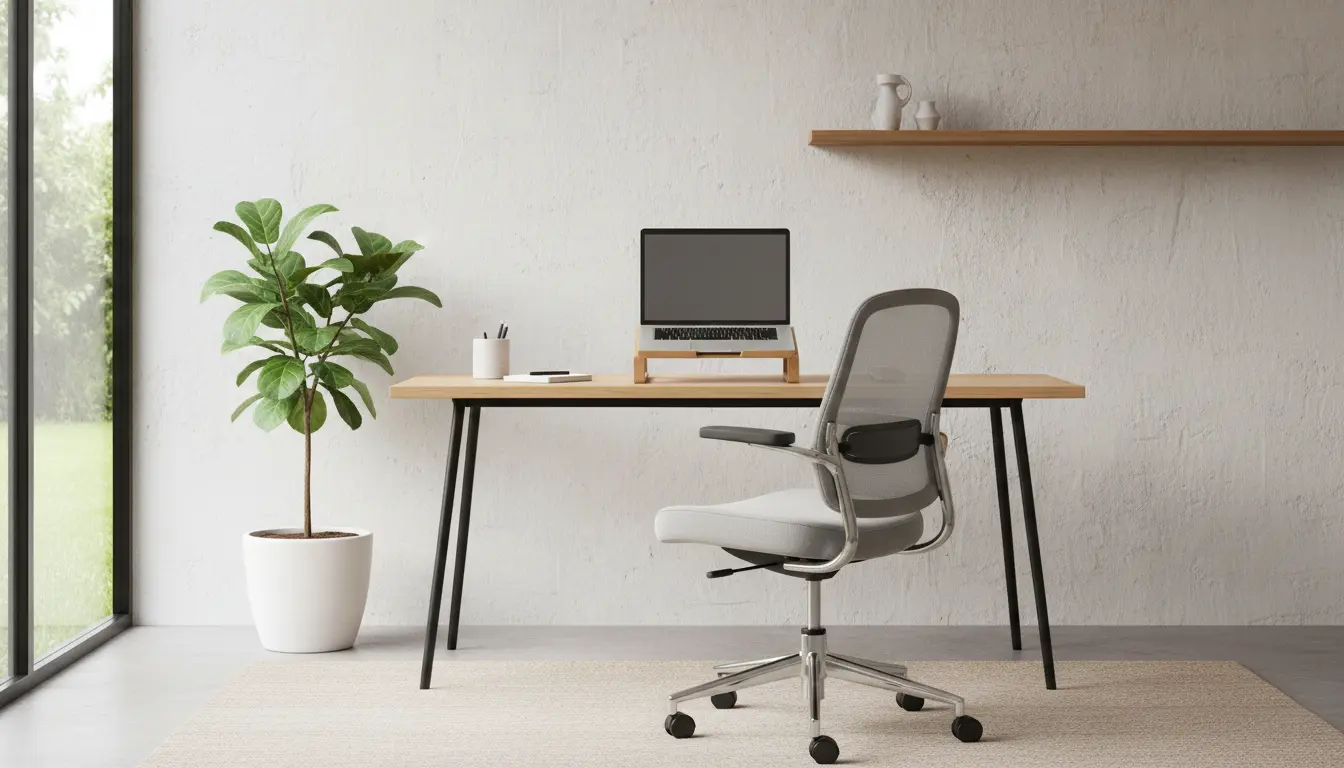
Plan Your Home Office for Remote Work
Setting up a home office for remote work begins with a clear plan. Decide your daily tasks, how much space you need, and the hours you’ll work.
Keep this initial plan simple to guide choices about location, furniture, and technology.
Choose the Right Location for a Home Office for Remote Work

Location is critical for focus and comfort. Look for a quiet corner, a spare room, or a dedicated area in a living space.
Avoid high-traffic areas and places with distractions during peak work hours.
Key location factors
- Natural light and window placement
- Proximity to power outlets and Wi-Fi router
- Noise levels and privacy needs
- Available storage for documents and supplies
Pick Functional Furniture and Layout
Good furniture improves comfort and productivity. Prioritize a desk and chair that fit your body and tasks.

Consider how you will place your monitor, keyboard, and other gear to reduce strain and clutter.
Furniture checklist for a home office setup
- Ergonomic chair with lumbar support
- Desk at elbow height or adjustable standing desk
- Monitor at eye level or a laptop stand with an external keyboard
- Simple storage: shelves, filing box, or drawers
Optimize Lighting and Acoustics in Your Home Office for Remote Work
Lighting affects energy and eye fatigue. Use a mix of natural light and task lighting to create an even environment.
Control glare on screens and use curtains or blinds if sunlight is too strong.
Simple lighting tips
- Place desk perpendicular to windows to reduce direct glare
- Use a warm desk lamp for late work to reduce blue light exposure
- Install a soft overhead light to fill shadows
Set Up Reliable Tech and Connectivity
Reliable internet and effective devices are essential when you work remotely. Start with a stable router and a clear plan for backups.
Invest where it matters: a quality headset, webcam, and a second monitor often produce big gains in productivity.
Essential tech for a home office
- High-speed internet and a router placed for best signal
- Laptop or desktop with enough RAM for your tasks
- External monitor, keyboard, and mouse
- Noise-cancelling headset for calls
- Surge protector and cable management
Ergonomics and Health When You Set Up a Home Office
Ergonomics prevents pain and keeps productivity steady. Align your workstation to fit your body rather than forcing your body to fit the desk.
Simple posture habits and micro-breaks make a big difference over time.
Daily ergonomics checklist
- Sit with feet flat and knees at roughly 90 degrees
- Keep monitor top at or slightly below eye level
- Use a document holder if you reference papers frequently
- Stand or stretch for 2–5 minutes every hour
Organize Workflow and Reduce Distractions
Design the office layout and routines for your work style. Use storage and visible schedules to keep tasks on track.
Establish clear start and end times and communicate boundaries with household members.
Tools and habits to stay focused
- Task manager or to-do list app for daily priorities
- Calendar blocks for meetings and deep work
- Noise apps or white noise machine for focus
- Minimal desktop and cable organization to reduce visual clutter
Small Case Study: Setting Up a Home Office for Remote Work
Maria, a project manager, converted a 9 ft by 7 ft spare bedroom into a home office. She followed three steps: choose location, invest in a chair and monitor, and set a routine.
Her setup included a second monitor, an ergonomic chair, and a small shelf for files. After two weeks she reported fewer neck aches and clearer focus during meetings.
Budget Tips When You Set Up a Home Office
You do not need to spend heavily to get a productive space. Prioritize purchases that reduce pain and improve connectivity first.
Look for secondhand desks or monitor arms, and delay decorative purchases until the essentials are working well.
Low-cost upgrades that matter
- Used ergonomic chair or lumbar support cushion
- Second-hand monitor or refurbished laptop
- Clip-on task lamp and inexpensive cable ties
Final Checklist to Set Up a Home Office for Remote Work
- Choose a quiet, well-lit location
- Buy ergonomic essentials: chair, desk, monitor height tools
- Ensure reliable internet and backup options
- Create storage and reduce clutter
- Set routines and communicate boundaries with others
Follow these steps to build a practical, comfortable home office for remote work. Start small, test changes, and improve your setup over time based on how you work.