
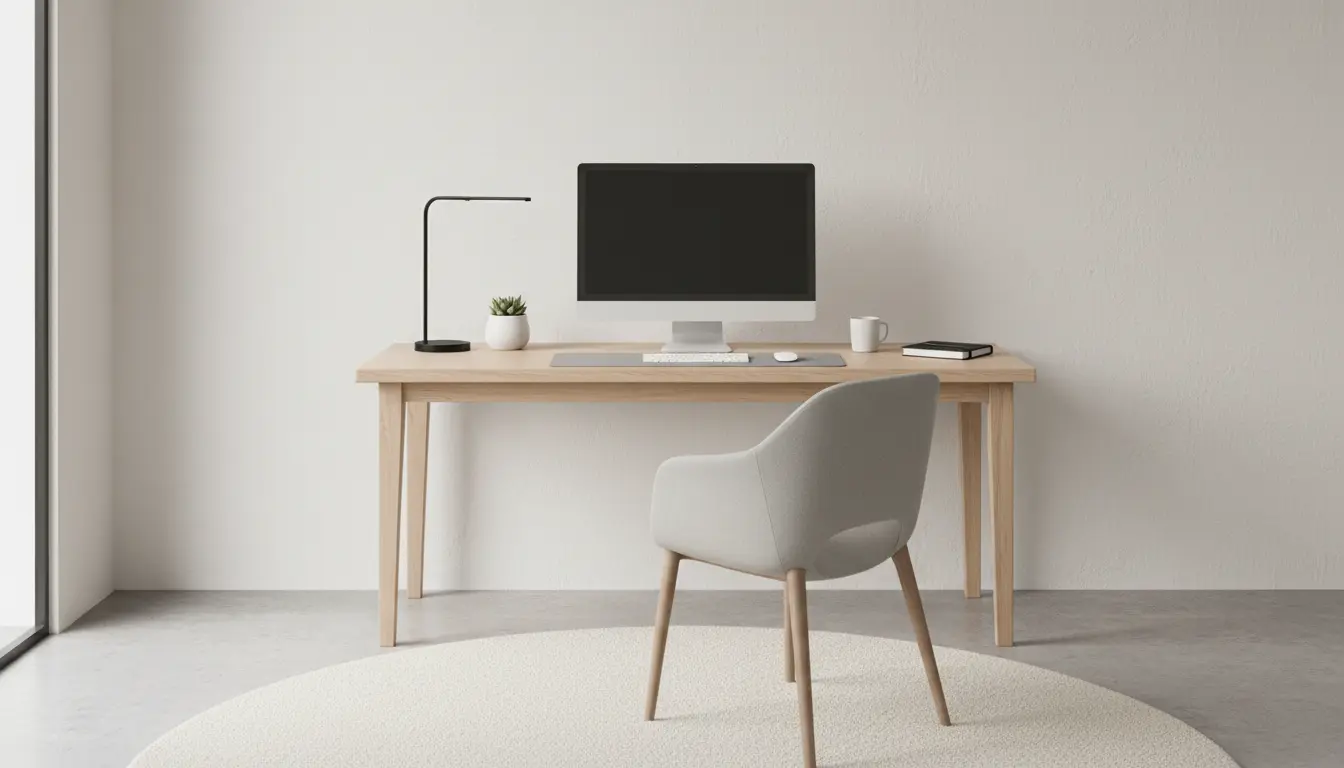
Plan Your Home Office Setup Before Buying
Start by planning where your home office will be and what you need it to do. Choose a location with enough space for a desk, chair, and storage, and consider privacy and proximity to household noise.
Identify your primary tasks, such as video meetings, focused writing, or design work. That determines equipment and layout priorities.
Define Goals for the Home Office Setup

Set clear, realistic goals for the space. Examples include reducing back pain, improving Zoom call quality, or limiting interruptions.
Write a short checklist of must-haves versus nice-to-haves to guide purchases and layout decisions.
Ergonomics and Furniture for a Healthy Setup
Ergonomics is central to a sustainable home office setup. An ergonomic arrangement reduces fatigue and boosts productivity over long workdays.
Desk and Chair Choices

Choose a desk height that keeps your forearms parallel to the floor while typing. Consider a sit-stand desk if you move frequently between sitting and standing.
Select an adjustable chair with lumbar support and armrests. Test chairs when possible or buy from retailers with easy returns.
- Desk: sturdy, size fits your monitor and accessories
- Chair: adjustable height and lumbar support
- Footrest: optional for better posture
Lighting and Visual Comfort in Your Home Office Setup
Good lighting reduces eye strain and improves mood. Combine natural light with task lighting for consistent results.
Practical Lighting Tips

Place your desk near a window when possible, but avoid direct glare on screens. Use a warm desk lamp for focused tasks and overhead lighting for general illumination.
Adjust monitor brightness to match ambient light and use blue-light filters during evening work sessions.
Tech and Connectivity Essentials
Reliable tech and connectivity are non-negotiable for an efficient home office setup. Prioritize internet speed, audio clarity, and ergonomic peripherals.
Must-Have Equipment
- High-speed internet: aim for at least 25 Mbps for video calls
- External monitor(s): increase screen real estate for multitasking
- Keyboard and mouse: ergonomic, wired or wireless based on preference
- Headset or microphone: improves call quality and reduces background noise
Keep cables tidy with simple organizers and label power adapters for easy troubleshooting.
Storage, Organization, and Workflow
A clutter-free workspace supports focus. Use storage solutions that match the amount of gear and paper you handle daily.
Organizational Strategies
- Use vertical storage: shelves and wall organizers save desk space
- Adopt a three-bin system: current, archive, and action items
- Digitize documents to reduce paper and simplify retrieval
Implement a weekly 10–15 minute tidy routine to keep desktop clutter from building up.
Boundaries, Routine, and Productivity Habits
Physical boundaries and consistent routines help separate work and personal life in the same space. Define start and stop times to reduce burnout.
Daily Habits That Support Your Home Office Setup
- Create a morning ritual to signal the start of work (e.g., coffee and a 5-minute task list)
- Use a calendar with blocking for focused work and breaks
- Set visual cues for availability (door sign, lamp on/off) if others share your space
Budget Options for a Practical Home Office Setup
You don’t need top-of-the-line gear to be productive. Focus spending on items that affect comfort and connectivity.
Priority Purchases
- Invest in a good chair before upgrading monitors
- Buy a quality headset if you attend frequent calls
- Look for refurbished monitors or desks to save money
Alternating between sitting and standing every 30 to 60 minutes can reduce back strain and improve circulation during long workdays.
Quick Maintenance Checklist for Your Home Office Setup
Regular upkeep keeps the workspace functional and comfortable. A short checklist prevents small issues from becoming distractions.
- Weekly: declutter desk, empty trash, wipe surfaces
- Monthly: update software, check cable connections, clean keyboard and screen
- Quarterly: test internet speed, reassess ergonomics, replace worn items
Real-World Example: Freelance Designer Case Study
Case: A freelance graphic designer moved from working at the kitchen table to a dedicated corner office. She prioritized an ergonomic chair and a 27-inch monitor.
Outcome: Within two weeks she reported reduced neck pain and a 20% increase in billable hours due to fewer interruptions and faster project switching. Small investments in a monitor arm and a noise-canceling headset improved workflow noticeably.
Final Steps to Complete Your Home Office Setup
Review your must-have checklist and set a modest budget. Buy essentials first, test the layout for a week, then iterate based on comfort and productivity.
Use the tips above to build a functional, comfortable home office setup that supports your work and well-being.