
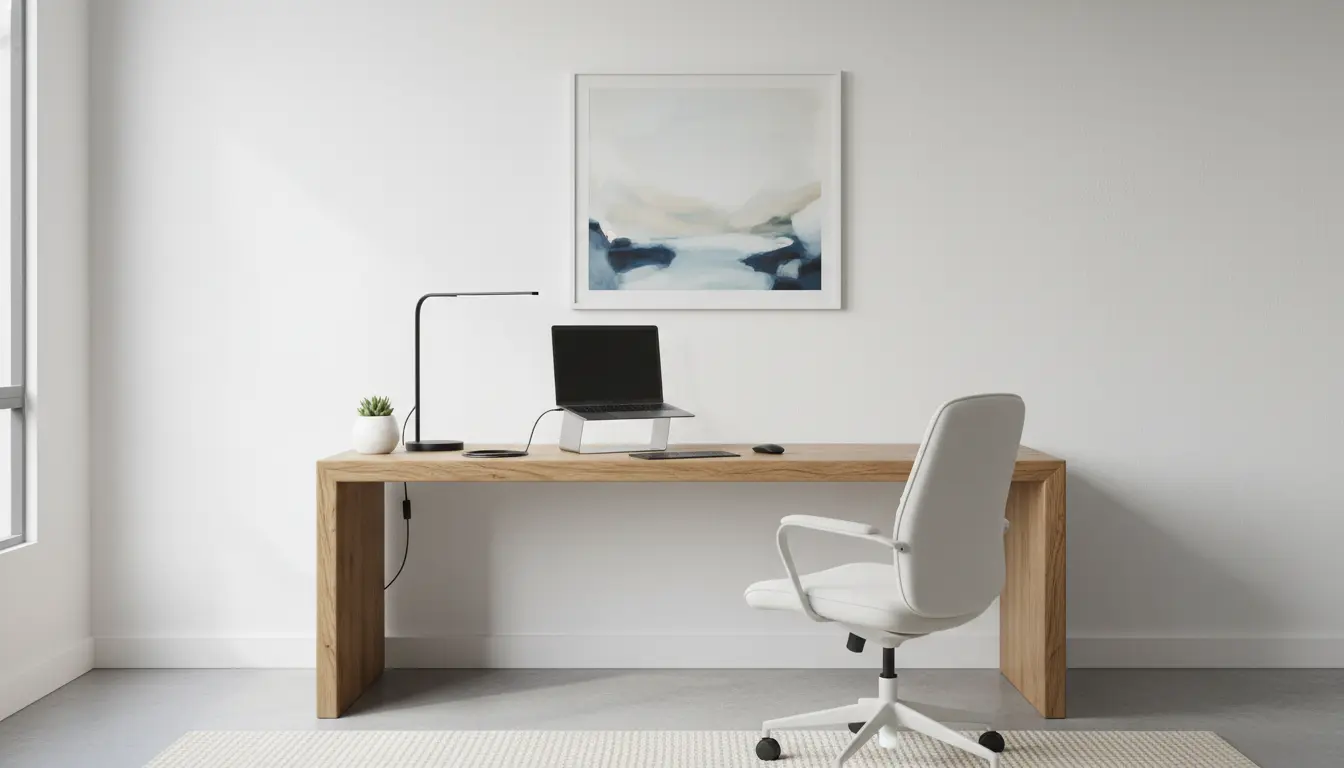
Why a good home workspace setup matters
A focused home workspace setup reduces distractions and supports consistent productivity. Small changes in layout, lighting, and routines can change how you work daily.
This guide gives practical, step-by-step advice you can apply in any room. Follow the checklist and examples to create a workspace that fits your tasks and schedule.
Start with the right location for your home workspace setup

Choose a spot that separates work from living space when possible. A corner in a quiet room or a dedicated desk near a window works well for most people.
Consider noise, traffic patterns, and natural light when choosing the location. If space is limited, use visual cues like a rug or shelving to define the area.
Checklist for choosing location
- Low foot traffic and noise
- Access to natural light or good task lighting
- Space for a monitor, laptop, and essential tools
- Nearby power outlets and cable management options
Lighting and visual setup in a home workspace setup
Proper lighting reduces eye strain and keeps you alert. Position your desk so natural light comes from the side rather than directly behind or in front of the screen.

Supplement with a desk lamp that offers neutral white light. Adjust screen brightness to match room lighting to prevent glare.
Lighting tips
- Use layered lighting: ambient plus task lights
- Choose a desk lamp with adjustable color temperature
- Use blinds or curtains to diffuse strong sunlight
Ergonomics for a productive home workspace setup
Ergonomics is key to comfort and long-term health. Aim for a desk and chair height that keeps your wrists neutral and your eyes level with the top third of the monitor.
If you work long hours, invest in an adjustable chair and consider a sit-stand desk. Small changes can reduce neck and back pain and improve concentration.
Ergonomic checklist
- Feet flat on the floor or on a footrest
- Elbows close to the body at a 90-degree angle
- Monitor at arm’s length, top third at eye level
- Frequent short breaks to stand and stretch
Tools and tech for an effective home workspace setup

Choose tools that match how you work. A second monitor can increase efficiency for many tasks, while noise-cancelling headphones help in noisy environments.
Keep the desk organized with minimal items: laptop, mouse, keyboard, notepad, and a pen. Clutter can reduce focus and slow task switching.
Recommended tools
- External keyboard and mouse for laptop users
- Monitor or laptop stand to fix screen height
- Cable organizers and a small desk tray for essentials
- Reliable internet and a simple backup like a phone hotspot
Routines, habits, and task management in your home workspace setup
Routines anchor your workday and signal transitions between work and personal time. Build a short morning ritual: tidy the desk, review your top three tasks, and set a timer for focused work blocks.
Use methods like time blocking or the Pomodoro technique to structure deep work and regular breaks. Consistency reinforces the mental boundary your workspace creates.
Simple daily routine example
- 08:45–09:00 — Desk setup and quick review
- 09:00–11:00 — Deep work block (two Pomodoros and a longer break)
- 11:15–12:00 — Meetings and email
- 13:00–15:00 — Second deep work block
Small case study: How one teacher improved focus
Maria, a middle-school teacher, converted a small corner of her bedroom into a dedicated workspace. She added a simple desk, an ergonomic chair, and a desk lamp.
With a clear routine and noise-cancelling headphones during grading, Maria reduced evening work time by 40%. The physical separation helped her switch off after work and improved sleep quality.
Common problems and quick fixes for your home workspace setup
If you feel distracted, try rearranging the desk to face away from high-traffic areas or add a room divider. If screen glare is an issue, reposition the monitor or adjust curtains.
When discomfort appears, pause work and check your posture. Small adjustments to chair height or monitor distance often resolve neck and wrist pain.
Quick fixes list
- Distractions: use a white-noise app or headphones
- Clutter: apply a 10-minute end-of-day tidy routine
- Poor lighting: add a daylight desk lamp
- Back pain: insert short standing breaks and do gentle stretches
Final checklist to set up your home workspace for productivity
- Choose a low-traffic, well-lit location
- Set up ergonomic seating and monitor placement
- Use minimal, reliable tools and organize cables
- Establish daily routines and focused work blocks
- Adjust lighting and take regular breaks
Setting up a productive home workspace is an iterative process. Start with the basics and refine tools, layout, and routines over time. Small, consistent improvements deliver the best long-term results.