
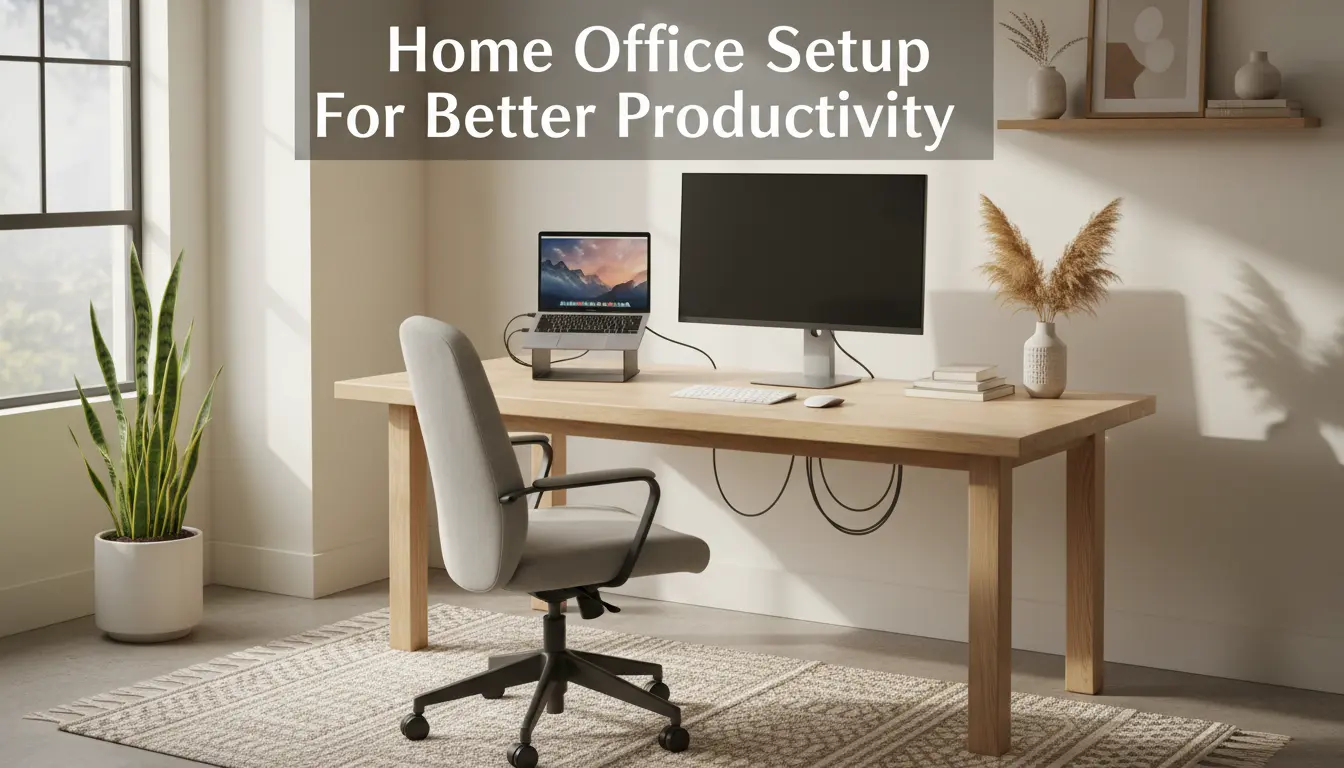
Home Office Setup Basics
Creating a functional home office setup starts with a clear goal: reduce distractions and support focused work. A basic plan helps you choose furniture, lighting, and tech that match daily tasks.
Begin by assessing how you work. Consider task types, meeting frequency, and storage needs before buying furniture or equipment.
Pick the Right Location for Home Office Setup

Choose a quiet spot with natural light and enough room for essential equipment. If space is limited, carve out a consistent area that signals work time.
Keep the location near power outlets and reliable Wi-Fi to avoid constant rearranging or extension cords across walkways.
Essential Furniture Choices
Select a desk and chair that fit your body and workflow. Prioritize a stable desk with enough surface area and an adjustable chair that supports your lower back.
Consider a sit-stand desk if you spend many hours seated. Even small adjustments to height can reduce fatigue and improve posture.
Lighting and Ergonomics for Home Office Setup
Good lighting and ergonomics prevent strain and maintain energy through the day. Combine natural light with adjustable task lighting for the best results.
Position monitors to avoid glare and keep your eyes level with the top third of the screen. This reduces neck strain and encourages upright posture.
Lighting Tips
- Place your desk perpendicular to windows to reduce direct glare on screens.
- Use a warm LED desk lamp with adjustable brightness for late hours.
- Ensure ambient lighting is bright enough to prevent eye fatigue but not harsh.
Ergonomic Setup Checklist
- Chair height: feet flat on the floor and knees at 90 degrees.
- Monitor: about an arm’s length away, top third at eye level.
- Keyboard and mouse: wrists neutral, forearms parallel to the floor.
- Document holder: same height as the monitor if you reference papers often.
Technology and Connectivity for Home Office Setup

Reliable technology reduces interruptions. Focus on a strong internet connection, a comfortable input setup, and backup options.
Invest in a quality headset or microphone for frequent calls and a secondary monitor if you multitask often.
Key Tech Recommendations
- Router with dual-band Wi-Fi and a strong signal in your workspace.
- Wired Ethernet when possible for stable video calls and large uploads.
- Noise-cancelling headset or USB microphone for clear audio.
- External SSD or cloud backup for regular file protection.
Simple Productivity Tools
- Task manager (e.g., Todoist, Microsoft To Do) for daily priorities.
- Calendar blocks for focused work and meeting buffers.
- Automation for repetitive tasks (email templates, scheduled backups).
Organization and Routines for Home Office Setup
Organization complements physical setup. A consistent routine and tidy workspace help maintain focus and reduce decision fatigue.
Adopt simple habits that make your workspace functional at the start of each workday.
Daily and Weekly Routines
- Start of day: clear desk, review priority list, open only needed apps.
- Midday: short movement breaks and quick reset of workspace if needed.
- End of day: file loose papers, backup work, and plan top three tasks for tomorrow.
Storage and Cable Management
Use shallow drawers or vertical shelving to keep frequently used items close. Label containers to speed retrieval of supplies.
Cable clips, a power strip with surge protection, and a simple tray under the desk reduce clutter and trip hazards.
Quick Home Office Setup Checklist
- Desk with sufficient surface area
- Ergonomic chair or lumbar support
- Proper monitor height and brightness settings
- Stable internet and backup solution
- Task lighting and natural light where possible
- Daily routines for beginning and end of day
Case Study: Small Changes, Big Results
Anna, a freelance graphic designer, struggled with back pain and missed deadlines. Her workspace was a small corner in the living room with a laptop on a low table.
She upgraded to a proper desk and ergonomic chair, added an external monitor, and moved the desk near a window for natural light. She also scheduled two 10-minute breaks daily to stand and stretch.
Within six weeks Anna reported 30% faster task completion and far less back discomfort. The clearer workspace and fixed routines reduced context switching and improved her focus.
Final Tips for a Practical Home Office Setup
Start with low-cost changes: adjust monitor height, improve lighting, and declutter your desk. Test one change at a time to measure impact on comfort and productivity.
Keep improvements incremental. Over time, small optimizations add up to a workspace that supports sustained, comfortable work.