
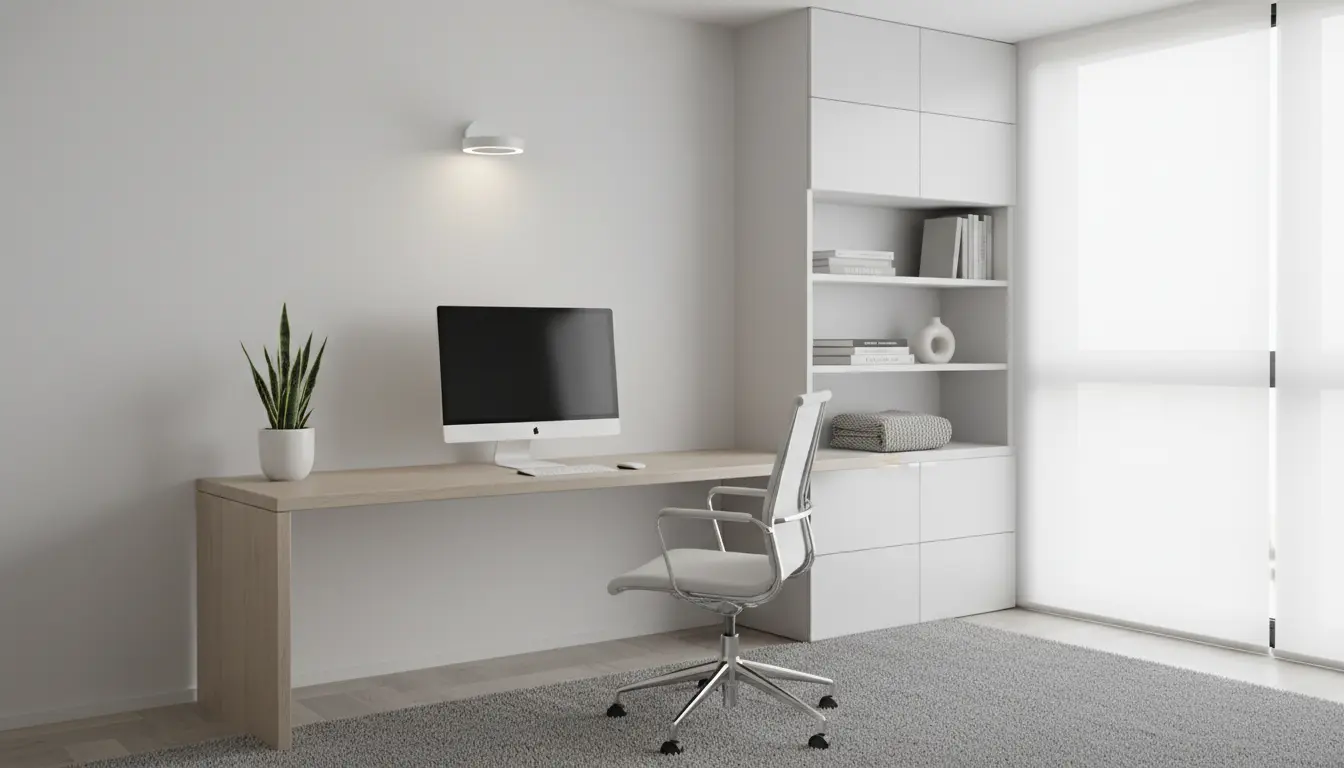
Why a focused home office setup matters
Designing a home office setup for productivity reduces distractions and physical strain. A deliberate setup helps you maintain a clear boundary between work and personal time.
This article gives practical, actionable steps to improve comfort, focus, and daily efficiency at home. Apply the changes gradually to find what works for your routine.
Home Office Setup for Productivity: Basic principles

Start with three core principles: comfort, light, and organization. Each principle addresses a different cause of lost time and energy.
Comfort reduces physical fatigue, proper light reduces eye strain, and organization eliminates time wasted hunting for tools or documents.
Comfort and ergonomics in a Home Office Setup for Productivity
Ergonomics is the backbone of a productive workspace. A poor setup can cause neck, back, and wrist pain that lowers output.

Adjust your chair, desk, and monitor so your posture is neutral. Your feet should rest flat, elbows at 90 degrees, and the top of the monitor at or slightly below eye level.
- Chair: Lumbar support and adjustable height.
- Desk: Enough depth for keyboard and monitor at a comfortable distance (about an arm’s length).
- Keyboard and mouse: Keep them close and parallel to your body.
Lighting in a Home Office Setup for Productivity
Good lighting reduces eye strain and boosts alertness. Natural light is ideal, but it should be balanced to avoid glare on screens.
Combine ambient light with task lighting. Place a desk lamp to the side opposite your dominant hand to minimize shadows while writing.
Tools and gear that improve productivity
You do not need expensive gear to be productive. Choose tools that support your work style and reduce friction.
Focus on three categories: display, input, and audio. Clear audio and a comfortable input method cut frustration during long sessions.
- Display: One large monitor or two smaller monitors can speed multitasking.
- Input: Ergonomic keyboard and mouse reduce strain; consider a trackpad or vertical mouse if you have wrist issues.
- Audio: Headphones with a microphone and noise cancellation help in noisy environments.
Home Office Setup for Productivity: Organization and layout
An organized layout reduces decision fatigue and makes deep work easier. Keep most-used items within arm’s reach and archive infrequent items.
Use vertical storage and cable management to free desk space. A clear surface helps maintain focus and signals a work mindset.
Daily layout checklist
- Clear desk except for current project materials.
- Water bottle and a small lamp within reach.
- A dedicated place for phone and notepad.
Routines and habits for a home office setup
Routines turn a physical setup into consistent results. Start and end your day with short rituals to create mental boundaries.
Use time-blocking and regular breaks. The Pomodoro method (25 minutes work, 5 minutes break) is a simple starting point for sustained focus.
- Begin with a 5-minute plan: list the top 3 priorities.
- Take micro-breaks every hour to stand, stretch, or look away from the screen.
- End with a 10-minute tidy and a short review of accomplishments.
Small changes with big impact
Some low-cost changes yield large benefits. Swap a poor chair for a supportive seat, move your desk near a window, or add a task lamp.
Software changes also matter: declutter your desktop, disable nonessential notifications, and set focused work playlists if music helps you concentrate.
Example improvements
- Replace fluorescent lighting with warm LED bulbs to reduce headaches.
- Use a laptop stand and external keyboard to correct neck posture.
- Adopt cloud storage with clear folder names for faster file retrieval.
A study from Cornell University found that small improvements in thermal comfort and lighting can boost worker productivity by up to 6 percent. Small environmental changes add up.
Case study: A freelance designer’s simple upgrade
Emma, a freelance designer, struggled with neck pain and frequent midday fatigue. She worked from a small dining table with her laptop on a low stand.
Over two weeks she moved to a small desk, bought an adjustable chair, and added a monitor. She also shifted her desk to face a window for daylight.
Results: her daily focused work time increased from four to six hours, neck pain decreased, and client delivery times improved. The cost was under $400 for the chair and monitor setup.
Checklist to set up your home office for productivity
- Ergonomics: Chair, monitor height, keyboard placement.
- Lighting: Natural light, task lamp, reduce glare.
- Organization: Clear surface, vertical storage, cable management.
- Tools: Reliable internet, quality audio, comfortable input devices.
- Routines: Start/end rituals, scheduled breaks, time-blocking.
Final notes on maintaining a productive setup
Test changes for one to two weeks to see measurable differences. Keep the adjustments incremental and consider comfort as the first priority.
Document what improves your focus and build a repeatable setup you can recreate in different locations. Consistency in environment and habit drives sustained productivity.