
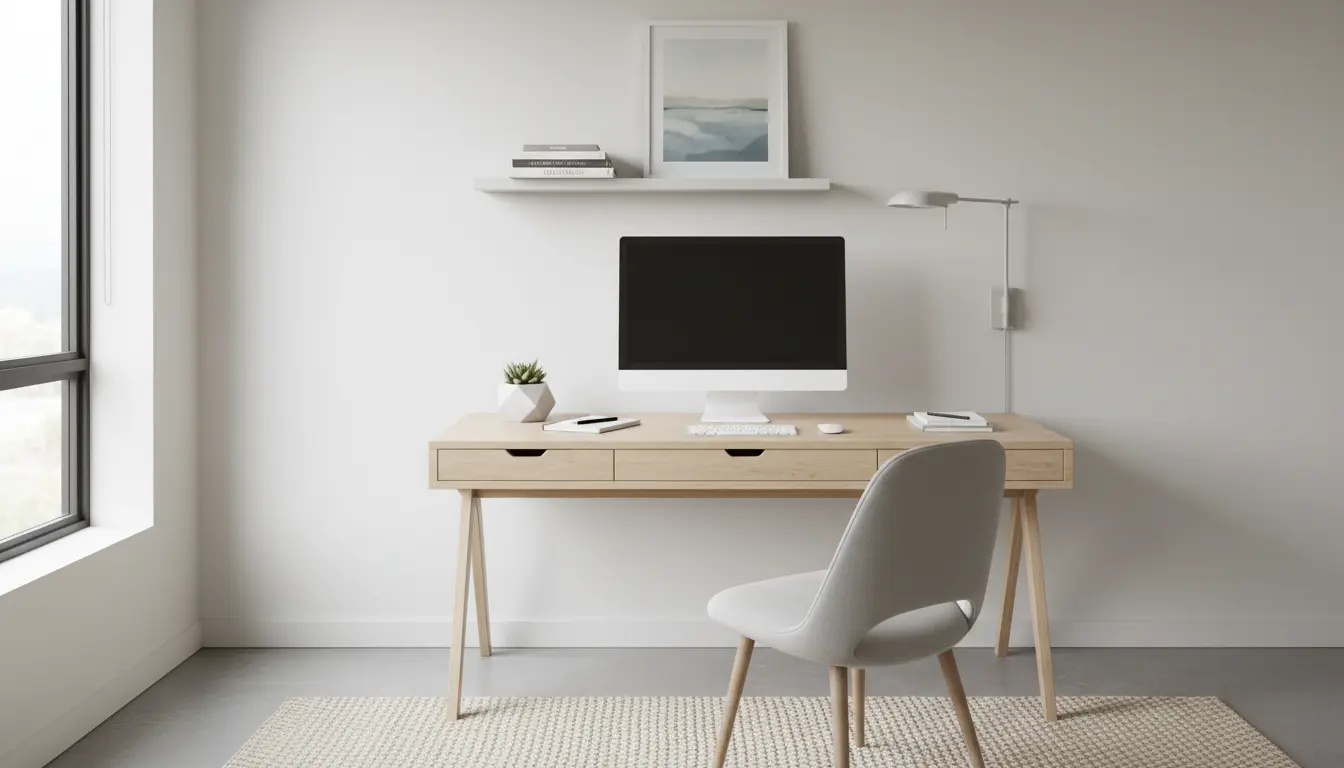
Home Office Setup Essentials
Setting up a home office is about more than a desk and a laptop. A thoughtful layout improves comfort, reduces fatigue, and helps you focus for longer stretches.
This guide covers practical steps you can apply in small and large spaces, with budget and premium options.
Home Office Setup Ergonomics
Ergonomics is the foundation of a sustainable home office setup. Start by arranging your desk, chair, and monitor to reduce strain.
Chair and desk placement
Choose a chair with good lumbar support and adjustable height. Your feet should rest flat on the floor and knees should be at roughly 90 degrees.
Your desk height should allow your forearms to be parallel to the floor while typing. If the desk is too high or low, use a keyboard tray or an adjustable chair.
Monitor and posture

Place the top of the monitor at or slightly below eye level and about an arm’s length away. This reduces neck and eye strain during long work sessions.
If you use a laptop, add a stand and external keyboard to maintain correct posture.
Home Office Setup Lighting and Sound
Lighting and acoustics affect comfort and call quality. Good lighting prevents eye strain and makes you look clearer on video calls.
Natural and artificial light
- Position your desk so windows provide side or front lighting, not direct backlight during video calls.
- Use a neutral color temperature lamp for desk tasks. A dimmable lamp gives control over brightness.
- Reduce glare with blinds, curtains, or an anti glare monitor screen when needed.
Controlling sound

Soft surfaces like rugs and curtains reduce echo. If you take many calls, consider a directional microphone or a small desktop acoustic panel.
Home Office Setup Equipment Checklist
Use this checklist to prioritize purchases for performance and comfort. Start with what affects health first, then add productivity items.
- Ergonomic chair
- Appropriate desk or standing desk converter
- External keyboard and mouse for laptop users
- Monitor or dual monitors if your work needs multiple windows
- Quality headset or microphone for calls
- Surge protector and reliable router
Home Office Setup Cable Management and Storage
Cluttered cables and supplies create friction and reduce focus. Simple organization improves daily efficiency.
Easy cable solutions
- Use cable clips and a power strip mounted under the desk
- Label chargers and cables for quick identification
- Bundle excess cable length with Velcro ties
Storage ideas
Keep frequently used items within arm reach. Use drawers or wall shelves to free desk surface area.
Adopt a weekly tidy habit to remove paper piles and unneeded items.
Home Office Setup for Different Budgets
You do not need expensive gear to improve productivity. Small changes deliver a big return on comfort.
- Under 100 dollars: ergonomic seat cushion, laptop stand, desk lamp, basic headset
- 100 to 500 dollars: adjustable chair, external monitor, better lighting, quality keyboard
- 500 dollars and up: standing desk, dual monitors, premium ergonomic chair, acoustic treatment
Home Office Setup Habits and Routine
Designing the space is only half the work. Build routines that use the space effectively and protect mental energy.
- Set defined work hours and a daily start routine
- Take short microbreaks every 45 to 60 minutes to move and rest your eyes
- Create a shutdown ritual to separate work from personal time
Case Study: Home Office Setup in Practice
Maria is a graphic designer who moved to full time remote work. Her small apartment had one spare corner for a desk.
She started with a secondhand task chair, a laptop stand, and an external keyboard. She placed the desk near a window and added a dimmable lamp for evenings.
Within two weeks, Maria noticed less neck pain and fewer interruptions in focus. She later added a monitor and a simple shelf for supplies. Her daily output increased and client calls were clearer thanks to a small USB microphone.
Quick Setup Checklist to Follow Today
- Adjust chair and monitor height for posture
- Improve lighting to reduce glare and shadows
- Organize cables and clear desk surface
- Set a start and stop routine for work hours
- Test audio and internet before important calls
Use this guide as a living checklist. Small, consistent improvements to your home office setup will compound into better comfort and higher productivity over time.