
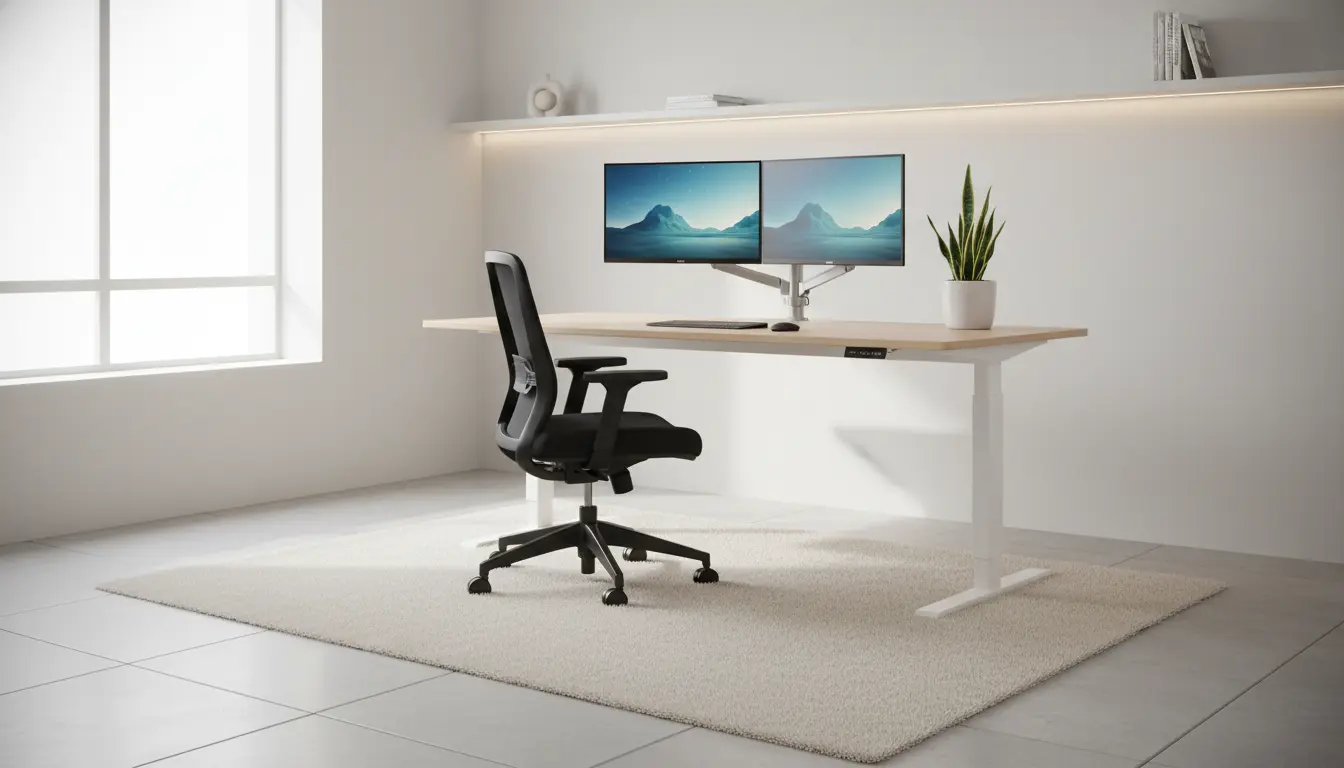
Home Office Ergonomics Basics
Home office ergonomics means arranging your workspace to fit your body and tasks. The goal is to reduce strain and keep you comfortable for long work sessions.
Good ergonomics prevents neck, shoulder, and back pain and can improve focus and productivity. Small changes often make the biggest difference.
Setting Up Your Desk for Home Office Ergonomics

Start with the three main touchpoints: chair, desk, and monitor. Each element should support a neutral, relaxed posture.
Chair Height and Posture
Adjust your chair so your feet rest flat on the floor and your knees are at about a 90-degree angle. Your hips should be slightly higher than your knees for better lumbar support.
Use the chair’s lumbar support or add a small cushion behind your lower back. Keep your shoulders relaxed and avoid leaning forward for long periods.
Monitor and Keyboard Placement

Place the top of the monitor at or slightly below eye level. The screen should be about an arm’s length away to reduce eye strain.
Position the keyboard so your forearms are parallel to the floor and your wrists are straight. Use a compact keyboard or a keyboard tray if the desk is too high.
Daily Habits for Better Home Office Ergonomics
Even the best setup needs supportive habits. Schedule small breaks and move regularly to avoid stiffness.
- Take a 60-second microbreak every 20–30 minutes to stretch or stand.
- Follow the 20-20-20 rule for eyes: every 20 minutes, look at something 20 feet away for 20 seconds.
- Alternate sitting and standing if you have a height-adjustable desk.
Simple Stretching Routine

Perform gentle neck, shoulder, and wrist stretches twice a day. Hold each stretch for 15–30 seconds without bouncing.
Example routine:
- Neck tilt left and right
- Shoulder rolls forward and backward
- Wrist flexion and extension
Simple Adjustments and Tools for Home Office Ergonomics
You don’t need expensive gear to improve ergonomics. A few tools and adjustments go a long way.
- Footrest: Useful if your feet don’t reach the floor.
- Separate mouse and keyboard: Keeps wrists neutral and reduces strain.
- Monitor stand or books: Raises the monitor to eye level cheaply.
- Seat cushion or lumbar roll: Adds lower back support if your chair lacks it.
- Document holder: Places reference papers at screen height to avoid repeated neck movements.
Ergonomic Examples and Adjustments
Here are practical examples of common problems and quick fixes to improve home office ergonomics.
- If your shoulders feel tight, move the mouse closer and reduce desk clutter to keep your arm near your body.
- If your lower back hurts, check seat depth. Use a lumbar roll or move the seat forward to support your lower spine.
- If you look down at your laptop, add a separate keyboard and raise the laptop on a stand to align the screen with your eyes.
Case Study: A Simple Home Office Ergonomics Fix
Maria is a remote customer support specialist who had chronic neck stiffness after long shifts. Her desk had a laptop flat on the surface and an office chair with no lumbar support.
She raised her laptop on a stand, added a separate keyboard and mouse, and placed a small lumbar cushion behind her lower back. She also set a timer to stand for two minutes every 30 minutes.
Within two weeks Maria reported less neck pain and fewer headaches. Her focus improved, and she felt less fatigued at the end of the workday.
Final Checklist for Home Office Ergonomics
Use this checklist to verify your setup and daily routine. Regular checks keep small issues from becoming chronic problems.
- Chair height allows feet flat on the floor with knees at about 90 degrees.
- Lower back is supported by the chair or a lumbar roll.
- Top of monitor is at or slightly below eye level and about an arm’s length away.
- Keyboard and mouse are positioned so forearms are parallel to the floor and wrists stay straight.
- Microbreaks and stretching are scheduled into the day.
- If using a laptop, consider a stand and external keyboard to maintain proper screen height.
Conclusion: Maintain Your Home Office Ergonomics
Home office ergonomics is an ongoing practice, not a one-time project. Small, consistent adjustments protect your body and improve comfort.
Check your setup monthly, listen to your body, and make simple changes as tasks or equipment change. Comfort supports better work and a healthier routine.