
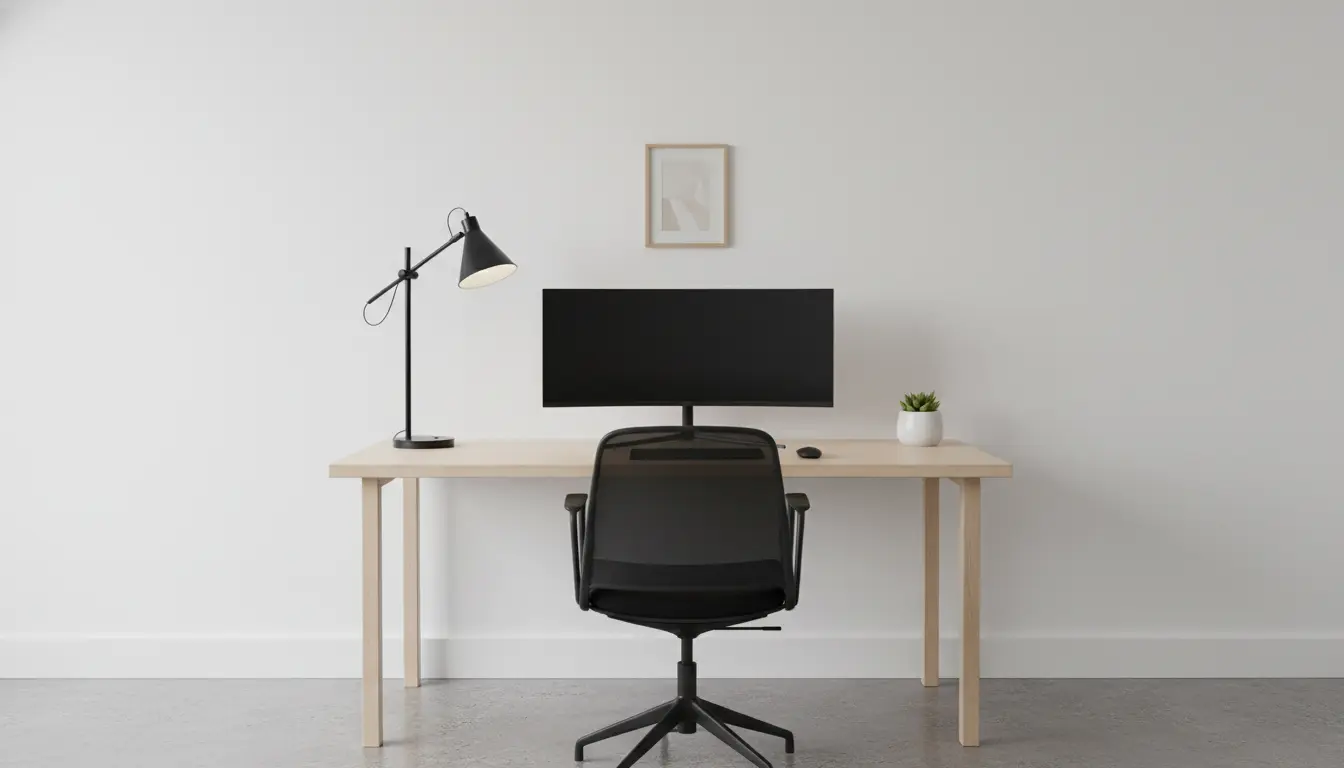
Start by Defining Your Home Office on a Budget
Before buying anything, decide what tasks you will do in the space. Knowing whether you need video calls, drawing space, or simple computer work guides every purchase.
Measure the available area and set a realistic budget. A clear scope keeps spending focused and avoids impulse buys.
Plan Layout and Ergonomics for a Home Office

Good layout improves comfort and productivity without costing much. Place your desk near natural light to reduce eye strain and improve mood.
Prioritize ergonomics: an adjustable chair, monitor at eye level, and a keyboard at elbow height make a big difference. You can often find budget-friendly, ergonomic options secondhand.
Essential Ergonomic Items on a Budget
- Chair: look for lumbar support and height adjustment.
- Monitor riser: use a stack of books or a low-cost stand.
- Keyboard and mouse: pick comfortable shapes; wired options are usually cheaper.
- Desk: a simple table or repurposed dining table can work well.
Choose Cost-Effective Furniture and Desks
You don’t need designer furniture to create an effective home office. Focus on functional items that fit your workflow and budget.

Consider these budget furniture strategies to build your home office:
- Repurpose existing furniture like kitchen tables or dresser tops as desks.
- Shop secondhand marketplaces, thrift stores, and office liquidations.
- Assemble simple flat-pack desks; they are affordable and space-efficient.
- Use shelving units for storage instead of closed cabinets to save money.
Smart Tech Choices for a Home Office on a Budget
Invest where it matters: a reliable internet connection and a dependable computer are worth prioritizing. For peripherals, balance cost and comfort.
Look for refurbished or previous-generation devices to save hundreds while keeping performance acceptable.
Budget Tech Checklist
- Router upgrade or Ethernet connection for stable video calls.
- Refurbished laptop or desktop with adequate RAM (8–16GB) and SSD storage.
- Basic webcam and headset for clear calls; wired headsets are cheaper.
- Surge protector and cable organizer to keep the workspace tidy and safe.
Storage, Lighting, and Small Accessories
Small details improve usability and reduce long-term costs. Good lighting, organized cables, and accessible storage create an efficient space.
Budget-friendly upgrades include LED desk lamps, under-desk hooks for bags, and stackable bins for documents.
Low-Cost Storage and Lighting Ideas
- Use wall-mounted shelves or pegboards to free desk space.
- Label boxes and drawers for quick retrieval of items.
- Swap incandescent bulbs for LED daylight bulbs to save energy.
- Add a small plant to improve air quality and reduce stress.
Improve Acoustics and Privacy Without Major Expense
Noise and distractions can reduce productivity. You can improve privacy and sound with cheap materials and simple rearrangements.
Rugs, curtains, and bookshelves absorb sound. Place your desk facing the wall if you need fewer visual distractions during calls.
Maintenance and Future-Proofing Your Home Office
Choose items that are durable or easy to repair. Keep spare parts like cables and adapters on hand to avoid downtime.
Re-evaluate your setup every six months. Small iterative upgrades often cost less than a single, large overhaul.
Budgeting Tips and Money-Saving Strategies
Set a total budget and allocate it across categories: furniture, tech, lighting, and accessories. Prioritize spending on items that affect comfort and productivity the most.
- Buy used or refurbished for big-ticket items.
- Wait for sales like back-to-school or holiday discounts for electronics.
- Bundle purchases to qualify for free shipping or discounts.
Small Real-World Case Study: A Home Office Built for 350
Maria, a freelance editor, converted a corner of her living room into a home office for $350. She used a secondhand table ($50), a refurbished laptop ($200), a budget chair ($50), and small accessories ($50).
Her priorities were an ergonomic chair, stable internet, and a clutter-free desk. Within two weeks she reported fewer backaches and more consistent work hours.
Final Checklist: Building a Home Office on a Budget
Use this quick checklist before you finish your setup. It keeps purchases purposeful and aligned with your budget goals.
- Measured space and defined tasks
- Prioritized ergonomics and comfort
- Secured stable internet and reliable tech
- Focused on storage, lighting, and acoustics
- Planned for future small upgrades
Creating an effective home office on a budget is about choices, not cost. Thoughtful prioritization and small, strategic investments deliver a comfortable, productive workspace without overspending.