
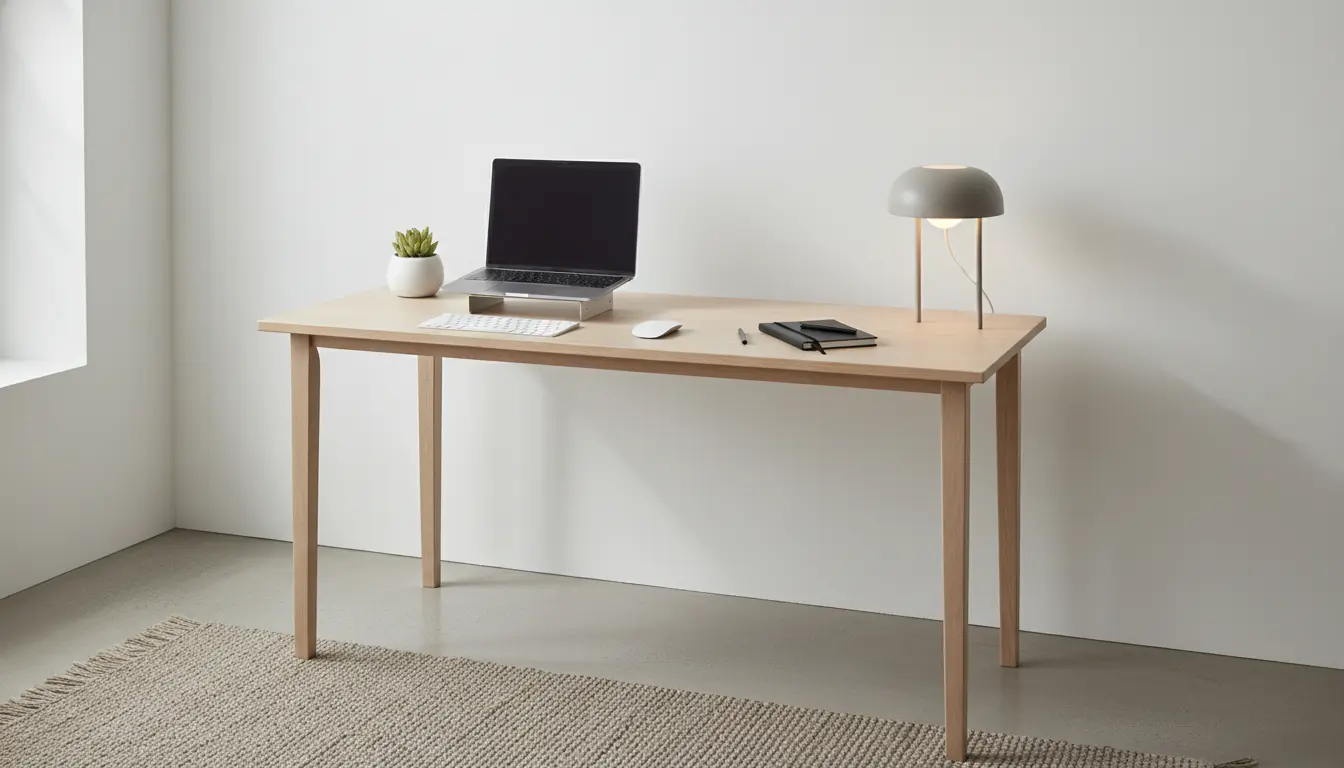
Setting up a home office desk should be intentional and practical. A sensible layout reduces discomfort and distractions so you can focus on work.
Plan your home office desk setup
Start by defining how you use the desk. Are you writing, coding, video calling, or sketching? Knowing primary tasks helps choose the right furniture and tools.
Measure the room and the desk area before buying anything. Clear dimensions prevent last-minute returns and poor fits.
Choose the right desk and location
Pick a desk that supports your work style: standing desks for movement, wide desks for multiple monitors, or compact desks for small rooms.
Locate the desk near a power source and with good natural light when possible. Place monitors at arm’s length and slightly below eye level.
Ergonomics for a better home office desk setup
Ergonomics reduce strain and fatigue. Proper posture and equipment placement are essential for long-term comfort.
Basic ergonomic checklist
- Chair with lumbar support and adjustable height.
- Monitor top at or slightly below eye level.
- Keyboard and mouse at elbow height with relaxed shoulders.
- Feet flat on the floor or on a footrest.
Small adjustments that matter
Raise the monitor using a stand or a stack of books if needed. Use an external keyboard and mouse for laptops to maintain neutral wrist posture.
Set a timer to take a 2-3 minute break every 30-45 minutes to reduce eye and muscle strain.
Lighting and visual comfort in your home office desk setup
Good lighting improves focus and reduces eye strain. Combine natural light with layered artificial lighting for consistency.
Lighting tips
- Use a desk lamp with adjustable color temperature and brightness.
- Position light to avoid glare on screens; side lighting often works best.
- Consider soft ambient lighting to reduce contrast between screen and room.
Organize and declutter for a functional desk setup
A clean desk reduces cognitive load and makes tasks easier to start and finish. Adopt simple organization systems that match your workflow.
Storage and cable management
- Use drawers or vertical shelves for documents and supplies.
- Keep only daily-use items on the desktop; store the rest.
- Use cable clips, a power strip with a surge protector, and under-desk trays to keep cables tidy.
Tech and accessories for a practical desk setup
Select tech and accessories that remove friction from daily tasks. Prioritize reliability and ergonomics over novelty.
Recommended accessories
- External monitor(s) for expanded workspace or improved ergonomics.
- Mechanical or ergonomic keyboard for comfort if you type a lot.
- Headset or quality speakers for calls, and a webcam positioned at eye level.
Budget-friendly options for a home office desk setup
You can improve comfort and efficiency without spending much. Focus on high-impact changes first.
Affordable upgrades
- Buy a used ergonomic chair or add lumbar support with a cushion.
- Use free software to manage workflows and block distractions.
- Upcycle shelves or nightstands for extra storage instead of buying new furniture.
Maintenance and habits to keep your desk setup effective
Regular maintenance prevents clutter and preserves ergonomics. Build simple habits that support your setup.
Daily and weekly routines
- Clear the desk at the end of each day to create a fresh start tomorrow.
- Wipe surfaces weekly and check cable connections monthly.
- Review your setup quarterly and change what no longer helps your workflow.
Changing your screen height by just 2 inches can reduce neck strain significantly. Small ergonomic adjustments often have large effects on comfort.
Real-world example: small case study
Case study: Sarah is a freelance writer working from a small apartment. She struggled with back pain and distraction until she made three focused changes.
- Switched to an adjustable chair and added a laptop stand with an external keyboard.
- Repositioned her desk near a north-facing window to reduce glare and installed a warm desk lamp for late evenings.
- Set up a simple file box and a weekly cleanup routine to keep the surface clear.
After two weeks, Sarah reported less pain, fewer interruptions, and a measurable increase in writing output. The cost was modest but the gains were consistent.
Checklist before you finish your home office desk setup
- Confirm monitor height and distance feel comfortable.
- Test lighting at different times of day to avoid glare and contrast issues.
- Label storage and set a cleanup habit to maintain order.
- Ensure reliable power and secure cable routing to prevent hazards.
Designing a productive home office desk setup is a process, not a one-time purchase. Small, evidence-based changes build a workspace that supports your work and health over the long term.