
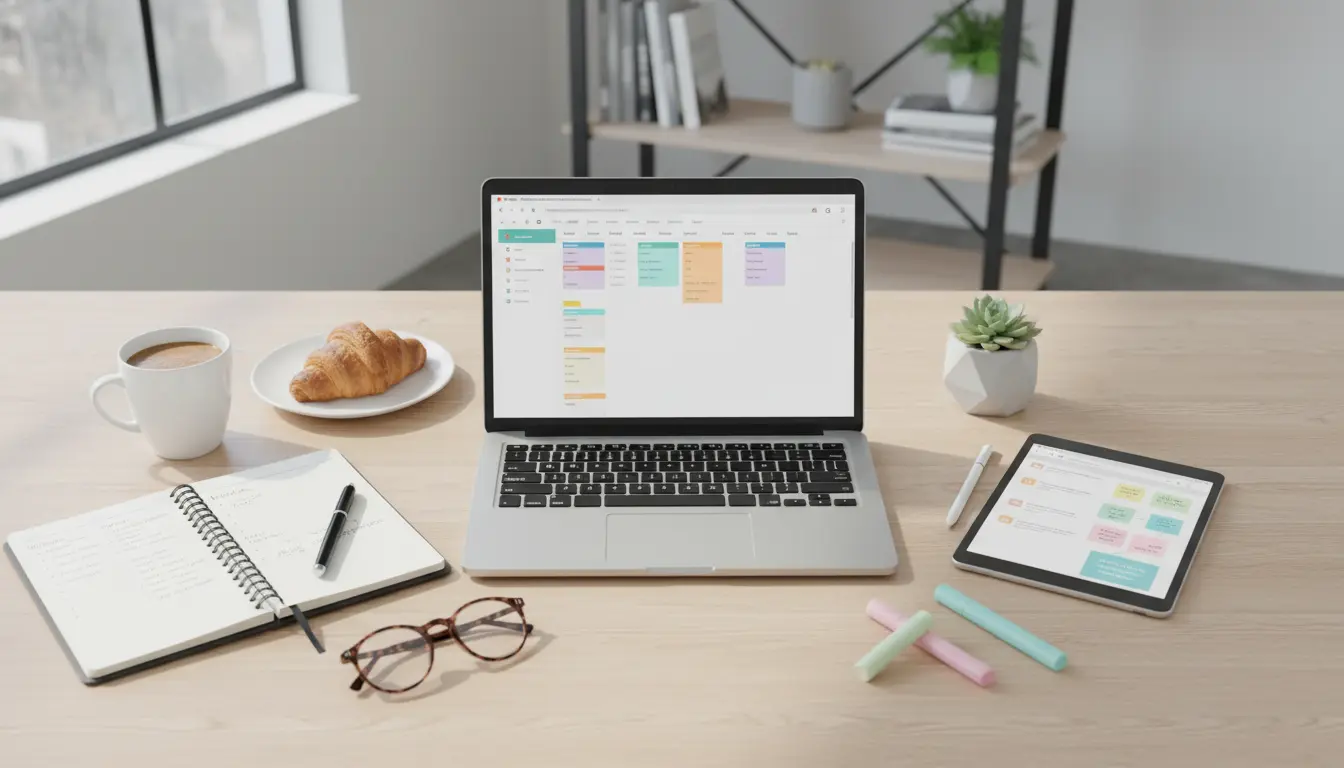
Plan and Use a Content Calendar for Small Business
A content calendar keeps publishing consistent and reduces last-minute work. This guide explains how to create a content calendar for small business with clear steps, tools, and a case study you can use today.
Why a Content Calendar for Small Business Matters
Small teams often juggle multiple roles. A content calendar organizes topics, formats, and deadlines so everyone knows what to publish and when.
Consistent content builds trust with customers and improves search visibility over time.
Benefits of a Content Calendar for Small Business
- Improves planning and reduces last-minute content creation.
- Helps align content with promotions and seasonal trends.
- Makes it easier to measure results and iterate on successful formats.
Set Clear Goals Before You Build a Content Calendar for Small Business
Start with measurable goals so your calendar supports outcomes. Goals might include increasing website traffic, generating leads, or boosting social followers.
Define key metrics and the time frame for results to keep your calendar focused.
Step-by-Step: How to Build a Content Calendar for Small Business
Follow these steps to create a practical calendar you and your team will use.
1. Choose Your Publishing Channels
Decide which channels matter most: blog, email, Instagram, Facebook, LinkedIn, or YouTube. Focus on 2–3 channels you can sustain rather than spreading thin.
2. Determine Content Types and Frequency
List content types like how-to blogs, product features, customer stories, and short social posts. Assign a realistic frequency for each channel.
- Blog: 1–2 posts per week
- Email newsletter: biweekly or monthly
- Social posts: 3–5 times per week
3. Create a Template for Your Content Calendar
Use a simple spreadsheet or a calendar tool. Columns should include date, channel, title, format, owner, status, and CTA (call to action).
Optional fields: keywords, targeted persona, and promotion plan.
4. Plan Topics with a Content Pillar Approach
Group topics around 3–5 core pillars related to your business. This helps reuse content and create clusters that support SEO.
Example pillars: product use cases, how-to guidance, customer success, company updates.
5. Assign Roles and Deadlines
Small teams need clear ownership. Assign who writes, who edits, who designs, and who publishes. Add buffer time for review and revisions.
6. Schedule Promotion and Repurposing
Each piece of content should have a promotion plan. Schedule social posts, newsletter links, and repurposed formats like short videos or infographics.
Tools to Use for a Content Calendar for Small Business
Choose tools that match your team size and budget. Simpler is often better for small businesses.
- Spreadsheets (Google Sheets, Excel) — lightweight and flexible.
- Calendar apps (Google Calendar, Outlook) — good for deadlines and reminders.
- Project management (Trello, Asana, Notion) — track status and tasks.
- Social schedulers (Buffer, Hootsuite, Later) — automate promotion.
Maintain and Improve Your Content Calendar for Small Business
Schedule a weekly review to check progress and a monthly planning session to map the next 4–6 weeks. Use analytics to see what works and adjust topics and frequency.
Keep the calendar flexible; leave room for timely content like promotions, news, or customer highlights.
Publishing consistently for six months often leads to a measurable rise in organic traffic and audience engagement compared with irregular posting schedules.
Real-World Example: Coffee Shop Uses a Content Calendar for Small Business
Local Bean, a two-location coffee shop, used a simple spreadsheet calendar. They defined three content pillars: menu spotlights, community events, and brewing tips.
They published one blog post per week, three Instagram posts, and a monthly email. After four months they saw a 25% increase in online orders linked from content and a steady rise in Instagram engagement.
Quick Content Calendar Checklist for Small Business
- Set 1–3 clear goals and metrics.
- Pick primary channels and realistic frequency.
- Build a simple calendar template with ownership and status.
- Plan promotion and repurposing for each piece.
- Review weekly and analyze monthly.
Final Tips for a Content Calendar for Small Business
Start simple and scale. A basic calendar is better than none. Track results, learn what resonates, and gradually increase complexity.
Consistency and clarity about who is responsible will make the calendar a practical tool, not another task on the to-do list.