
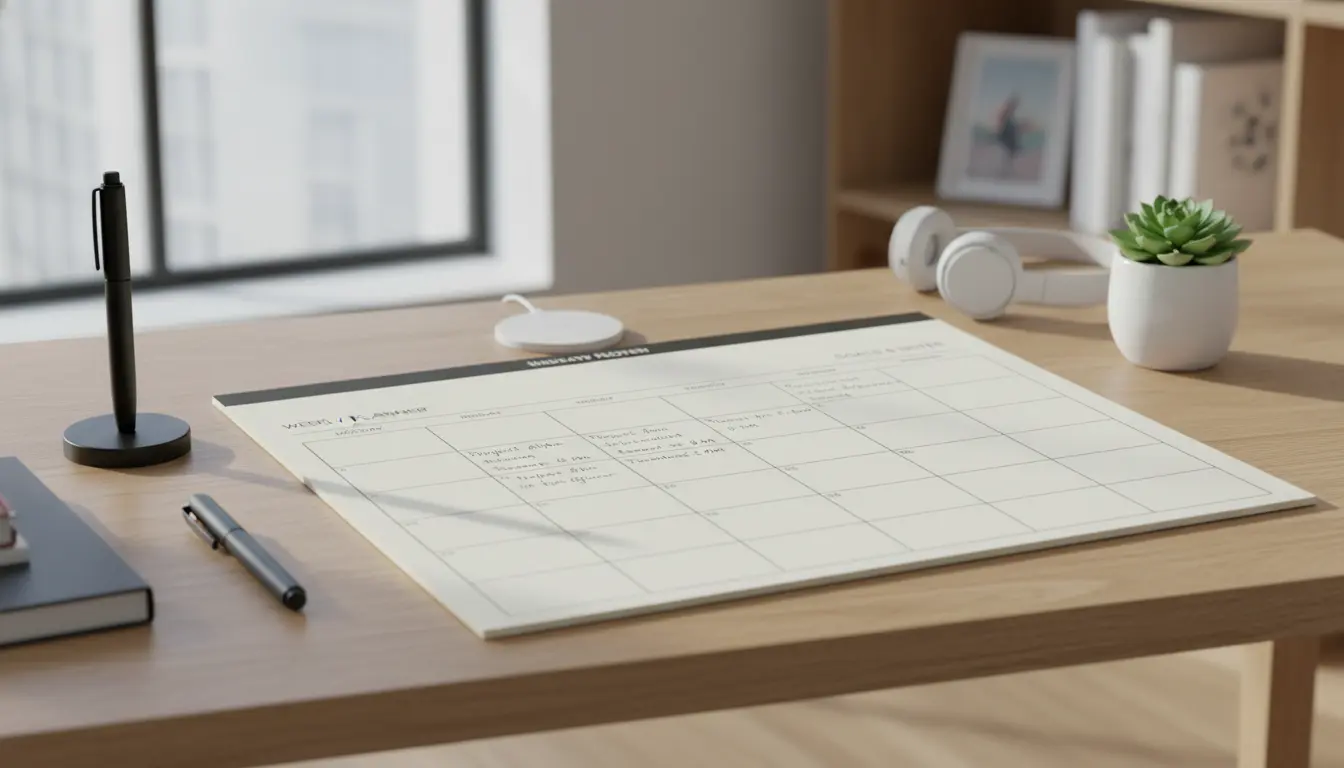
Setting up a home office correctly affects daily focus and long-term health. This guide shows practical steps to create a productive workspace you can maintain.
Why home office setup matters for productivity
A well planned home office reduces distractions and physical strain. It supports consistent work habits and helps you separate work time from personal time.
Small changes in layout, lighting, and routine can produce measurable gains in concentration and output.
Common problems a good home office setup solves
- Poor posture and discomfort from wrong chair height.
- Poor lighting that causes eye strain or sleep disruption.
- Clutter and bad storage that interrupt workflow.
- Noise and other environmental distractions.
Essential elements of a home office setup
Design your space around these core elements. Each one directly impacts how long and how well you can work.
1. Ergonomic furniture and layout
Choose a chair with lumbar support and adjustable height. The top of your monitor should be at or just below eye level.
Keep elbows at roughly a 90 degree angle. Use a separate keyboard and mouse if you work on a laptop for long periods.
2. Lighting and screen placement
Place your desk to get soft natural light without direct glare on the screen. Use a desk lamp for task lighting.
Cool white light helps focus during daytime. Warmer light in the evening helps the body wind down.
3. Reliable technology and connectivity
Invest in a fast router, a good headset, and a second monitor if your work needs multiple windows. Back up files automatically.
Keep cables organized and labeled so maintenance is fast and interruptions are minimal.
4. Storage and decluttering
Use shelves, drawers, and small bins to keep frequently used items within reach. Archive or shred old papers monthly.
A clear desk reduces cognitive load and speeds transitions between tasks.
5. Sound control and privacy
Use noise-cancelling headphones or sound-absorbing panels if you face frequent interruptions. Add a visual cue for do-not-disturb when needed.
Position your desk so the door is in view, which reduces surprise interruptions.
Daily routines that support a productive home office setup
Even the best physical setup fails without routines. Build simple, repeatable habits to protect your focus.
- Start each day with a 5-minute planning session to list 3 priorities.
- Use time blocks: 60–90 minutes of focused work, then a 10–15 minute break.
- End the workday with a 10-minute reset: tidy the desk and update tasks.
- Set clear start and end times to keep work from overflowing into personal time.
Tools and small investments that pay off
Not every improvement is expensive. Focus on items that reduce friction during work.
- Ergonomic chair or seat cushion.
- External keyboard and mouse for laptop users.
- Monitor riser or adjustable monitor arm.
- Surge protector with labeled outlets for fast resets.
- Simple cable clips and a charging station.
Real-world example: Freelance designer case study
Maria is a freelance graphic designer who worked from her kitchen table for two years. She suffered from neck pain and frequent distractions from family activity.
She made three changes: moved to a small dedicated corner, bought an adjustable chair, and added a second monitor. She also set clear work hours and used a signal light to reduce interruptions.
Within four weeks she reported 25 percent faster project turnaround and less pain. Her new setup cut context-switching and improved client response times.
Quick checklist: Home office setup for productivity
- Ergonomic chair and proper monitor height
- Good natural and task lighting
- Reliable internet and backup plan
- Organized storage and minimal clutter
- Noise control and privacy solutions
- Daily routine with time blocks and a shutdown ritual
Final steps to implement your home office setup
Start with one high-impact change this week, such as adjusting your monitor height or buying a better chair. Test the change for two weeks and measure comfort and output.
Iterate gradually. Small improvements add up and are easier to keep. A planned, practical approach to your home office setup will give you steady productivity gains without burnout.