
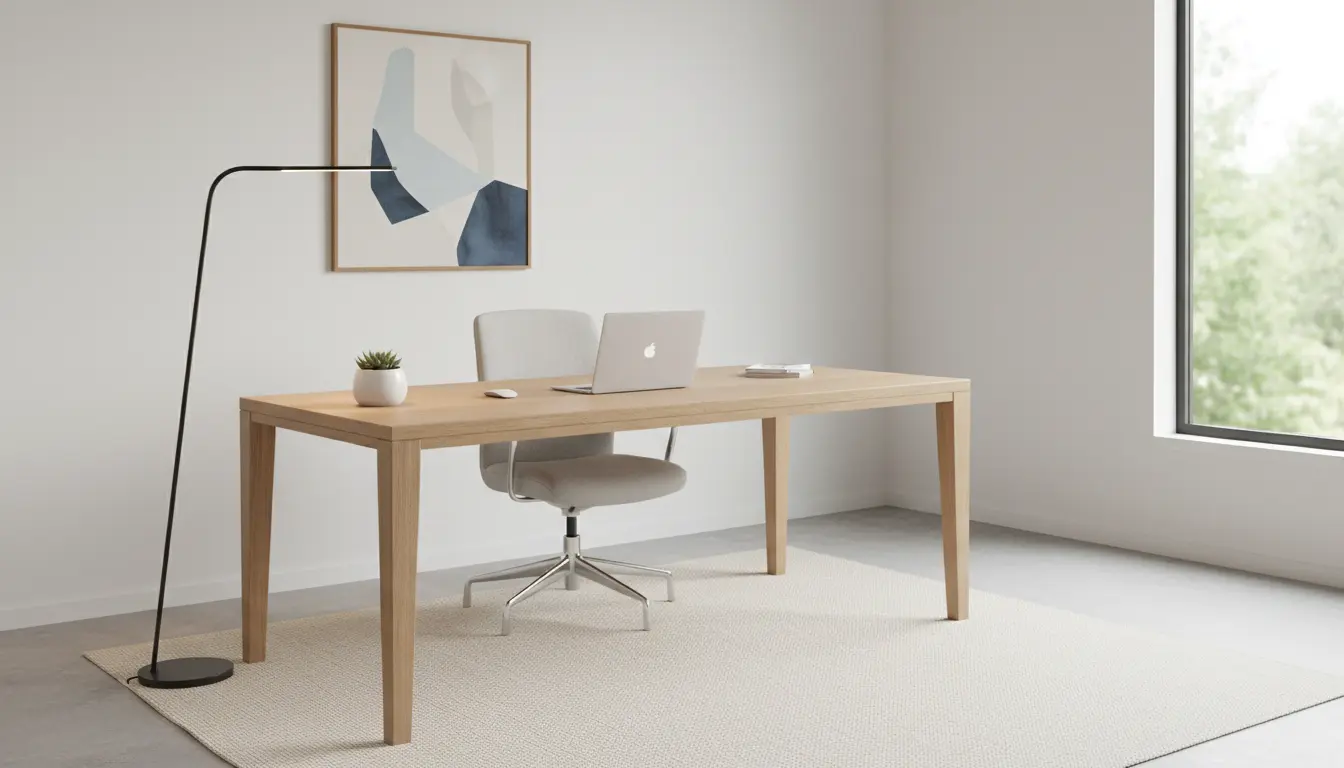
Home Office Setup for Productivity: What to Aim For
Setting up a home office for productivity means creating a space that supports focus, comfort, and efficient work. This guide covers the essentials you can apply today.
Choose the Right Location for Your Home Office Setup
Location affects noise, light, and privacy. Pick a quiet corner or a separate room if possible, and locate your desk so natural light comes from the side or front.
If space is limited, use vertical storage and clear visual boundaries to separate work from living areas.
Ergonomics for Home Office Setup
Desk and Chair Position
Your desk height should allow elbows to rest at about 90 degrees. Use an adjustable chair that supports the lower back and keeps feet flat on the floor.
Consider a monitor riser or an adjustable monitor arm to place the top of the screen at eye level, reducing neck strain.
Keyboard, Mouse, and Posture
Keep the keyboard and mouse close to your body to avoid reaching. Use a wrist rest if you experience strain, and take short micro-breaks to stretch every 30–45 minutes.
Lighting and Sound in a Productive Home Office Setup
Good lighting reduces eye strain and improves mood. Aim for bright, diffused light and avoid strong backlighting that creates screen glare.
For sound control, add soft surfaces like rugs or curtains, and use noise-cancelling headphones if external noise is a problem.
Technology and Connectivity
Prioritize a reliable internet connection and a simple tech stack. Essential items include a fast router, a full-size keyboard, and a comfortable headset for calls.
Keep cables organized with clips or a cable tray and label chargers and adapters for quick swaps.
Declutter and Organize for Focus
A cluttered desk reduces focus. Keep only daily-use items on the desktop and store the rest in labeled drawers or shelves.
Use trays or small containers for stationery and use a single inbox for incoming paper to prevent accumulation.
Routine and Workflows to Boost Productivity
Design a daily routine that signals the start and end of your workday. A clear routine reduces procrastination and improves work-life balance.
Use time-blocking: schedule focused work, meetings, and breaks. Tools like a simple timer or calendar reminders help maintain the rhythm.
Personalization Without Distraction
Add a few personal items like a plant or a photo to make the space pleasant. Limit decorations to one or two items to avoid visual clutter.
Choose calming colors or textures for decor—these help maintain concentration during long work sessions.
Security and Backup for Remote Work
Protect work data with regular backups and a reputable antivirus solution. Use strong, unique passwords and two-factor authentication for important accounts.
Back up critical files to a cloud service and keep a local copy on an external drive for extra security.
Budget Options and Upgrades for Your Home Office Setup
You can start productive work with low-cost upgrades. A supportive chair, a monitor stand, and a good task lamp provide the biggest improvements per dollar.
Plan upgrades over time: begin with ergonomics, then invest in a secondary monitor, better audio, and an improved webcam as needed.
Simple Checklist: Home Office Setup Essentials
- Ergonomic chair and correct desk height
- Monitor at eye level or a laptop stand with external keyboard
- Reliable internet and tidy cable management
- Task lighting and sound control
- Daily routine and time-blocking plan
- Data backup and basic security tools
Small ergonomic changes like a 2–3 inch keyboard lift or a 2–minute stretch every hour can significantly reduce neck and wrist pain over time.
Real-World Example: Case Study
Sarah is a freelance graphic designer working from a one-bedroom apartment. Her initial setup was a laptop on a kitchen table, causing back pain and frequent interruptions.
She moved a small desk to a quieter corner, bought an ergonomic chair, and added a monitor on a riser. She also set a ‘do not disturb’ schedule during focused hours and used cloud backups for client files.
Within four weeks, Sarah reported fewer aches, faster project completion, and better client response times. The small investments and a clear routine produced measurable gains.
Quick Start Plan: Implement in One Weekend
- Choose the location and clear the area of non-work items.
- Set up desk, chair, and monitor to ergonomic positions.
- Test internet speed and arrange basic cable management.
- Create a simple daily schedule and set two focused work blocks.
- Backup important files and enable two-factor authentication.
Conclusion: Keep Improving Your Home Office Setup
Start with essentials—ergonomics, lighting, and a routine—and iterate based on what helps you focus. Small, consistent changes produce steady productivity gains.
Use the checklist and quick-start plan to build a functional space, then upgrade selectively as needs evolve.