
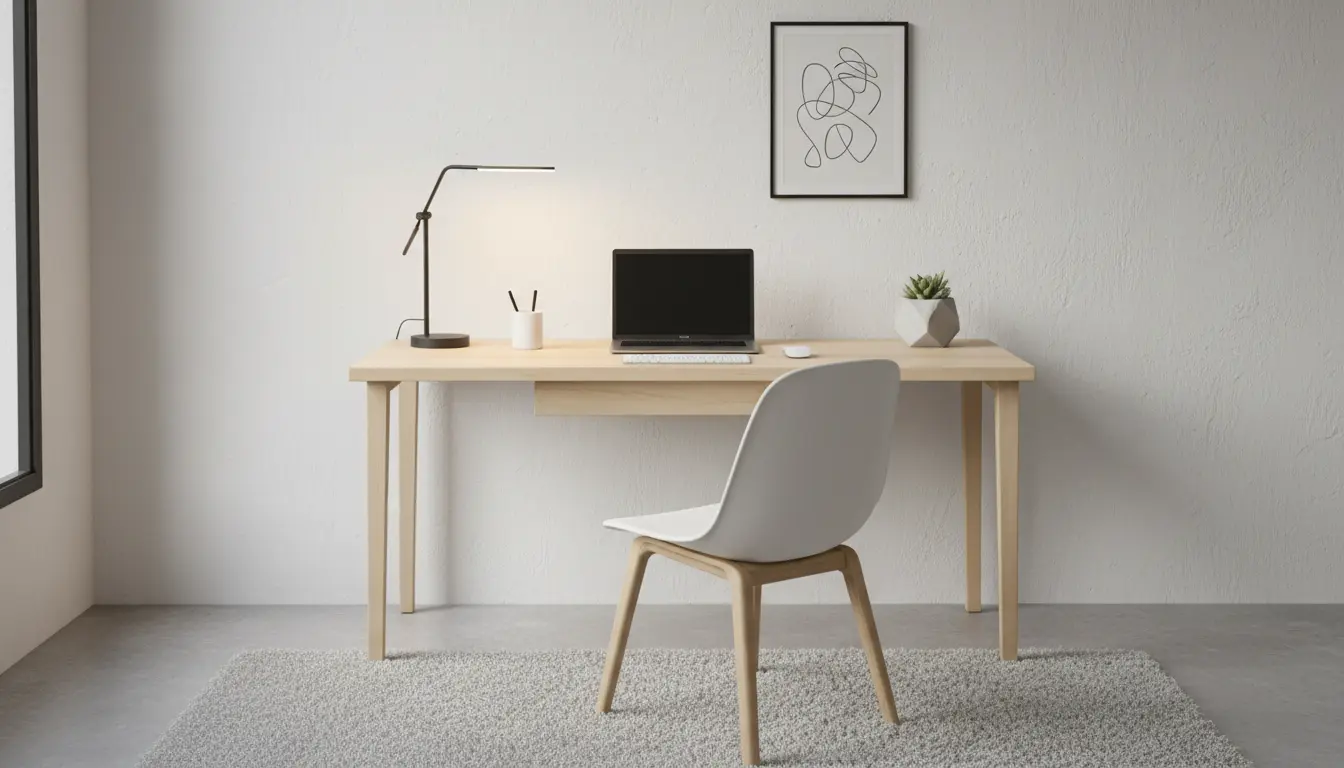
Why a deliberate Home Office Setup for Remote Work matters
Working from home can be productive, but only when the workspace supports focus and health. A deliberate setup reduces distractions, prevents physical strain, and helps separate work time from personal time.
This guide covers the practical steps to set up a functional home office quickly and affordably.
Plan your Home Office Setup for Remote Work
Start by choosing the right location. Ideally pick a quiet corner with natural light and reliable connectivity.
Measure the space and sketch a simple layout. Consider where the desk, chair, and storage will go before buying anything.
Key layout principles for Home Office Setup for Remote Work
- Place the desk so light comes from the side to avoid screen glare.
- Keep frequently used items within arm’s reach to minimize interruptions.
- Allocate a small zone for meetings or recording if you do video calls.
Essential equipment for a functional Home Office Setup for Remote Work
You do not need expensive gear. Focus on essentials that improve comfort and productivity.
Basic equipment checklist
- Desk: Sturdy surface with enough room for monitor and keyboard.
- Chair: Adjustable height and lumbar support for long sessions.
- Monitor: At least one external monitor for extended screen space.
- Keyboard and mouse: Ergonomic models reduce wrist strain.
- Reliable internet: Wired Ethernet or a strong Wi‑Fi connection.
- Headset or good-quality microphone for clear calls.
- Lighting: Task lamp and blinds to manage daylight.
Ergonomics in your Home Office Setup for Remote Work
Ergonomics is about arranging your workspace to fit your body. Small changes prevent pain and improve focus.
Quick ergonomic setup steps
- Monitor height: Top of the screen at or slightly below eye level.
- Sitting posture: Feet flat on the floor, knees at 90 degrees.
- Keyboard position: Elbows close to the body, wrists neutral.
- Take microbreaks: Stand or stretch for 2–3 minutes every 30–45 minutes.
Lighting and acoustics for Home Office Setup for Remote Work
Good lighting reduces eye strain and looks better on video calls. Acoustics affect call clarity and concentration.
Use layered lighting: ambient plus task lighting. Add a soft lamp to reduce contrast in the room.
Acoustic tips
- Use rugs or curtains to absorb echo in hard-floored rooms.
- Place bookshelves or fabric panels behind your desk to improve call sound.
- Consider a directional microphone or noise-cancelling headset for noisy environments.
Organize and maintain your Home Office Setup for Remote Work
Organization keeps your space functional and reduces decision fatigue. Set up simple systems that are easy to maintain.
Practical organization tips
- Use cable ties or a cable tray to keep cords tidy and out of the way.
- Assign drawers or boxes for office supplies and label them.
- Adopt a weekly 10-minute tidy routine to clear clutter and dust.
Remote work routines that match your Home Office Setup for Remote Work
How you use the space matters as much as the physical setup. Build a routine that signals the start and end of the workday.
Examples include a 5-minute desk check, planning the day with a two-item priority list, and a shut-down ritual to turn off screens and pack away work items.
Budget options and upgrades for Home Office Setup for Remote Work
Not everyone needs a high-end setup immediately. Prioritize items that give the biggest comfort and productivity gains.
Priority buys
- Chair: Prevents back pain and pays off quickly.
- Monitor: Adds screen real estate for multitasking.
- Reliable router or Ethernet adapter: Stabilizes video calls.
Case Study: Small Apartment Home Office Setup for Remote Work
Jenna, a marketing manager, converted a 6×8 foot corner of her living room into a home office. She used a compact desk, a secondhand ergonomic chair, and a clamp lamp for task lighting.
She added a folding screen behind the desk for better video call backgrounds and a bookshelf for storage. Her weekly tidy routine and a short morning walk to start the day helped maintain boundaries between work and home life.
After two months, Jenna reported fewer aches and higher focus during work blocks. The total cost was under $600 with mostly secondhand purchases.
Standing for a few minutes each hour can improve circulation and reduce back pain. Alternating between sitting and standing is more effective than standing all day.
Quick checklist to finalize your Home Office Setup for Remote Work
- Test internet speed and audio/video on your primary call platform.
- Adjust monitor, chair, and keyboard for a neutral posture.
- Create a simple daily routine to define work hours.
- Set up a backup plan for power or connectivity issues.
Final tips for a sustainable Home Office Setup for Remote Work
Start small and improve over time. Invest in comfort and connectivity first, and treat aesthetics as a secondary benefit.
Regularly reassess your setup as your work evolves. Small, intentional changes can yield significant improvements in health and productivity.