
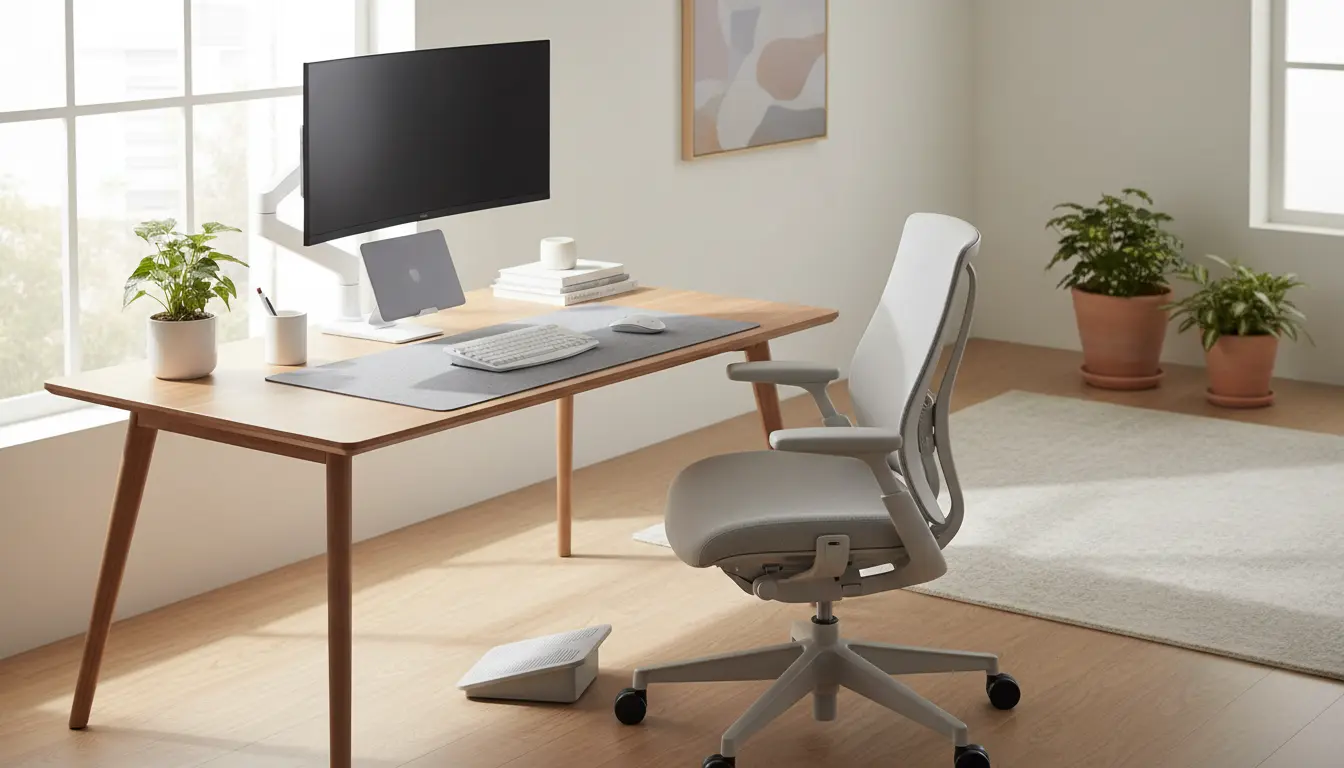
Setting up a reliable remote work setup matters more than you might think. Small changes to your space and routine can improve comfort, reduce fatigue, and raise output.
Why a remote work setup matters
A purposeful remote work setup helps separate work time from personal time. It also reduces distractions and supports better focus during deep work blocks.
Health and ergonomics in a remote work setup
Ergonomics lowers the risk of strain and pain from long hours at a desk. Proper chair height, monitor placement, and keyboard position prevent neck and wrist issues.
Technology and connectivity for a remote work setup
Fast, stable internet and reliable hardware reduce interruptions. Simple backups and a second display can improve efficiency for many remote tasks.
Step-by-step: Build a remote work setup that works
Follow these steps to create a setup that supports focused, comfortable work. Each step has practical, low-cost options for immediate improvement.
- Choose a dedicated space — Pick a quiet corner or room with natural light where possible. Consistency in location helps your brain switch into work mode.
- Set up ergonomics — Aim for a monitor at eye level and feet flat on the floor. Use a separate keyboard and mouse if you use a laptop for long periods.
- Improve lighting — Use soft overhead light and a desk lamp to reduce eye strain. Avoid glare on the monitor by angling the screen or adjusting blinds.
- Upgrade connectivity — Use wired ethernet for critical calls or a strong Wi‑Fi band. Prioritize a plan that handles video conferencing and cloud syncing.
- Organize cables and gear — Simple cable ties and a tray under the desk cut clutter. A clean desk reduces mental distractions and speeds up transitions between tasks.
- Add personal but minimal decor — A plant or simple artwork can improve mood without causing visual clutter.
Examples of cost-effective equipment
- External monitor: 24–27 inch IPS panel for readable text and workspace.
- Ergonomic chair: Adjustable height and lumbar support.
- Keyboard and mouse: Ergonomic layout and wireless options.
- Webcam and headset: Noise-canceling microphone for clear calls.
Daily routines to support your remote work setup
Routines protect your focus and mental energy. Use structured blocks to balance focused work, meetings, and breaks.
- Start with a quick setup checklist: lights, logins, and a prioritized task list.
- Use time blocks: 60–90 minute deep work sessions with 10–15 minute breaks.
- Schedule a short walk or stand-up break mid-day to reset posture and mood.
- End your day with a shutdown routine: close apps, clear desk, list tomorrow’s top tasks.
Tools that support routines
Use a simple calendar and a task app to keep focus. Tools like noise-cancelling headphones or white-noise apps help reduce interruptions during deep work.
Workers who use a consistent, ergonomic remote work setup report fewer musculoskeletal complaints and higher sustained focus during long tasks.
Real-world example: Small marketing team case study
A three-person marketing team moved to full remote work and standardized their setups over two weeks. Each member followed the same checklist for ergonomics and connectivity.
They introduced a weekly 90-minute synchronous planning block and two deep-work periods per day. After one month, the team reported:
- 20% faster campaign turnaround due to clearer focus blocks.
- Fewer missed meetings because of improved internet reliability.
- Lower reported back and neck discomfort after ergonomic adjustments.
Small upfront investments in chairs and monitors proved cost-effective. The team used shared documentation to keep setups standardized and troubleshoot issues remotely.
Common mistakes when creating a remote work setup
Avoid these pitfalls to maintain productivity and comfort. Small errors can cause ongoing friction and reduced output.
- Using a non-ergonomic chair for full workdays.
- Relying solely on a laptop screen without an external display for extended tasks.
- Placing the workspace in a high-traffic area of the home without boundaries.
- Neglecting regular breaks and movement throughout the day.
Quick remote work setup checklist
Use this checklist to confirm your setup is ready for a productive day. Tick items off during your morning routine.
- Dedicated workspace set and free of clutter
- Monitor at eye level or laptop with stand
- Ergonomic chair and comfortable typing angle
- Stable internet connection and backup plan
- Noise reduction tools for focused work
- Clear daily plan and prioritized tasks
Improving your remote work setup is a practical, incremental process. Start with the most impactful fixes like ergonomics and internet, then refine routines and tools over time.
Small consistent changes deliver better comfort and measurable productivity gains. Use the checklist and examples here to build a remote work setup that supports your daily goals.