
Why a Content Calendar Matters for Small Businesses
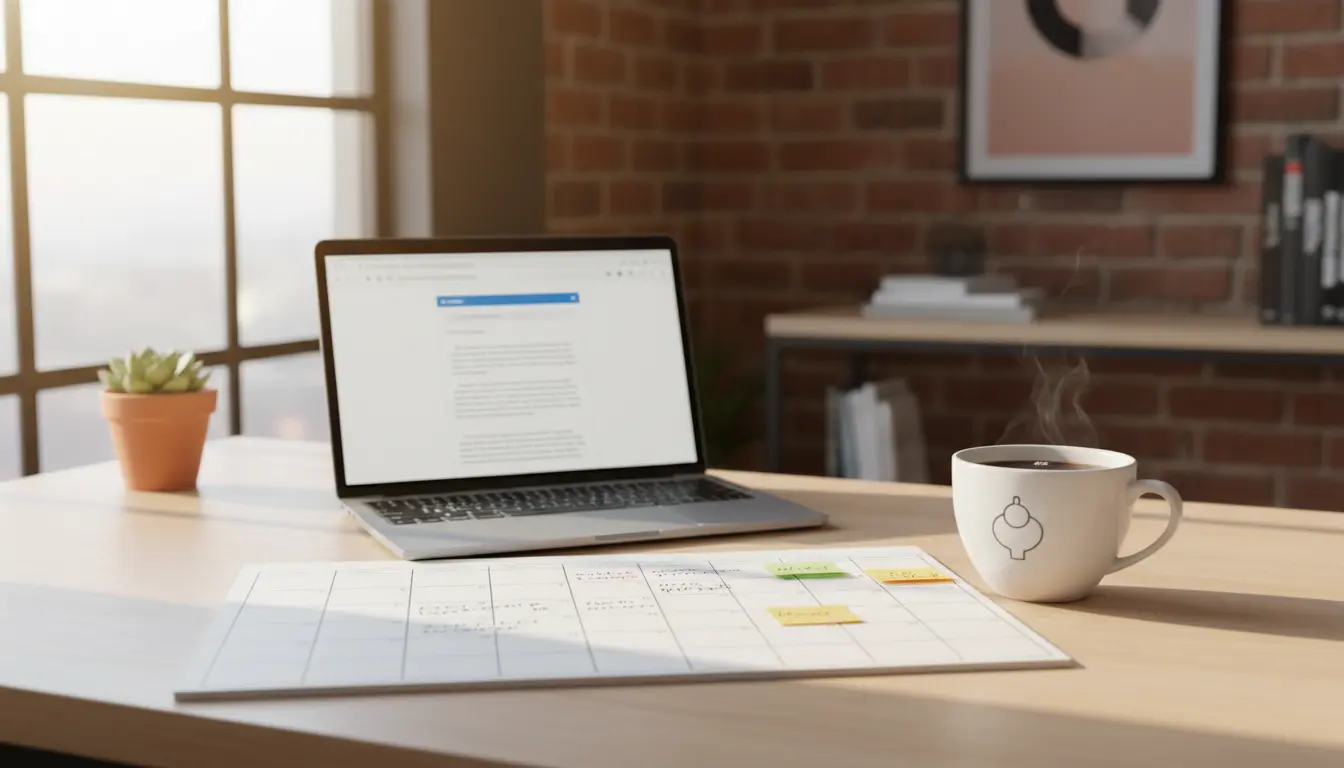
A content calendar helps you publish consistently and save time. Small teams get a clear plan for what to post, when, and why.
Consistency builds trust with customers and improves search visibility. A calendar turns ad hoc posts into a coordinated strategy.
Step 1: Define Your Content Goals and Audience
Start with clear goals: brand awareness, lead generation, or customer support. Each goal needs a different type of content and frequency.
Identify your audience segments and their preferred channels. Knowing where your customers spend time makes scheduling effective.
Examples of Common Goals
- Increase website traffic by 20% in six months
- Generate 50 email signups per month
- Reduce support queries with how-to content
Step 2: Choose Your Channels and Content Types
Decide which channels matter most: blog, email, Instagram, Facebook, LinkedIn, or YouTube. Don’t spread thin—focus on two or three primary channels.
Select content types that match goals and audience: blog posts for SEO, short videos for social, and emails for conversions.
Content Type Examples
- How-to blog posts for search traffic
- Short videos or reels for discovery
- Weekly newsletters for retention
Step 3: Create a Simple Calendar Template
Use a spreadsheet or free tools like Google Sheets, Trello, or Notion. Columns should include date, channel, content title, format, owner, status, and target metric.
Keep your template simple to start. Complexity can be added once the team follows the process reliably.
Essential Columns for Your Content Calendar
- Date and publish time
- Channel (blog, Instagram, email)
- Title or topic
- Assigned person
- Status (idea, drafting, editing, scheduled)
- Key metric (clicks, signups, views)
Step 4: Plan Frequency and Cadence
Match frequency to resources and goals. A small business may start with one blog post and three social posts per week. Adjust based on results.
Use content pillars—3 to 5 themes that align with your brand. Rotate pillars to keep content diverse and focused.
Sample Weekly Cadence
- Monday: Blog post (long-form, 800–1,200 words)
- Wednesday: Social video or image with CTA
- Friday: Email roundup or promotion
Step 5: Assign Roles and Build a Workflow
Define who creates, who edits, and who publishes. Clear ownership prevents bottlenecks and missed deadlines.
Set deadlines for draft, review, and scheduling. Use shared tools to track progress and store assets.
Workflow Example
- Content brief created on Day 1
- Draft due Day 5
- Review and edits Day 6–7
- Schedule and publish on planned date
Step 6: Repurpose and Reuse Content
Repurposing saves time and extends reach. Turn one blog post into a series of social posts, an email, and short videos.
Track which formats perform best and prioritize repurposing for high-performing content.
Step 7: Track Performance and Adjust
Use simple metrics: traffic, engagement, conversions, and email signups. Review weekly for short-term tweaks and monthly for strategy changes.
Keep a metric column in your calendar to note results and learnings for each item.
Posting consistently on one platform for three months can increase brand recall. A calendar helps maintain that consistency without extra daily effort.
Small Real-World Case Study: Local Bakery
A local bakery used a simple content calendar to increase weekday foot traffic. They focused on Instagram and email with three content pillars: menu updates, behind-the-scenes, and customer stories.
They posted three times a week and sent a weekly email. After two months they saw a 15% lift in weekday visits and grew their Instagram following by 30%.
Key actions that helped: consistent posting schedule, repurposing a weekly blog recipe into short videos, and tracking sales tied to email coupons.
Practical Tips for Maintaining Your Content Calendar
- Start simple and scale gradually to avoid burnout.
- Block recurring planning time each week to update the calendar.
- Use templates for briefs and captions to speed up production.
- Review metrics monthly and remove low-performing formats.
Example Content Calendar Entry
Date: 2026-05-10
Channel: Blog
Title: 5 Simple Bread Recipes for Beginners
Owner: Jamie (Baker)
Status: Drafting
Metric: Page views and email signups
Final Checklist Before Publishing
- Confirm headline and metadata for SEO
- Check links and CTAs
- Schedule across channels and confirm publish times
- Note metric targets and tracking URLs
Creating a content calendar doesn’t require complex tools. Start with clear goals, a simple template, and consistent review. Over time, the calendar becomes the central hub for planning, producing, and measuring content that supports your business goals.