
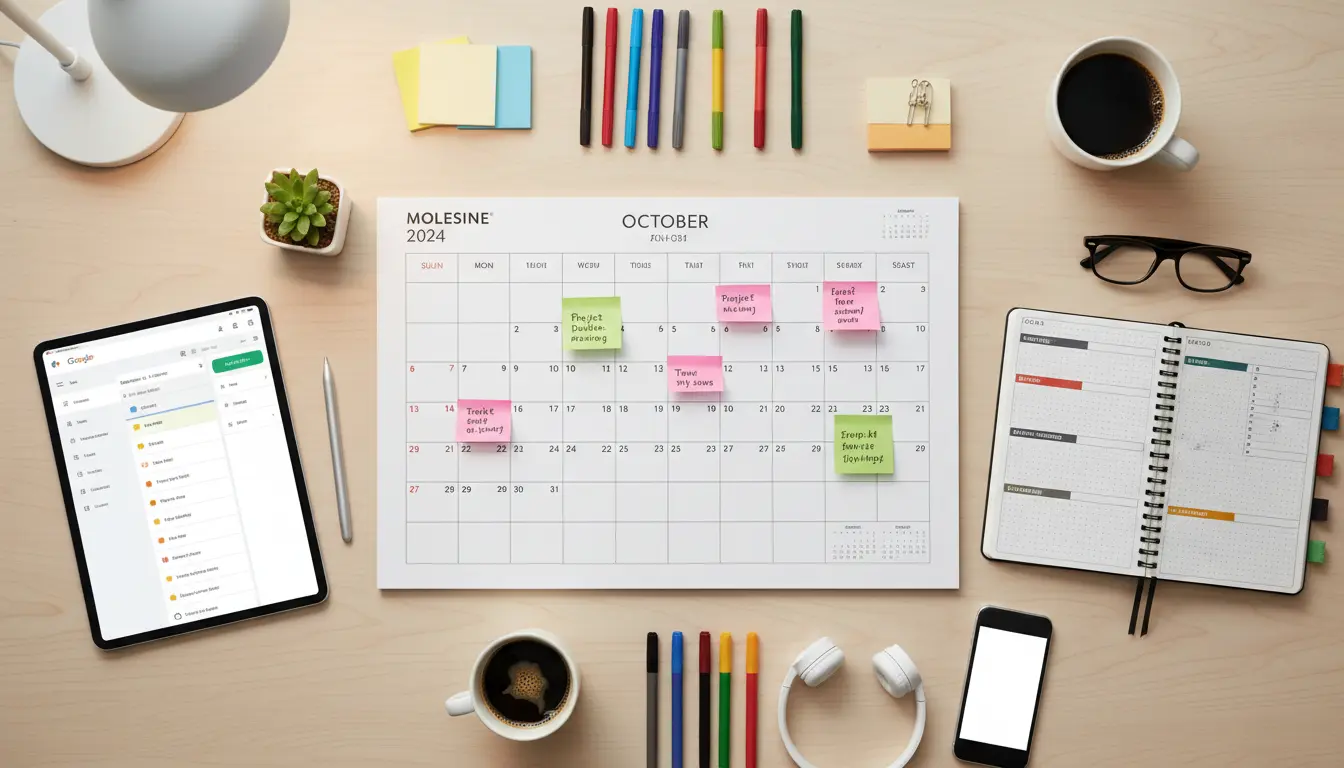
What is a content calendar?
A content calendar is a schedule that maps out what content you will publish and when. It helps teams and solo creators plan topics, formats, and promotional steps in advance.
Using a content calendar reduces last-minute rushes and keeps content aligned with goals like traffic growth, lead generation, or product launches.
Why use a content calendar?
A content calendar brings consistency and clarity to your publishing process. Consistency improves audience trust and search engine performance over time.
It also helps you balance content types, avoid duplication, and coordinate promotion across channels like email and social media.
How to create a content calendar
Follow this practical, step-by-step process to build a content calendar you will actually use. Each step includes key actions and examples.
1. Define goals and audience
Start by listing the primary goal for your content: increase organic traffic, generate leads, or support product launches. Then define 2–3 audience personas.
Example goals: improve organic search for topic X, educate existing customers, or boost newsletter signups.
2. Choose a calendar tool
Select a simple tool you will keep up to date. Options include spreadsheets, Google Calendar, Trello, or dedicated editorial tools.
Choose a format that shows publish date, content title, author, status, keywords, and promotion channels.
3. Plan content pillars and formats
Divide topics into 3–6 pillars—broad themes that reflect your goals and audience needs. Then map formats: blog posts, videos, newsletters, and social posts.
For each pillar, list content ideas and typical formats to rotate through for variety.
4. Create a publishing cadence
Decide how often you publish. Realistic cadences work best: one blog post per week or two per month depending on resources.
Assign tentative publish dates to ideas for at least 1–3 months. This window balances planning with flexibility for timely topics.
5. Add SEO and promotion details
For each calendar entry, note target keywords, meta title ideas, and internal linking opportunities. This keeps SEO consistent across pieces.
Also add promotion steps: email blast, evergreen social posts, influencer outreach, and repurposing ideas.
6. Set workflows and responsibilities
Define who writes, edits, formats, and publishes each piece. Use status labels like idea, drafting, editing, scheduled, and published.
Include deadlines for drafts and edits so publishing remains predictable.
7. Review and iterate
Review calendar performance monthly. Look at traffic, engagement, and conversions to decide what to repeat or retire.
Update the calendar based on results and seasonal priorities.
Template fields to include in your content calendar
- Publish date and time
- Title and short description
- Target keyword and search intent
- Content type and word count target
- Author, editor, and designer
- Status and draft deadlines
- Promotion channels and repurposing plan
- Performance notes (KPIs to track)
Best practices for managing a content calendar
- Keep entries concise. One line titles and clear KPIs are easier to use.
- Color-code by pillar or content type to scan the calendar quickly.
- Reserve a buffer of 10–20% capacity for urgent or trend-driven content.
- Use recurring tasks for repeat pieces like weekly newsletters or monthly roundups.
- Archive completed items with links to published content for future reference.
Teams that maintain an editorial calendar are 58% more likely to meet publishing goals and create cohesive campaigns across channels.
Quick example: Small business case study
A local bakery wanted more online orders and foot traffic. They set a simple weekly content calendar for three months focusing on recipe stories, local sourcing, and seasonal promotions.
They published one blog post and two social posts per week. Each blog post targeted a local search term and linked to a shop page. After three months their organic search traffic rose by 35% and online orders increased by 18%.
Key reasons this worked: consistent publishing, local keyword focus, and a promotion plan tied to in-store events.
Starter checklist to launch your calendar
- Choose a tool and set up columns for essential fields.
- Define 3–6 content pillars and a 4–12 week cadence.
- Populate the calendar with at least 8–12 planned items.
- Assign owners and deadlines for each item.
- Schedule a monthly review to adjust based on results.
Final tips for a sustainable content calendar
Start small and build habits. A simple, followed calendar is far more effective than a complex one that is ignored.
Focus on audience needs and measurable goals. Use data to guide topic selection and adjust the calendar regularly to stay relevant.