
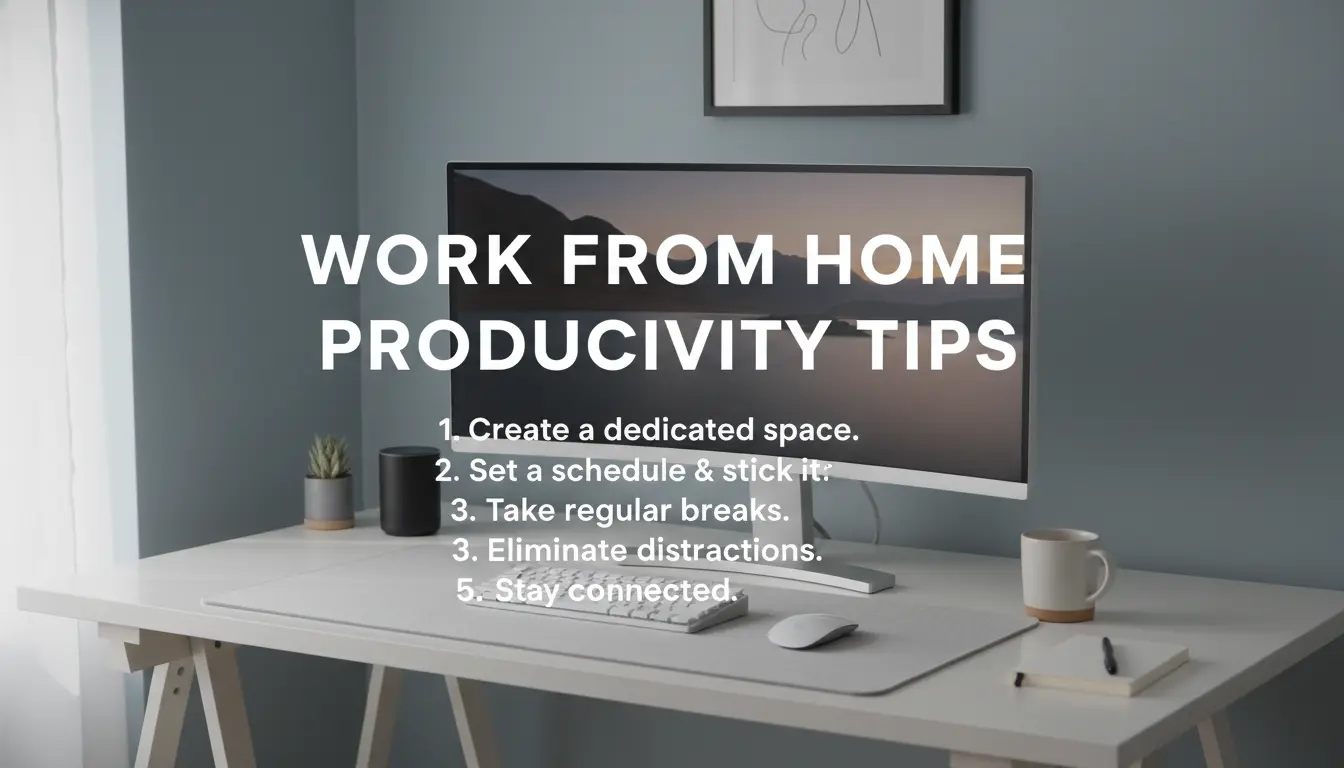
Work From Home Productivity: Start With a Practical Setup
Improving work from home productivity begins with a simple, repeatable workspace and daily routine. Clear clutter, set reliable lighting, and choose one place that signals work time.
Small physical changes reduce friction and make it easier to start focused work. Aim for 2–3 items on your desk besides your computer: a notebook, a pen, and a water bottle.
Work From Home Productivity: Build a Reliable Daily Routine
A predictable routine trains your brain to switch into work mode. Schedule a consistent start time, short breaks, and a fixed end time to keep energy steady.
Use time blocks for core tasks and short, defined interruptions for email or meetings.
Daily Routine Example for Better Productivity
- 08:30–09:00 — Morning setup and priorities list
- 09:00–11:00 — Deep work block (no meetings)
- 11:00–11:15 — Short break and stretch
- 11:15–13:00 — Meetings and quick tasks
- 13:00–14:00 — Lunch and reset
- 14:00–16:00 — Second deep work block
- 16:00–17:00 — Wrap up and plan next day
Work From Home Productivity: Use Time Blocking and Priorities
Time blocking divides your day into clear segments dedicated to a single type of work. This reduces task switching and increases depth of focus.
Combine time blocks with a priority system: identify your MITs (Most Important Tasks) and schedule them in your first deep work block.
How to Set Effective Blocks
- Limit deep work blocks to 60–120 minutes for sustained concentration.
- Keep breaks short and active (walk, stretch, hydrate).
- Reserve specific blocks for email and communications to avoid constant checking.
Work From Home Productivity: Manage Distractions
Distractions are the main threat to remote productivity. Tackle them with rules rather than relying on willpower.
Set phone to Do Not Disturb, use website blockers during deep work, and communicate your working hours to household members.
Practical Tools to Reduce Interruptions
- Use a simple website blocker or focus app (e.g., Cold Turkey, Forest).
- Silence notifications and hide unnecessary tabs.
- Create a visible sign or schedule for family or roommates when you need uninterrupted time.
Work From Home Productivity: Optimize Communication
Remote work often generates too many short messages. Make communication intentional to protect focus time.
Set clear response windows and prefer async updates for non-urgent items. Use short agendas for meetings and end them with clear next steps.
Rules for Efficient Remote Communication
- Designate two check-ins per day for team updates.
- Use written summaries to reduce follow-up questions.
- Keep meetings under 30 minutes when possible.
Work From Home Productivity: Use the Right Tools
Tools should reduce cognitive load, not add it. Choose a lightweight task manager and a single calendar app to coordinate time blocks and meetings.
Document key workflows and use templates for repeated tasks to save time and avoid decision fatigue.
Recommended Simple Toolstack
- Task manager: Todoist or Microsoft To Do for priorities
- Calendar: Google Calendar for time blocking
- Notes: OneNote, Notion, or a plain notebook for quick capture
Short, scheduled breaks improve focus more than working straight through. Studies show a 5–10 minute break every hour can protect attention and reduce errors.
Work From Home Productivity: Track Progress and Adjust
Measure output, not hours. Track completed MITs each day and review weekly to find patterns that help or hurt your focus.
Adjust time blocks if you notice productivity peaks in the morning or later in the day. Personalize the routine for your rhythms.
Simple Weekly Review Checklist
- How many MITs were completed this week?
- Which time blocks were most productive?
- What distractions recurred and how can they be prevented?
Small Case Study: Freelance Designer Boosts Output
Anna, a freelance designer, struggled with fragmented work and late nights. She adopted time blocking and a morning deep work routine.
After two weeks she reported a 30% increase in billable hours and fewer late evenings. Key changes were a fixed 9–11am deep work block and batching emails to 11am and 4pm.
This simple, repeatable structure helped Anna protect creative time and reduce overtime.
Summary: Practical Steps to Improve Work From Home Productivity
- Create a dedicated, minimal workspace
- Use time blocking and protect deep work
- Set communication rules and limit notifications
- Choose a small set of tools and stick to them
- Review progress weekly and adjust your routine
Improving work from home productivity is a gradual process. Start with one change—like a daily deep work block—and build from there. Small, consistent adjustments deliver steady gains without burning you out.