
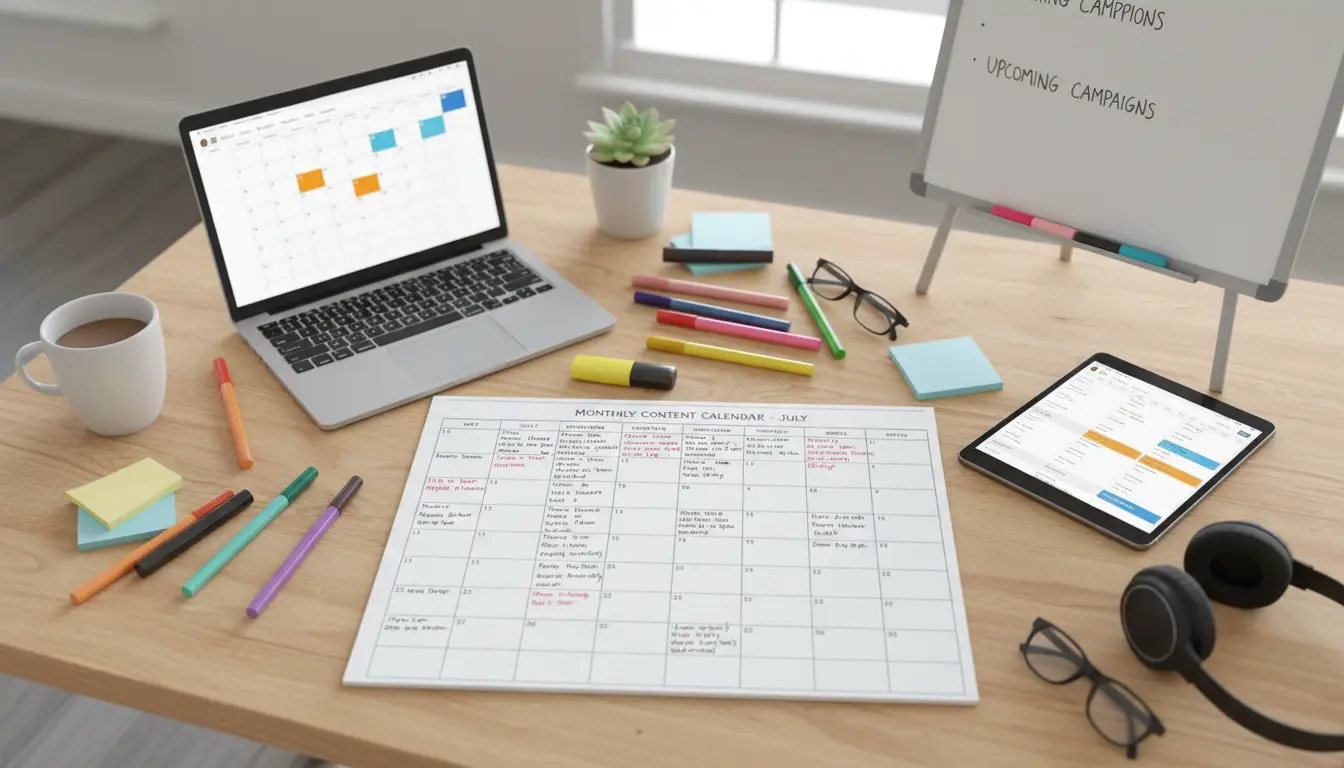
Consistent content production starts with a clear plan. A content calendar organizes ideas, deadlines, and channels so teams publish on time and meet goals.
Why a Content Calendar Matters
A content calendar helps you coordinate topics, formats, and dates. It reduces last-minute rushes and keeps messaging consistent across channels.
With a calendar you can balance evergreen posts, promotions, and seasonal content. That balance improves audience engagement and saves time.
How to Create a Content Calendar
Creating a content calendar involves audit, framework, and execution. Follow these clear steps to build a practical calendar you will actually use.
Step 1: Audit Existing Content
Start with a short content audit to see what you already have. Note top-performing posts, gaps, and recurring themes.
List content by date, topic, format, channel, and performance. Use this to prioritize new content and avoid duplication.
Step 2: Define Content Types and Themes
Decide on core content types such as how-tos, case studies, product updates, and social posts. Assign themes for each month or week.
Examples of themes: product education, customer stories, industry trends. Themes guide topic ideas and keep planning focused.
Step 3: Set a Publishing Cadence
Choose a realistic schedule based on resources. It is better to publish less often with high quality than to miss deadlines regularly.
Typical cadences: two blog posts per month, three social posts per week, one email newsletter biweekly. Match cadence to audience expectations.
Step 4: Build the Calendar Template
Create a simple template in a spreadsheet or a content tool. Key columns: publish date, channel, title, author, status, keywords, and notes.
Use color codes for status (idea, drafting, ready, published). Keep the template simple so the team adopts it quickly.
Companies that plan content with a calendar are more likely to meet publishing goals and maintain consistent branding across channels.
Tools for a Content Calendar
Choose a tool that fits team size and workflow. Freelancers often use spreadsheets. Teams benefit from shared tools with workflows.
- Spreadsheets (Google Sheets, Excel): lightweight, flexible.
- Project tools (Trello, Asana, ClickUp): good for task assignments and statuses.
- Content tools (CoSchedule, Airtable): built for editorial workflows and calendars.
Think about integrations, such as connecting calendar items to Google Calendar or publishing platforms. Automations reduce manual work.
How to Populate the Content Calendar
Use a mix of planned and reactive content. Planned items include campaigns and evergreen series. Reactive content covers news and trends.
Brainstorm topic ideas in a short weekly session. Convert top ideas into calendar entries and assign owners immediately.
Example Entry
Title: How to Clean a Running Shoe
Publish date: 2026-05-10
Channel: Blog + Instagram
Author: Jamie
Status: Draft
Keywords: shoe care, cleaning tips
Measure and Adjust Your Content Calendar
Track a few metrics to evaluate the calendar: page views, engagement rate, leads, or shares. Pick metrics that match your goals.
Review calendar performance monthly. Drop formats that underperform and increase types that bring results. Keep tweaks small and data-driven.
Case Study: Small Bakery Case Study
A local bakery began using a content calendar to plan weekly recipes, customer stories, and weekend promos. They published two blog posts and three social updates weekly.
Within three months, foot traffic rose 12 percent on promo days, and social engagement increased 40 percent. The calendar helped the team prepare photos and ingredients in advance.
This example shows how planning simple, repeatable content can yield measurable local results.
Practical Tips for Maintaining Your Content Calendar
- Keep entries short and actionable: title, owner, date, status.
- Use recurring tasks for regular content (newsletters, roundups).
- Hold a brief weekly check to update statuses and move ideas forward.
- Archive old ideas to prevent clutter and reuse strong concepts later.
Avoid overcomplicating the process. The most effective content calendars are straightforward and consistently updated.
Quick Content Calendar Checklist
- Audit existing content
- Define themes and content types
- Pick a realistic publishing cadence
- Create a simple template and assign owners
- Track performance and adjust monthly
Following these steps will help you create a content calendar that improves consistency, reduces stress, and drives better results over time.