
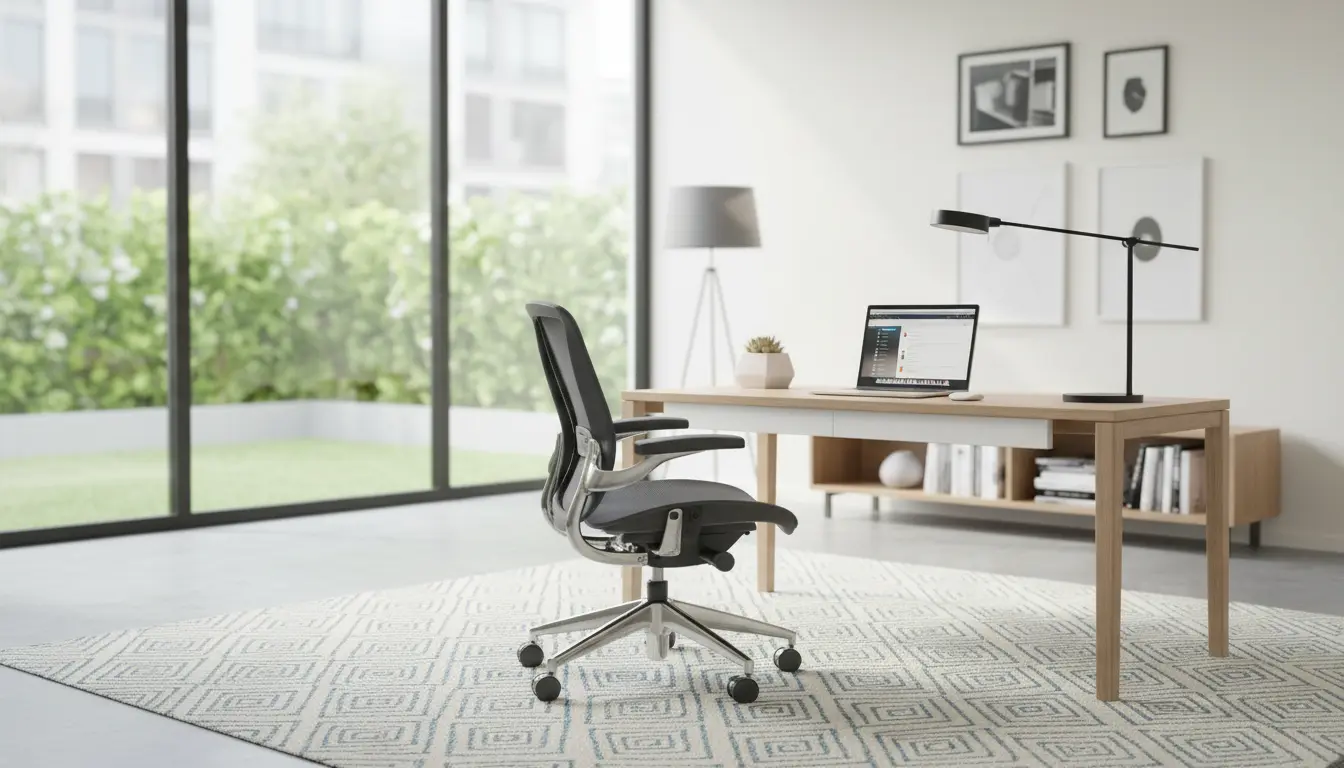
Working from home can boost flexibility but it often challenges focus and consistent output. This guide gives clear, practical steps to improve home office productivity with small changes you can implement today.
Home Office Productivity: Quick Setup Checklist
Before changing routines, make the workspace supportive. A deliberate setup reduces friction and saves time each day.
- Choose a dedicated workspace away from heavy foot traffic.
- Set up ergonomic seating and screen height to prevent fatigue.
- Ensure reliable internet and a simple backup (phone hotspot or second provider).
- Organize essential tools within arm’s reach: charger, notepad, headphones.
- Control lighting and glare with blinds or a desk lamp.
Ergonomics and Equipment for Better Output
Good ergonomics reduces breaks from discomfort and improves concentration. Aim for a neutral wrist position and screen at or slightly below eye level.
Invest in these basics if possible:
- An adjustable chair with lumbar support.
- An external keyboard and mouse for laptop users.
- A monitor or laptop stand to set proper screen height.
Daily Routines to Boost Home Office Productivity
Routines create structure and make productive behaviors automatic. Small, consistent habits beat occasional marathon work sessions.
Morning and Start-Up Ritual
Begin each workday with a 10-minute start-up routine. Review top priorities, tidy the desk, and set a short first task that you can complete in 25–45 minutes.
- Quick calendar check for meetings and deadlines.
- List 1–3 MITs (Most Important Tasks) for the day.
- Open only the apps you need for the first focus block.
Time Blocking and Focus Sessions
Use time blocks to allocate attention deliberately. Common blocks are 60–90 minutes for deep work and 20–30 minutes for admin or email.
- Pomodoro method: 25 minutes focus, 5 minutes break, repeat 4 times then a longer break.
- Batch similar tasks together to reduce context switching.
Minimizing Distractions in the Home Office
Distractions are the main productivity leak in home work. Address them with environmental and behavioral controls.
- Turn off non-essential notifications during focus sessions.
- Use white noise or soft music to mask household sounds.
- Communicate boundaries to household members with a simple sign or schedule.
- Limit social media to scheduled breaks or use website blockers.
Practical Tips to Regain Focus
If you lose focus, use a 2-minute reset: stand, breathe, reframe the next small step, and return to work. Breaking large tasks into 10–15 minute sub-tasks reduces overwhelm.
Tools and Apps for Home Office Productivity
Choose tools that replace friction, not add it. Start with a few essentials and keep workflows simple.
- Task manager: Todoist, Microsoft To Do, or a simple paper list.
- Calendar: Google Calendar or Outlook with clear blocks labeled for deep work.
- Focus apps: Forest, Focus@Will, or Cold Turkey to limit distractions.
- Communication: Slack or Teams with notification rules set.
Simple Automation Examples
Automate repetitive tasks to save time. Examples include automatic email filters, calendar templates for regular meetings, and saved responses for frequent messages.
- Use email rules to route newsletters to a separate folder for weekly review.
- Create a meeting agenda template in your calendar invite to reduce prep time.
Case Study: Freelance Marketer Boosts Weekly Output
Anna, a freelance marketer, found she was working long hours but missed deadlines and felt stressed. She implemented a workspace checklist, shifted to two daily 90-minute deep work blocks, and used email filters to remove interruptions.
Within three weeks Anna’s weekly billable hours rose by 30% without extending her workday. The structured routine reduced switching costs and made client work more predictable.
Key changes she made:
- Set a dedicated office corner and removed phone from desk during focus blocks.
- Scheduled client calls in a single afternoon block to preserve mornings for creative work.
- Automated invoicing reminders to cut administrative time.
Putting It All Together: A One-Week Plan
Follow this simple plan to test improvements quickly.
- Day 1: Set up workspace and clear distractions. Identify MITs for the week.
- Day 2: Implement two daily focus blocks and a mid-day break ritual.
- Day 3: Apply notification rules and test one focus app.
- Day 4: Automate one repetitive task (email rule, template, or saved reply).
- Day 5: Review results, adjust blocks, and lock in the routines that worked.
Small, consistent changes compound quickly. By treating productivity as a system — workspace, routine, and tools — you reduce decision fatigue and increase reliable output.
Start with one or two changes this week and track the impact. Real improvement comes from repeated practice and small refinements over time.