
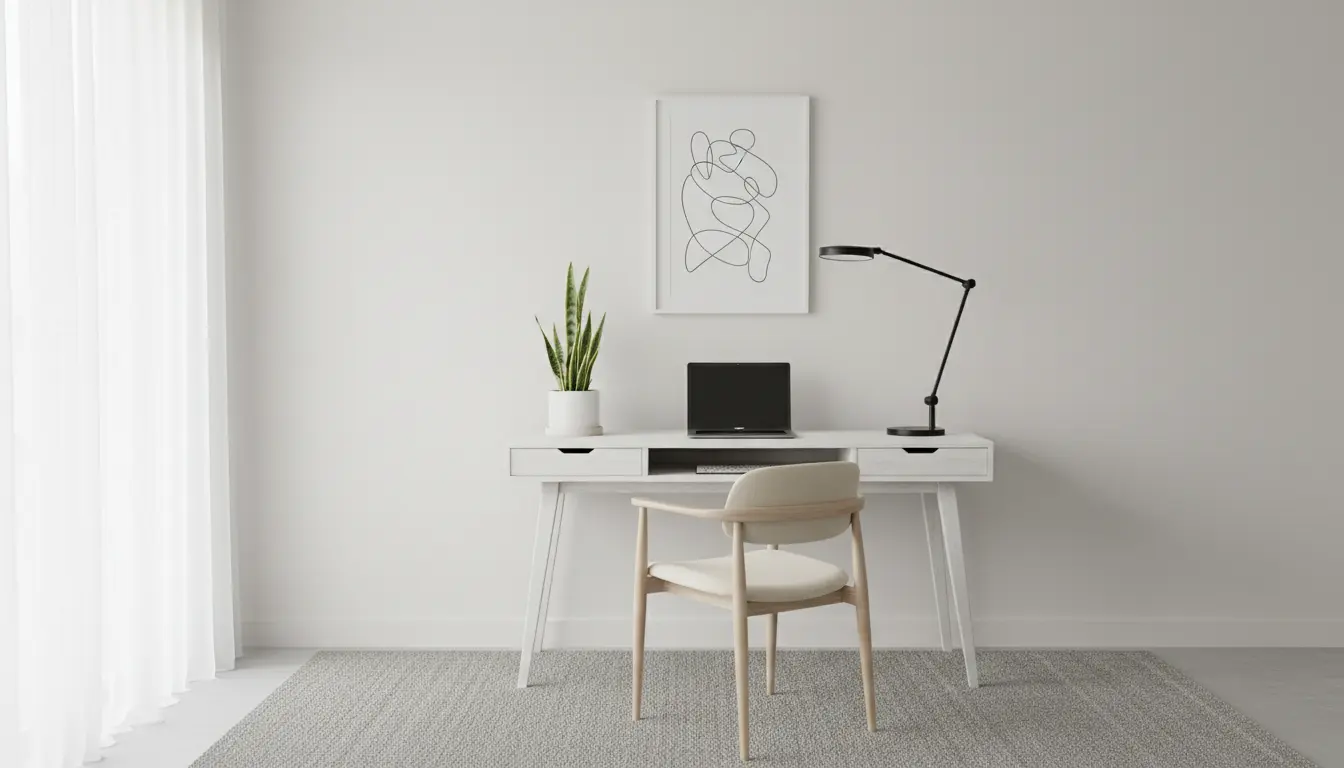
Home Office Ergonomics: Why It Matters
Good home office ergonomics reduce strain and help you work longer with less discomfort. Small changes to your desk, chair, and habits deliver measurable health and productivity benefits.
This guide gives practical, step-by-step instructions to set up a comfortable workspace you can maintain every day.
Basic Principles of Home Office Ergonomics
Ergonomics focuses on fitting the workspace to your body and tasks. Aim to minimize awkward postures, repetitive strain, and excessive reach.
Keep these core principles in mind:
- Neutral posture: head, neck and spine aligned
- Support: use a chair and desk that support seated posture
- Visibility: monitors at eye level to avoid neck bending
- Movement: change position regularly to reduce static load
Quick checklist for a basic ergonomic setup
- Feet flat on the floor or a footrest
- Knees at roughly 90 degrees
- Forearms parallel to the floor when typing
- Top of monitor at or slightly below eye level
- Clear space under the desk for leg movement
Chair and Posture Recommendations
Start with a chair that supports your lower back and allows you to sit with your feet flat. Adjust seat height so your knees are level with or slightly below your hips.
Use lumbar support or a small cushion if your chair lacks it. Avoid slouching forward; sit back so the chair back supports your spine.
How to adjust your chair
- Set seat height so thighs are parallel to the floor.
- Adjust backrest to support the curve of your lower spine.
- Ensure armrests allow shoulders to relax without lifting.
Desk, Monitor, and Keyboard Placement
Desk height should let your forearms rest comfortably while typing. If the desk is too high, raise your chair and use a footrest.
Place the monitor about an arm’s length away. The top third of the screen should be at or slightly below eye level to prevent neck strain.
Keyboard and mouse setup
- Keep the keyboard centered with your body to avoid twisting.
- Use a wrist rest only for short breaks, not while typing continuously.
- Position the mouse close to the keyboard to reduce reaching.
Lighting, Glare, and Visual Comfort
Good lighting reduces eye strain and improves focus. Use layered lighting: ambient plus task lighting for detailed work.
Place monitors perpendicular to windows when possible to avoid direct glare. Use blinds or adjustable shades to control daylight.
Tips to reduce eye strain
- Use warm, diffused desk lamps for close tasks.
- Adjust screen brightness to match the room’s light level.
- Follow the 20-20-20 rule: every 20 minutes, look at something 20 feet away for 20 seconds.
Movement and Break Strategies
Even the best ergonomic setup needs movement. Prolonged static posture increases risk of discomfort and fatigue.
Schedule short movement breaks and alternate sitting with standing if you have a sit-stand desk.
Simple movement routine
- Every 30 minutes: stand, stretch, or walk for 1–2 minutes.
- Every 60–90 minutes: take a 5–10 minute break away from the screen.
- Incorporate gentle neck, shoulder, and wrist stretches throughout the day.
Workers who take short microbreaks every 30 minutes report lower discomfort and higher sustained focus compared with those who work without breaks.
Accessories That Improve Home Office Ergonomics
Consider a few targeted accessories to solve persistent issues. These items are low-cost and often highly effective.
- Adjustable monitor stand or riser
- Keyboard tray to lower typing height
- Footrest to support feet if chair height is raised
- External keyboard and mouse for laptop users
Case Study: Small Changes, Big Results
Lisa, a graphic designer working from home, had recurring neck pain after long sessions. Her laptop sat on a kitchen table and she used a dining chair.
She made three changes: raised her laptop to eye level with a stand, added an external keyboard and mouse, and bought an adjustable office chair with lumbar support.
Within two weeks she reported reduced neck tension and fewer headaches. Her work sessions felt more comfortable and she took fewer long recovery breaks.
Quick Setup Plan to Start Today
- Adjust chair height and lumbar support.
- Place monitor at eye level and an arm’s length away.
- Center keyboard and mouse; keep elbows at 90 degrees.
- Set a timer to remind you to move every 30 minutes.
- Improve lighting and reduce screen glare.
Final Checklist for Home Office Ergonomics
- Neutral spine and relaxed shoulders
- Monitor height and distance correct
- Proper chair support and foot position
- Regular movement and eye-rest breaks
- Simple accessories to fine-tune comfort
Following these steps will help you set up a comfortable, productive home workspace. Start with small adjustments and keep what works for your body and tasks.