
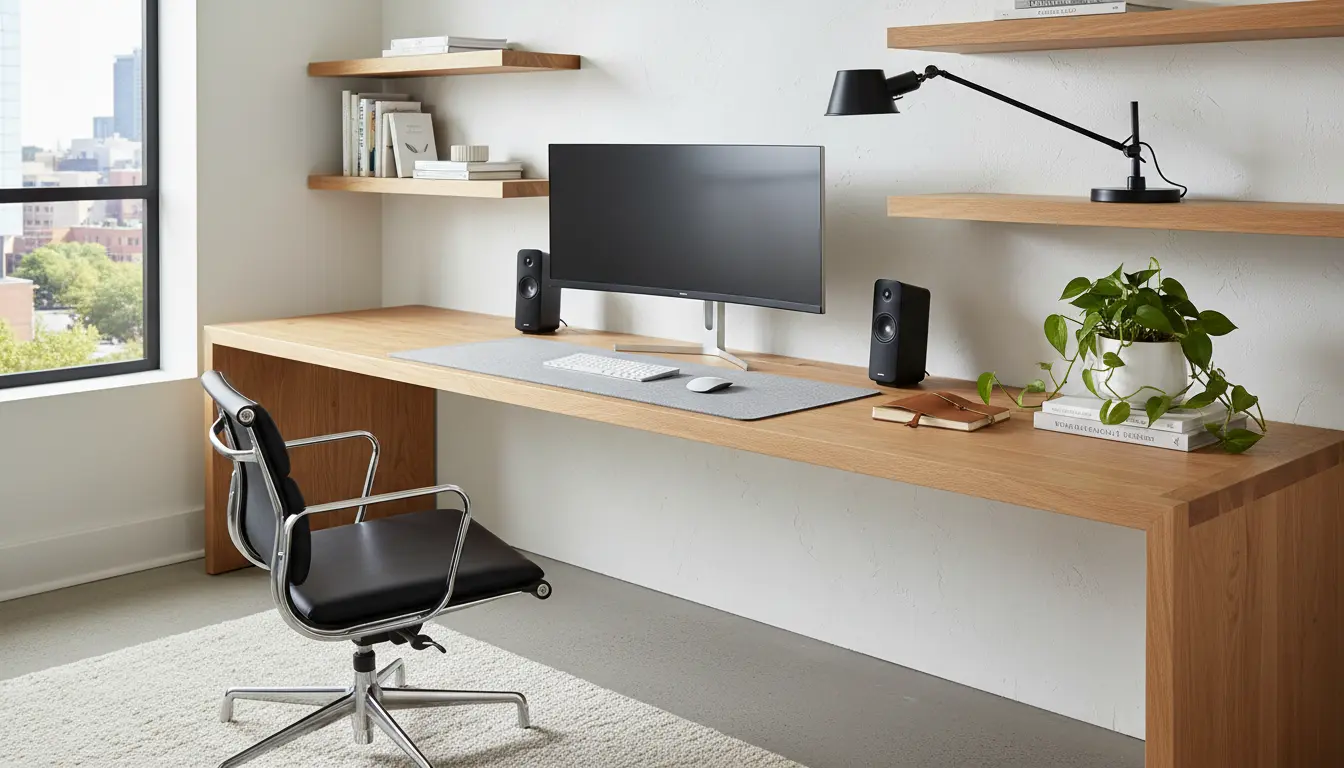
Why Home Office Ergonomics Matters
Good home office ergonomics reduces pain, fatigue, and the risk of repetitive strain injuries. It also helps you stay focused and productive throughout the day.
Small changes in chair height, monitor position, or break habits can make a measurable difference in comfort and output.
Essential Home Office Ergonomics Setup
Start with three core areas: seating and desk, screen position, and input devices. Adjustments in these areas address most common problems like neck pain, backache, and wrist strain.
Use an iterative approach: make one change, test for a few days, and adjust further if needed.
Home Office Ergonomics: Chair and Desk
Choose a chair that supports the natural curve of your spine. The seat should allow your feet to rest flat on the floor with knees at roughly a 90-degree angle.
If your desk is too high or low, adjust the chair height first and then add a footrest or keyboard tray if necessary.
Desk Height Example
For most people, a sitting desk height is between 25 and 30 inches. Your forearms should be roughly parallel to the floor when typing.
Monitor and Screen Positioning for Home Office Ergonomics
Position the top of the monitor at or slightly below eye level so you look slightly downward at the screen. This reduces neck strain.
Keep the monitor about an arm’s length away. If you use multiple monitors, place the primary monitor directly in front of you.
Examples of Monitor Setups
- Single monitor: Center the monitor; top at eye level; tilt 10–20 degrees back.
- Dual monitors: Place the main monitor centered and the secondary at a slight angle.
- Laptop: Use a laptop stand and external keyboard to achieve proper height and distance.
Keyboard, Mouse, and Accessories
Keep the keyboard and mouse close enough that your elbows stay by your sides. Avoid reaching or shrugging to use input devices.
Consider an ergonomic keyboard or a vertical mouse if wrist discomfort is an issue. Use a wrist rest only for short pauses, not while actively typing.
Practical Tips for Input Devices
- Align the keyboard so your shoulders are relaxed.
- Use a light-touch typing style to reduce force.
- Keep frequently used items within 12–18 inches.
Lighting, Noise, and Visual Comfort
Ensure even lighting to avoid glare on the screen. Position the monitor perpendicular to windows if possible.
Adjust brightness and contrast to comfortable levels. Use task lighting for paperwork to reduce eye strain.
Movement, Breaks, and Daily Habits
No ergonomic setup replaces regular movement. Stand, stretch, or walk for a few minutes every 30–60 minutes.
Use short microbreaks to blink and refocus; follow a 20-20-20 rule for eyes: every 20 minutes look 20 feet away for 20 seconds.
Checklist: Quick Home Office Ergonomics Audit
- Chair supports lumbar curve and allows feet flat on floor.
- Desk height keeps forearms parallel to floor.
- Monitor top at or slightly below eye level, 1 arm’s length away.
- Keyboard and mouse close, shoulders relaxed.
- Good ambient and task lighting; reduced screen glare.
- Planned movement breaks and eye-rest routine.
Case Study: How Small Changes Reduced Pain
Maria, a freelance graphic designer, had neck pain after long work sessions. Her desk was cluttered and her laptop was low on the desk.
She raised the laptop on a stand, added an external keyboard, and adjusted her chair height. Within two weeks her neck pain decreased and she reported fewer afternoon headaches.
Key changes that helped: monitor at eye level, regular 5-minute stretch breaks, and a decluttered work surface.
Ergonomic Tools and Budget Options
You don’t need to spend a lot to improve ergonomics. Start with low-cost changes like a laptop stand, external keyboard, and a lumbar pillow.
For long-term investment, consider an adjustable sit-stand desk and a quality ergonomic chair if you work full-time from home.
Final Steps to Improve Your Home Office Ergonomics
Run a self-audit using the checklist above. Make one change at a time and give your body a few days to adapt.
If pain persists, consult an occupational therapist or medical professional for personalized advice.
Use ergonomic improvements to support comfort and performance. Small, consistent adjustments usually create the biggest gains.