
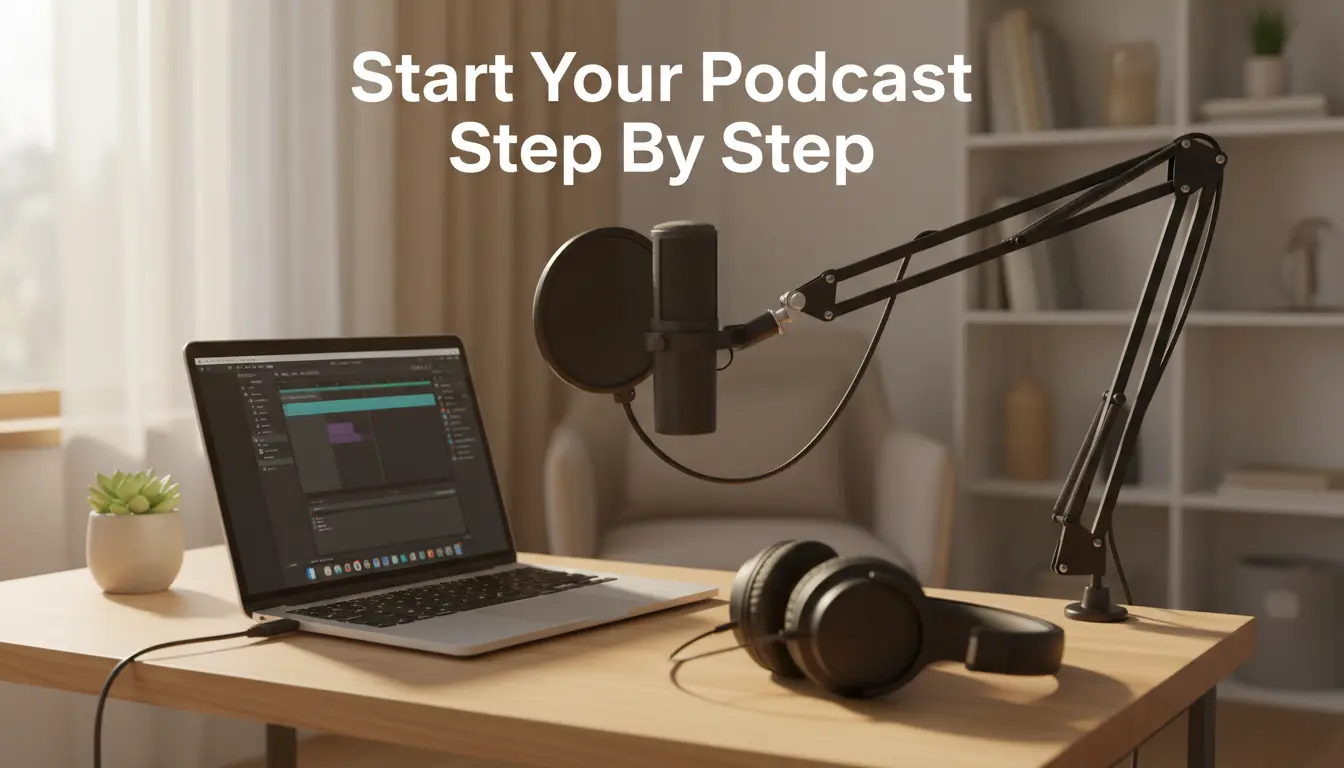
Why Start a Podcast
Starting a podcast can grow your audience, build authority, and create content you can reuse. It also fits many schedules since episodes can be recorded in blocks.
Before you begin, decide the main goal: educate, entertain, or promote a product or brand. Clarifying the goal will guide every decision that follows.
How to Start a Podcast Step 1 Choose Your Topic and Format
Pick a specific topic you can support for at least 12 episodes. Narrow niches perform better than vague broad topics.
- Topic example: urban gardening for small balconies.
- Format options: solo episodes, interviews, co-host conversations, or narrative storytelling.
- Episode length: typical ranges are 15–30 minutes for short shows and 40–60 minutes for in-depth interviews.
Plan Your First 6 Episodes
Sketch a simple outline for six episodes to ensure you have consistent ideas. This reduces the chance of running out of content after launch.
Use a spreadsheet or notes app to list episode titles, key points, and potential guests.
How to Start a Podcast Step 2 Get the Right Equipment
You do not need expensive gear to start. Focus on clear audio and simple recording workflow.
- Microphone: a USB dynamic mic like the Audio-Technica ATR2100 or a basic condenser mic for controlled rooms.
- Headphones: closed-back headphones to avoid bleed during recording.
- Recording software: free options include Audacity and GarageBand; paid choices include Adobe Audition and Hindenburg.
- Optional: pop filter, boom arm, and simple acoustic panels for better sound quality.
How to Start a Podcast Step 3 Record and Edit
Set up a quiet space and run a quick test record to check levels. Aim for peaks around -6 dB to -3 dB.
Edit to remove long pauses and mistakes. Keep editing minimal for conversational shows and more polished for narrative formats.
- Basic edits: trim start/end, remove noise, normalize volume, and apply light compression and EQ.
- File format: export final episodes as 128–192 kbps MP3 for a balance of quality and file size.
Editing Tips for Beginners
Use noise reduction sparingly to avoid artifacts. Prefer manual cuts for awkward pauses and silence removal tools for consistency.
Save raw recordings before major edits in case you need to revert.
How to Start a Podcast Step 4 Create Cover Art and Show Details
Design a simple square cover (3000 x 3000 px recommended) that reads at small sizes. Use one clear image or bold typography.
Write a concise show description that includes your main keyword and a call to action. Add episode titles and short descriptions for each upload.
How to Start a Podcast Step 5 Choose a Hosting Provider and Publish
Podcast hosts store audio files and generate an RSS feed for directories like Apple Podcasts and Spotify. Popular hosts include Libsyn, Podbean, and Buzzsprout.
Upload your episodes, set episode scheduling, and submit your show RSS to each directory. It can take a few days for approval.
Distribution Checklist
- Create an account with a hosting provider.
- Upload cover art, show description, and at least 1 episode.
- Submit RSS feed to Apple Podcasts, Spotify, Google Podcasts, and other directories.
How to Start a Podcast Step 6 Promote and Grow Your Audience
Promote episodes with short clips, blog posts, and email updates. Consistent release schedules help listeners know when to expect new content.
Collaborate with guests or other podcasters to cross-promote and reach new audiences.
Simple Growth Strategies
- Ask listeners to subscribe and leave a review.
- Share audiograms and episode quotes on social media.
- Repurpose episode content into blog posts or newsletter segments.
Podcasts with a clear niche and consistent schedule are more likely to build loyal listeners. Publishing at the same time each week increases retention.
Case Study A Local Chef Starts a Podcast
Maria, a catering chef, launched a weekly 25-minute podcast about quick seasonal recipes. She recorded at home with a USB mic and used free editing software.
Within three months she had 2,500 downloads, gained local catering inquiries, and repurposed episodes into blog recipes that boosted her website traffic by 40%.
Key actions Maria took: consistent schedule, invited local food makers as guests, and shared short recipe clips on Instagram.
Practical Checklist to Launch Your Podcast
- Choose a niche and format.
- Plan at least six episodes ahead.
- Buy a reliable microphone and headphones.
- Record, edit, and export MP3s.
- Create cover art and show description.
- Select a host and submit your RSS feed.
- Promote consistently and repurpose content.
Final Tips on How to Start a Podcast
Start simple and improve gear or editing over time. Consistency and clear value matter more than perfect production on day one.
Track listener feedback and download trends to refine topics and length. With steady effort, a podcast can become a reliable audience-building tool.