
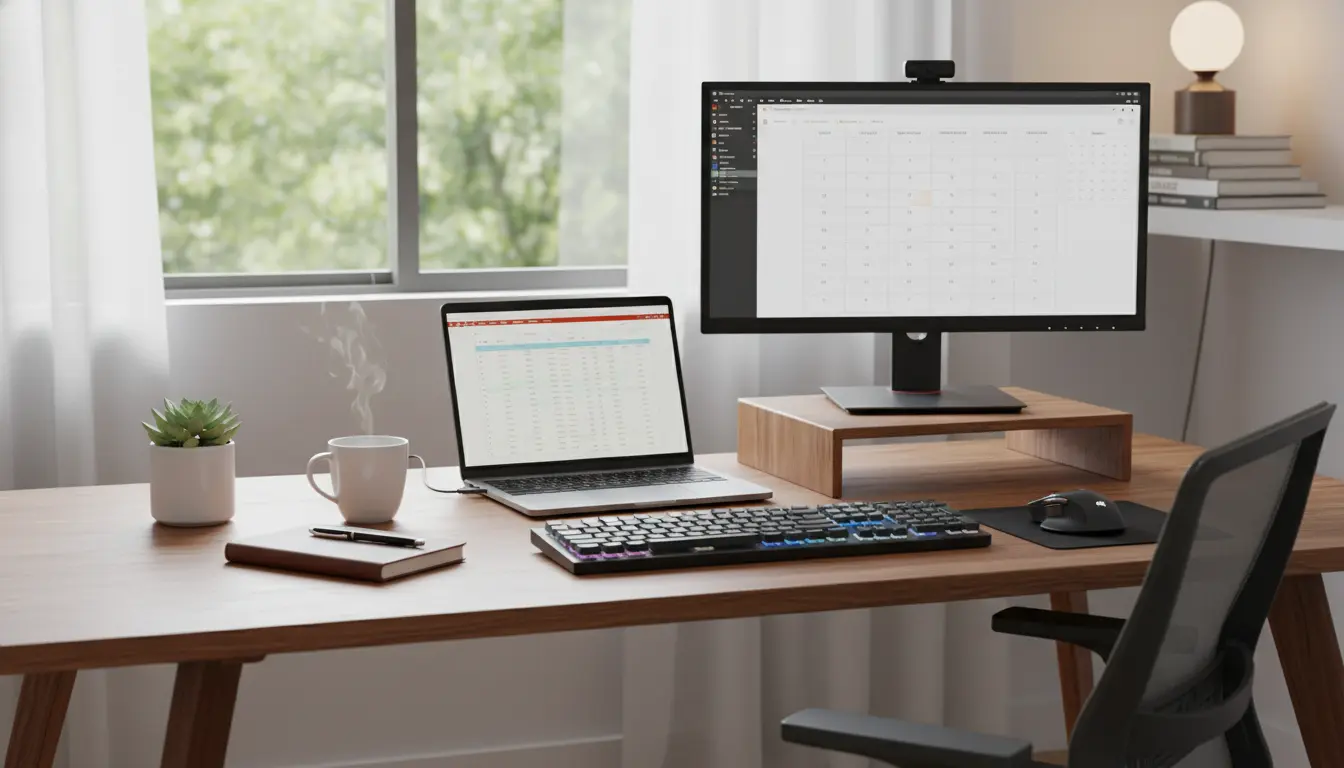
Remote Work Setup Overview
Setting up a remote work environment is more than placing a laptop on a table. A proper remote work setup balances technology, ergonomics, and daily routines to keep you productive and healthy.
This guide gives a practical checklist you can apply today. Use each section to evaluate and improve your current workspace step by step.
Remote Work Setup: Workspace and Ergonomics
A focused workspace reduces interruptions and physical strain. Start by choosing a dedicated area that signals work time to your brain.
Key items for a functional workspace include:
- A stable desk at a comfortable height
- An adjustable chair with lumbar support
- External keyboard and mouse to avoid hunching over a laptop
- Good lighting, ideally natural light plus a desk lamp
- Noise control options like headphones or a white noise machine
Remote Work Setup: Ergonomic Tips
Small ergonomic changes yield big benefits. Aim to keep your screen at eye level and your forearms parallel to the floor.
- Use a laptop stand or external monitor to raise the screen.
- Keep feet flat on the floor or a footrest.
- Take microbreaks: stand and stretch for 1–2 minutes every 30–45 minutes.
Remote Work Setup: Technology and Tools
Your tech choices define efficiency. Focus on reliable internet and tools that match your daily tasks.
Essentials for a stable tech setup:
- High-speed internet with a wired option if possible
- Quality webcam and microphone for clear video calls
- External monitor(s) for multitasking
- Uninterruptible power supply (UPS) for critical work
- Cloud backup and a simple file organization system
Remote Work Setup: Recommended Software
Pick one tool per function to avoid tool sprawl. Examples:
- Communication: Slack or Microsoft Teams
- Video calls: Zoom or Google Meet
- Task management: Trello, Asana, or Todoist
- File sharing: Google Drive or OneDrive
Remote Work Setup: Security and Backup
Security is often overlooked in home environments. Simple practices prevent most common risks.
- Use strong, unique passwords and a password manager
- Enable two-factor authentication for critical accounts
- Keep software and operating systems up to date
- Use a VPN when accessing company resources over public Wi-Fi
- Regularly back up important files to cloud and local drives
Remote Work Setup: Daily Routines and Boundaries
Routine anchors productivity. Define clear start and end times and communicate them to household members.
Try this simple daily routine:
- Morning: Review tasks and set the top three priorities
- Midday: Block focus time for deep work and take a proper lunch break
- Afternoon: Handle meetings and communications, then wind down with a brief review
Remote Work Setup: Communication Best Practices
Remote work depends on clear, concise communication. Use status updates and shared calendars to reduce unnecessary messages.
- Set team norms for response times and meeting lengths
- Use short written updates for quick alignment
- Reserve synchronous time for decisions that need real-time discussion
Remote Work Setup: Personal Wellbeing
Long-term productivity requires attention to health. Build movement and social interaction into your day.
- Schedule short exercise or stretching breaks
- Take walks during lunch to refresh your mind
- Arrange occasional co-working sessions or team social time
Working from a properly adjusted workspace can reduce neck and shoulder pain by up to 60 percent and improve focus for longer stretches of deep work.
Remote Work Setup Checklist: Quick Review
Use this short checklist to audit your setup in 10 minutes.
- Dedicated workspace and ergonomic chair
- External keyboard, mouse, and raised screen
- Reliable internet and backup power plan
- Clear communication tools and team norms
- Security basics: password manager and 2FA
- Daily routine with focused work blocks and breaks
Remote Work Setup Case Study
Maria, a product manager, transformed her productivity by applying this checklist. She replaced her laptop on the couch with a small desk and monitor, added a lumbar chair, and set a 9–5 routine.
Results within two weeks included fewer backaches and a 30 percent reduction in time spent on context switching. Her team noticed clearer updates and fewer late-night messages.
Next Steps for Your Remote Work Setup
Start with the highest-impact changes: fix your screen height, secure your internet, and set a consistent daily schedule. Tackle one item per week to avoid overwhelm.
Reassess your setup every quarter. Small tweaks compound into sustained productivity and better wellbeing.
Use this checklist as a living document. Adjust tools and routines as your work demands evolve, and prioritize ergonomics and security alongside efficiency.